
 Mexico - Español
  China - 中文
  Australia - English
  Canada - English
  India - English
  United Kingdom - English
  United States - English
  France - Français
  Italy - Italian
  Brazil - Português
  Argentina - Español
  Chile - Español
  Colombia - Español
  Guatemala - Español
  Puerto Rico - Español
  Spain - Español
 Discover Our Latest Updates
Every month we release new features, integrations, and improvements to make your shipping operations faster and hassle-free.
No results
Try other filters.
September 2026
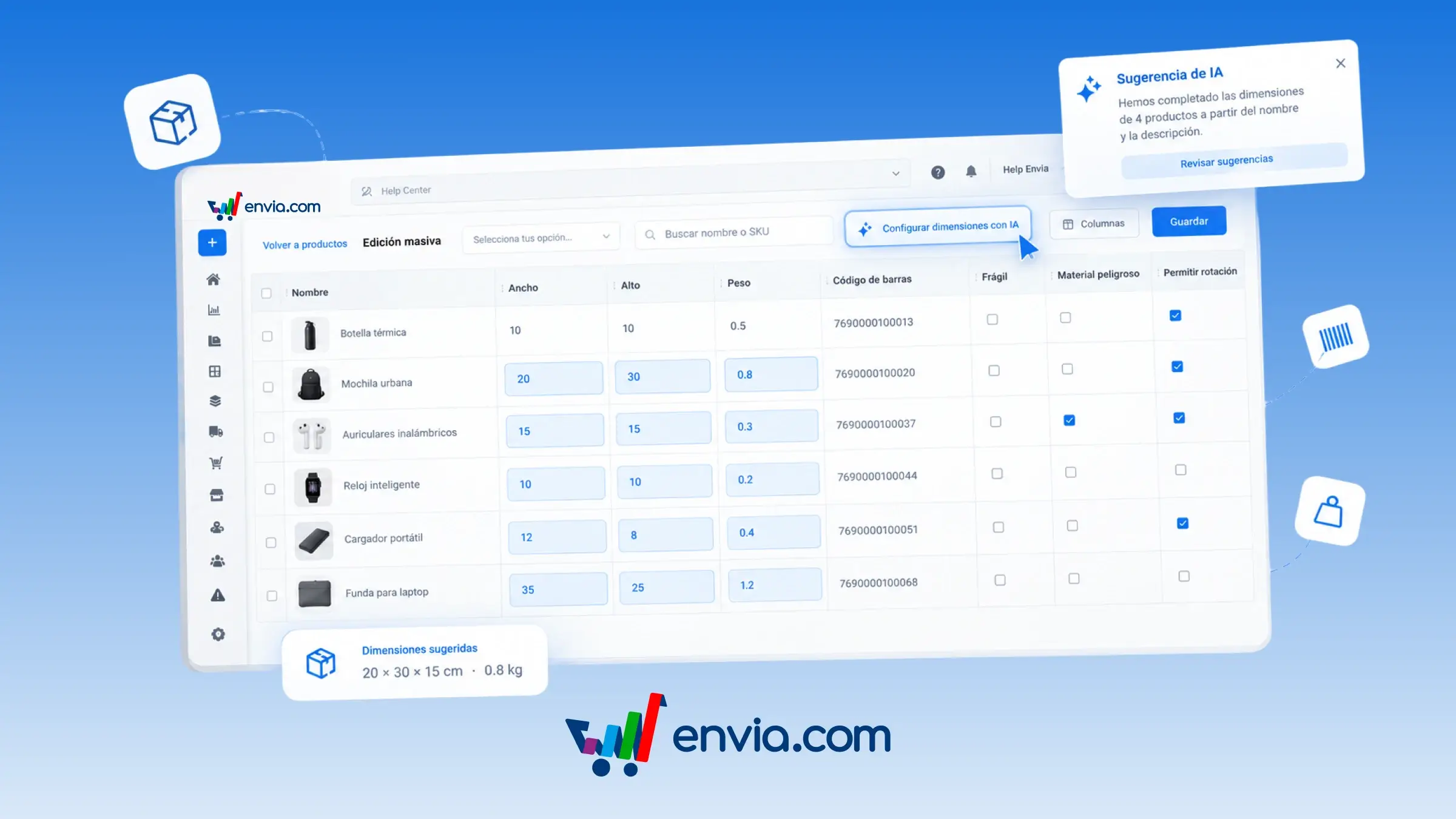
Edit your products in bulk from Bulk Edit, manually or with AI suggestions
From the Products page, open Bulk Edit and update length, width, height, weight, SKU, barcode, and the fragile, hazardous material, and allow rotation flags in bulk. Every cell can be edited manually. If you'd rather get a suggestion, click Set dimensions with AI and the system suggests length, width, height, and weight based on the product name and description. The suggestion only fills the current page, leaves products that already have measurements untouched, and stays in the table until you review it and click Save. Use the Columns button to choose which data to display so you only work with what you're editing, and filter by store or search by name or SKU. Once saved, these measurements are used to quote and prepare the shipment.
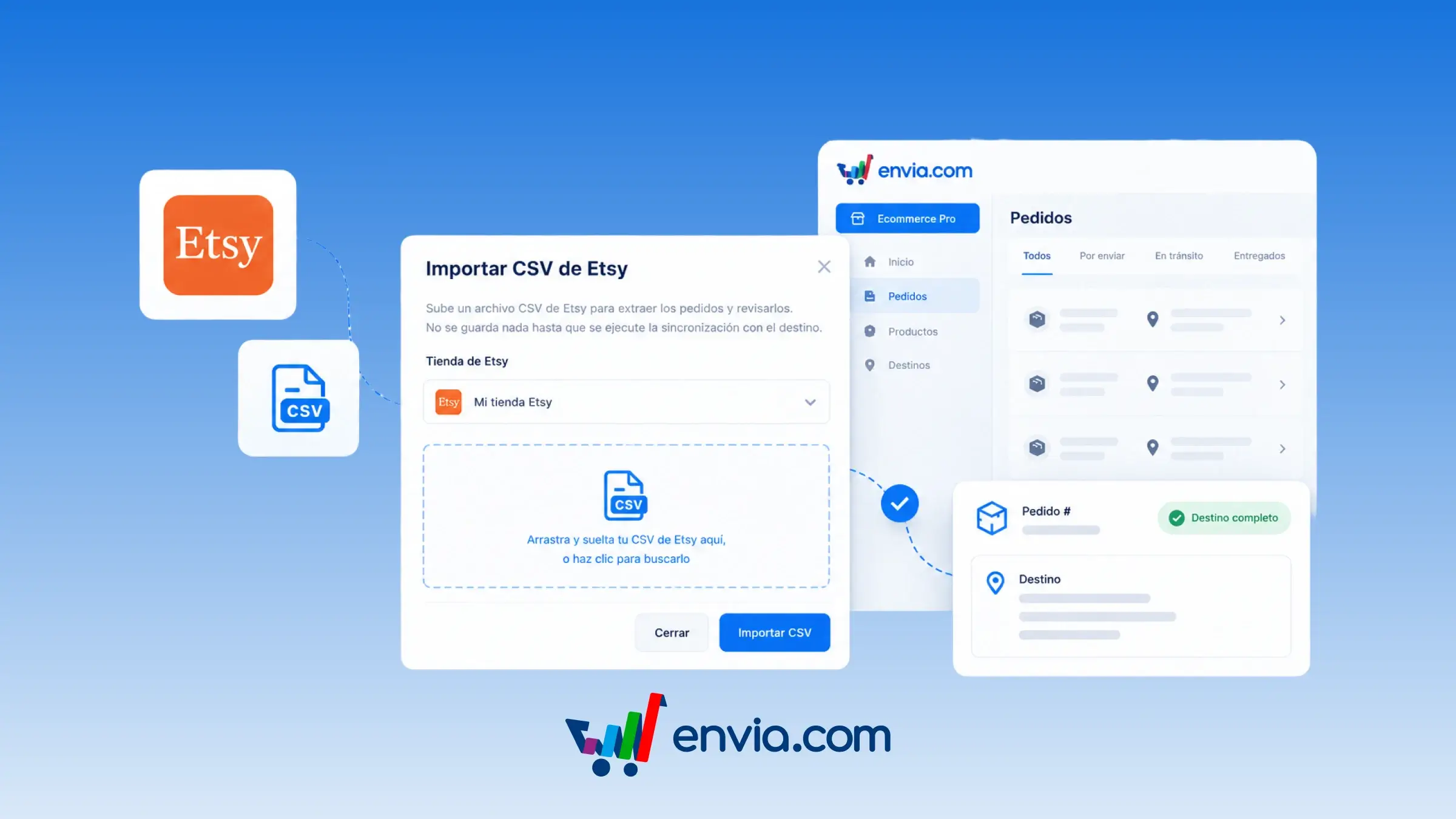
Etsy is available again to connect your store and complete destination addresses
Import your orders with Etsy's official orders file and sync destination addresses in Ecommerce Pro. The connection doesn't bring in those addresses, so you download them from Etsy and import them into Envia. With other stores, the destination comes in automatically; with Etsy, this step is part of how the connection works. If the order is already in your account, its destination is updated. If it isn't yet, the order is created.
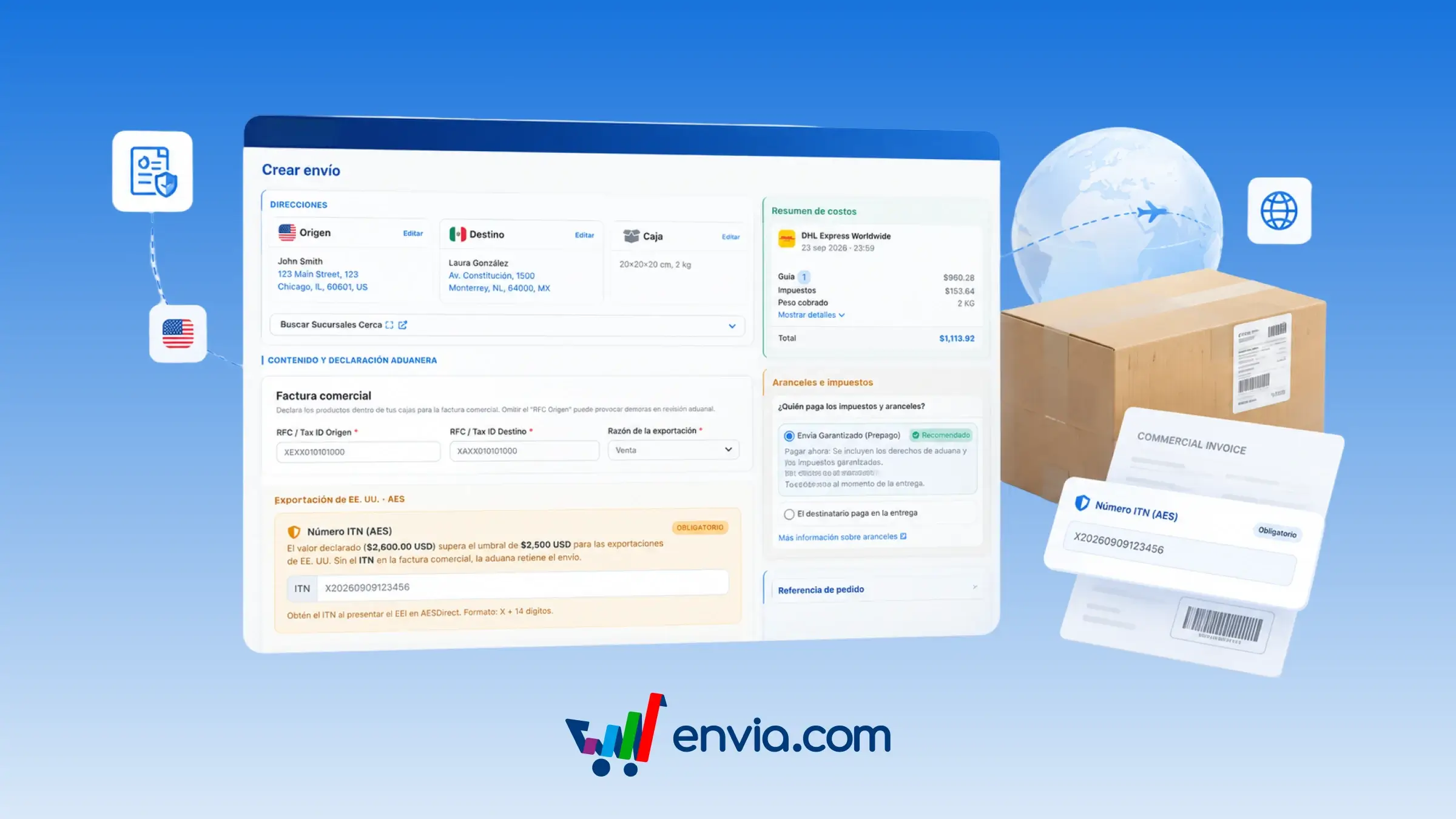
Prevent customs holds on US shipments over 2,500 USD with the ITN/AES number
When you create a label for a shipment leaving the US, you can paste the export number (ITN/AES) so customs doesn't hold the shipment. The field only appears when the declared value exceeds 2,500 USD and the carrier requires it: at 2,500 USD or less, you won't see it. You get this number from the US export filing (AESDirect): it starts with X followed by 14 digits. Envia marks it as required, sends it with the label, and prints it on the commercial invoice. Use it for catalog or one-off shipments when the contents exceed that threshold.
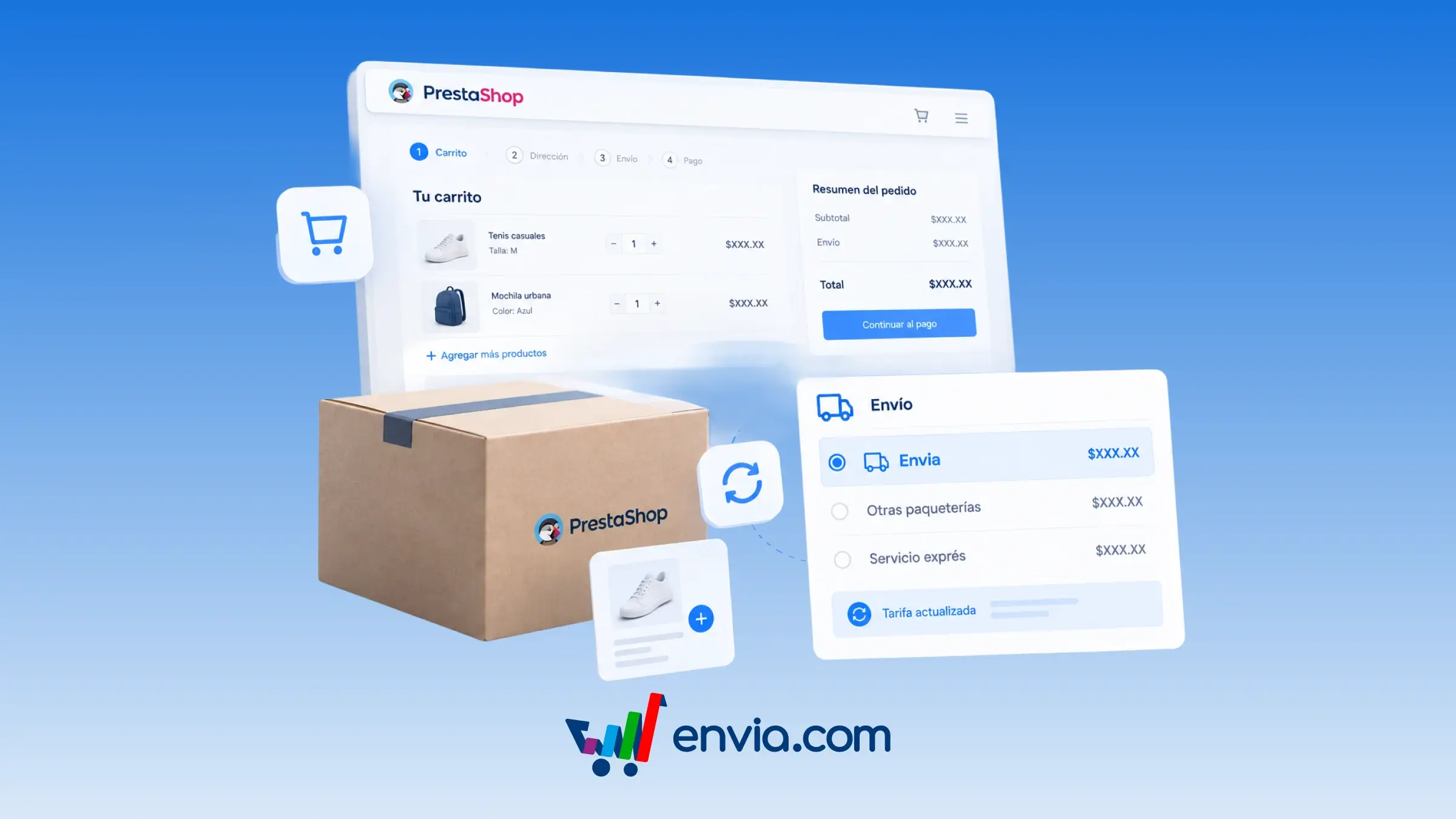
PrestaShop module version 1.2.1 recalculates rates when the order changes
The new version of the PrestaShop module recalculates the rate when the cart or order contents change, instead of keeping the saved price. When quoting in the cart and at checkout, the store responds and shows the cost. On the order, the form to create the label has fewer fields. The Envia panel in the order details only opens when the shipment is an Envia shipment. If you refresh the access token, the panel reloads automatically. Buyers pay the rate for the cart in front of them, and you create the label with only the data you actually need.
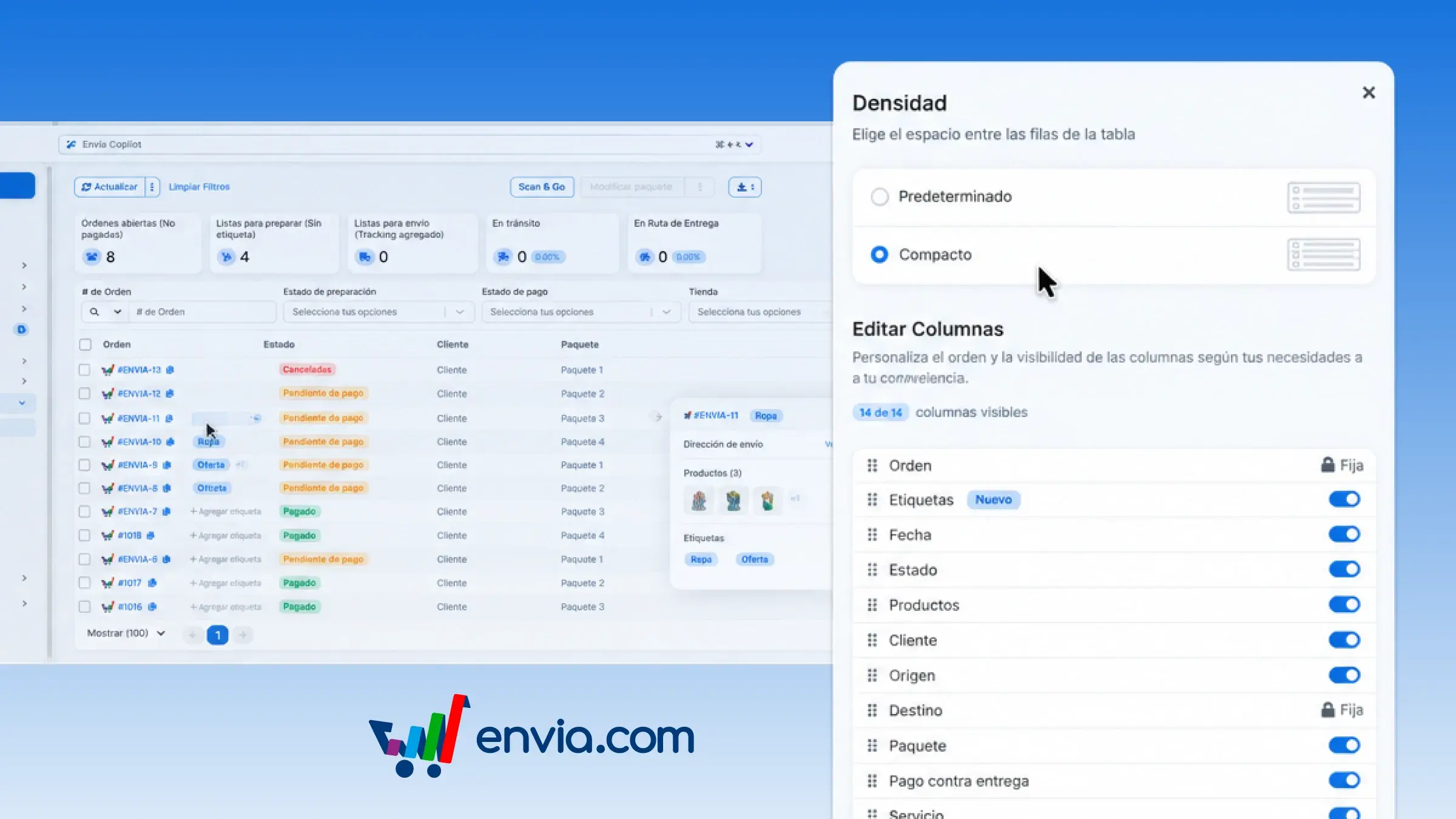
Choose compact or spacious rows in the Ecommerce orders table
In the Ecommerce Pro orders table, you can choose roomier rows or compact rows to review more orders on the same screen. Open the table settings, go to Density, and select Default or Compact. In Compact view, each order fits on a single line: number, status, customer, and package are summarised, and the address, products, and tags that don't fit appear when you hover over them. Envia.com saves your choice and applies it again the next time you log in. It's useful when you're preparing the day's queue and want to quickly spot which orders still need a quote, payment, or shipping label. You see more orders at a glance and the full details are just a hover away, so you don't create a label for the wrong order.
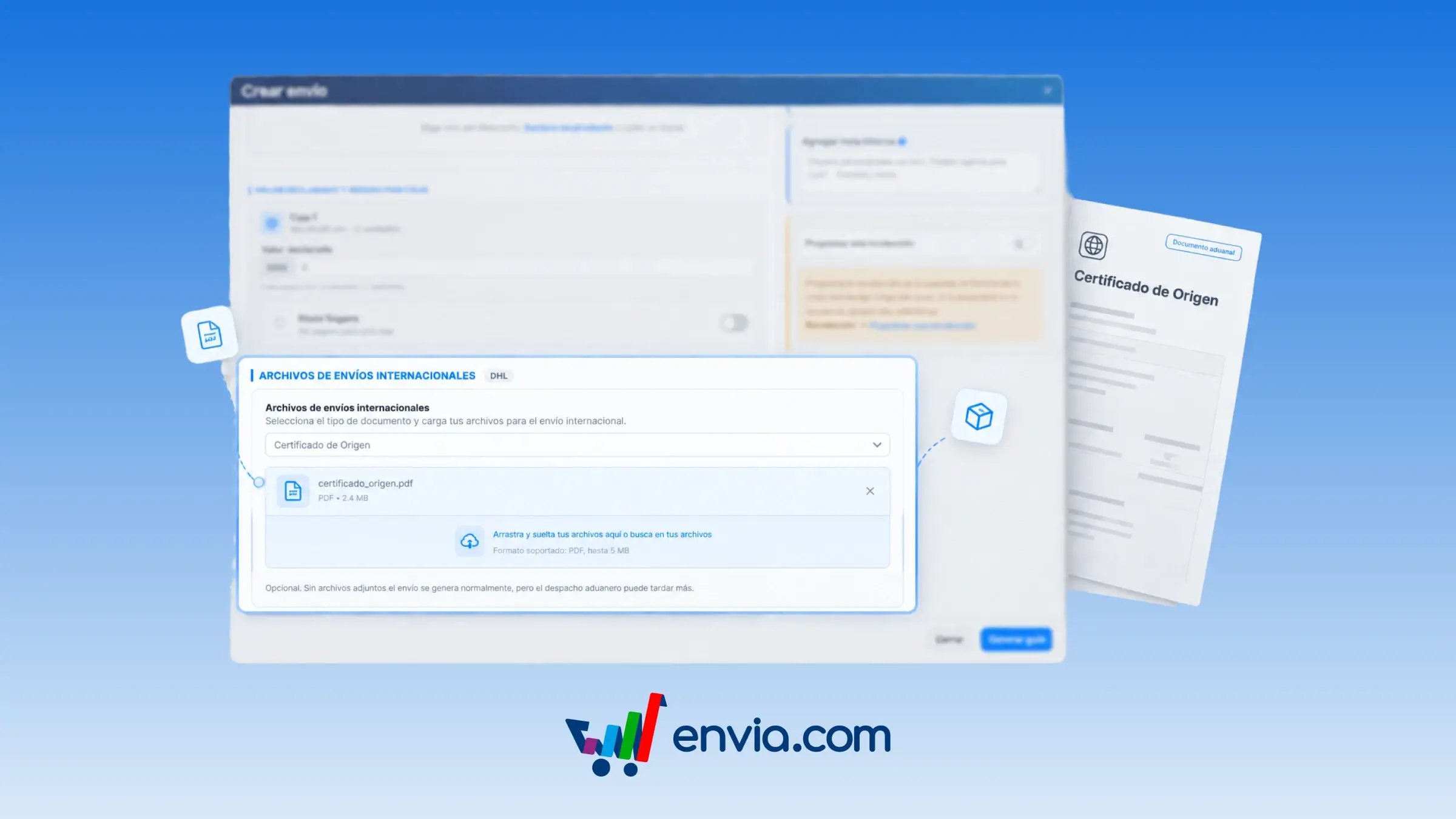
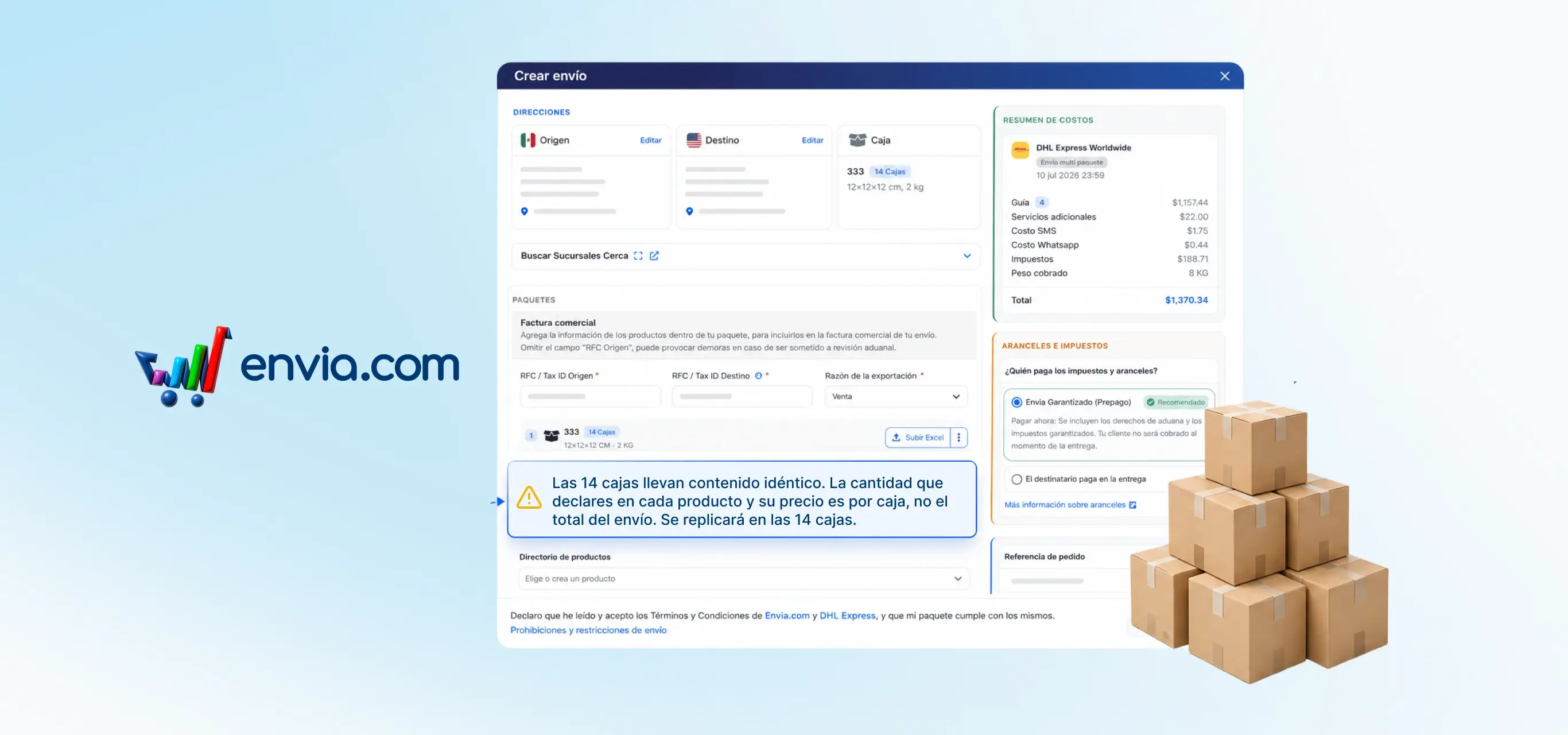
Attach customs documents when creating the label for your international shipment
When you create an international shipment with DHL, UPS, Chronopost, or GLS, you can attach the PDFs customs requires in the same step where you declare the contents of each box. Choose the document type and upload the PDF; it stays pending and isn't sent yet. When the label is generated, Envia uploads those files to the carrier along with the tracking number. If the carrier generates one label per box, you choose which box each PDF applies to or apply it to all of them. Use it for the certificate of origin, the proforma invoice, or any permit required in addition to the invoice Envia already prepares. The documents stay linked to the label, so clearance isn't held up waiting for a file you uploaded later.
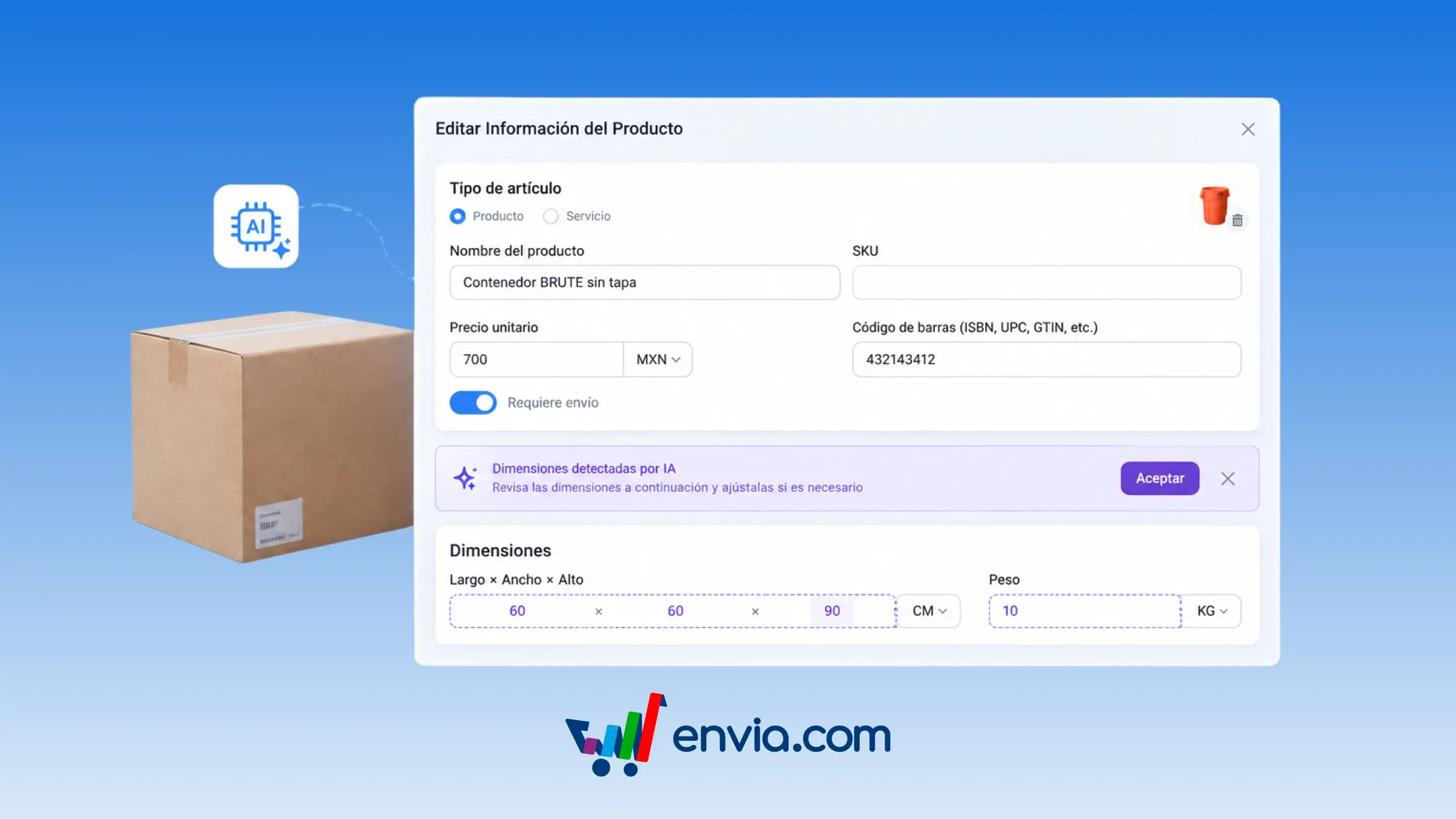
Suggests product dimensions with AI when editing without measurements
When editing a product that has a name but no length, width, height, or weight, the platform asks the AI for a dimension estimate and displays it in a banner. The banner lets you accept the suggestion, which copies the values into the form, or dismiss it, leaving the fields empty. Until the suggestion is accepted, the dimensions are not saved when you save the product. This is only available when editing simple products; creating new products, bulk editing, and products with variants do not show the suggestion. Once accepted, the information is saved and you can use it to calculate shipping rates and delivery times.
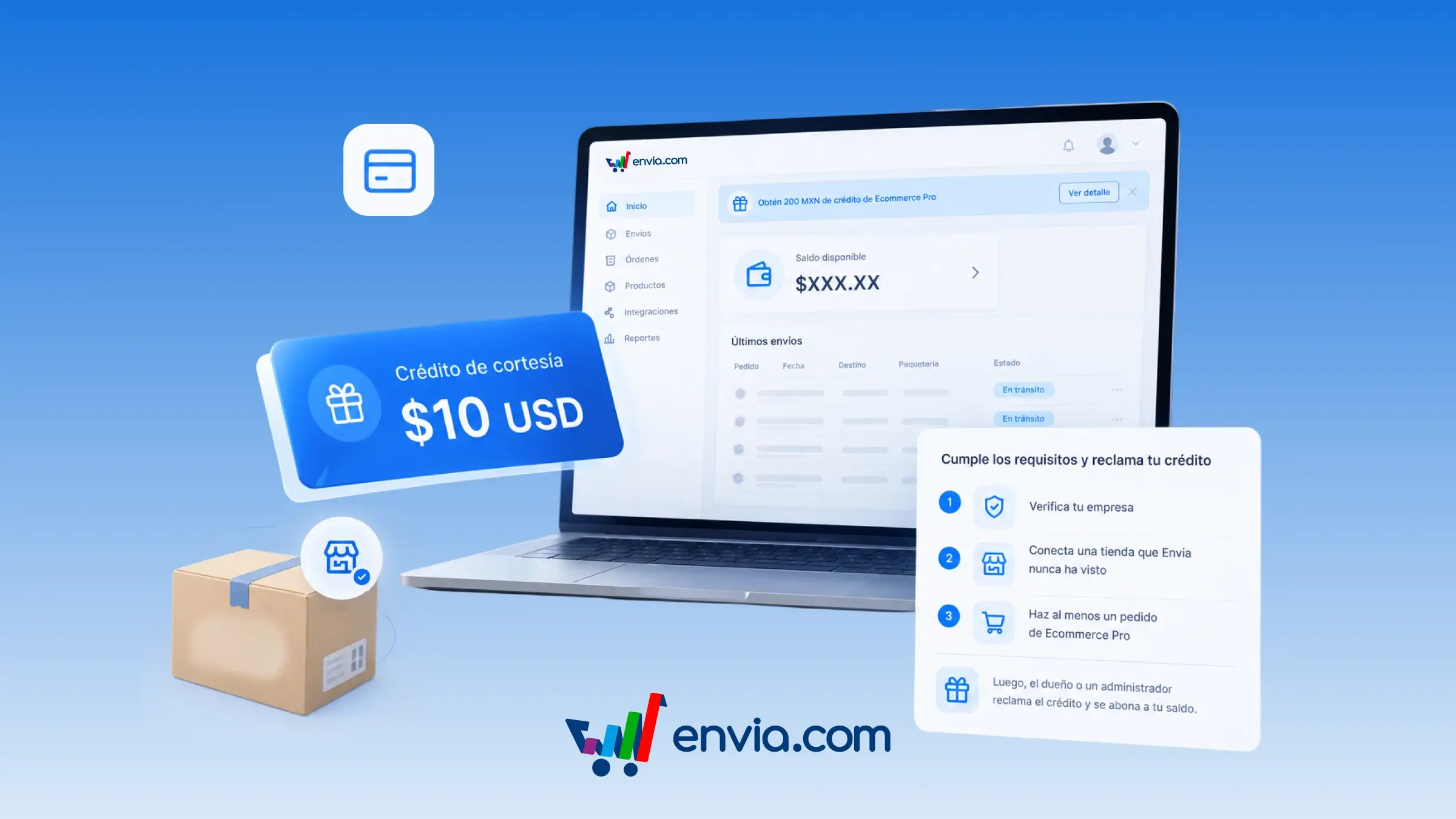
Claim a credit worth USD 10 in your currency if your business is new
If your business was set up on or after 10 September 2026, you can claim a courtesy credit worth USD 10 by connecting Ecommerce Pro. The credit is added to your Envia balance and the amount is shown in your account's currency. Complete your business verification, connect a store that Envia hasn't seen before, and register at least one Ecommerce Pro order. Once these three steps are done, the account admin claims the credit and Envia deposits it as a courtesy top-up. This way, you cover your first shipping labels as soon as the order arrives, without topping up from another payment method.



August 2026
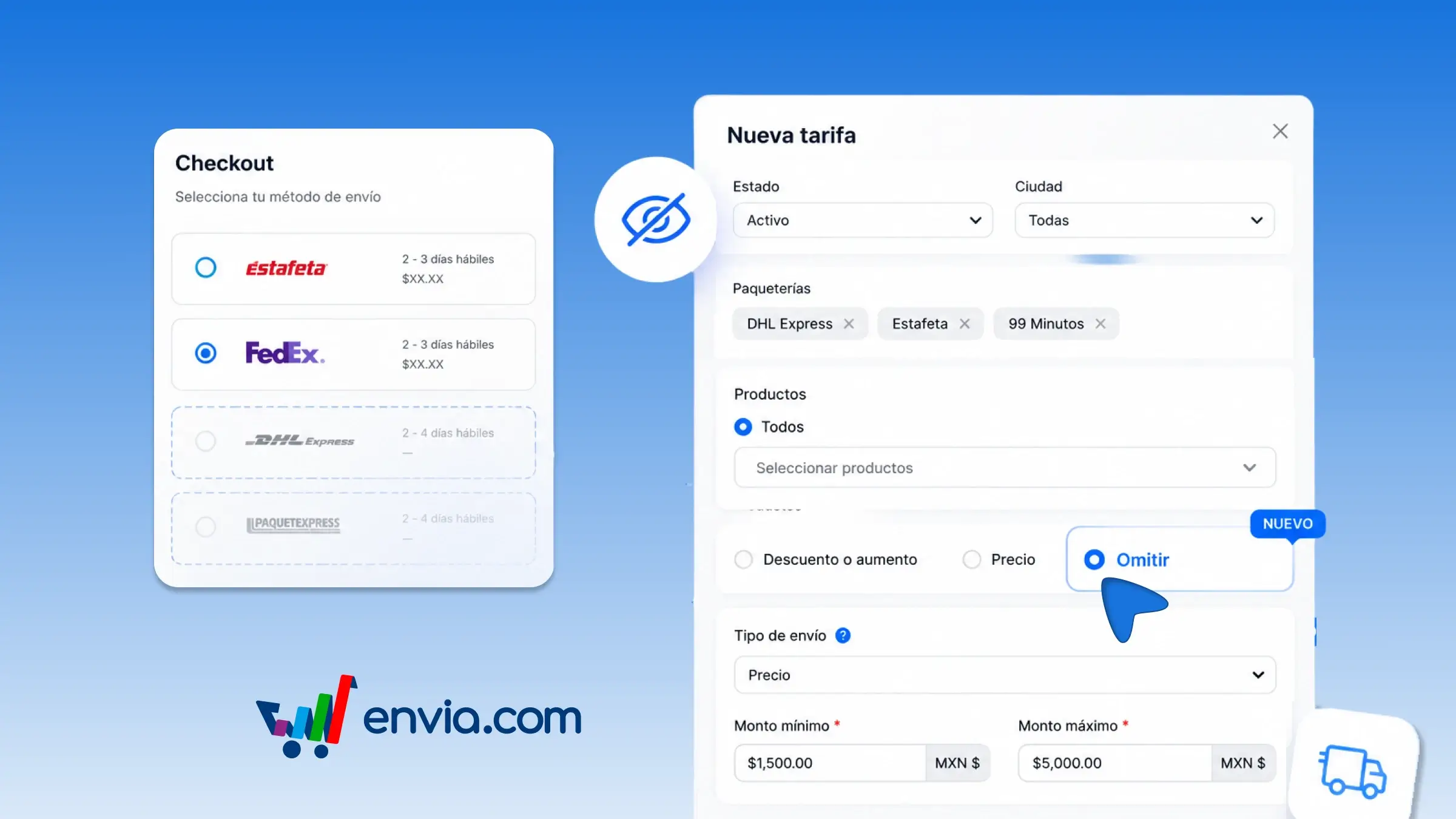
Skip carriers at checkout when the order meets a condition
From the checkout rate rules, you can skip carriers so that they do not appear when the order meets the condition you define. Choose the rule name, the country, the carriers you want to remove, the products, and whether it applies by price or by weight. Envia hides those carriers at your store's checkout when the cart matches the rule, and the rest continue to quote. You can use this, for example, if once a minimum amount is reached you only want to show certain carriers, or if a service is not suitable for that type of order. This way, the buyer chooses among the options you actually want to offer and does not end up with a carrier that later costs you more to cover.
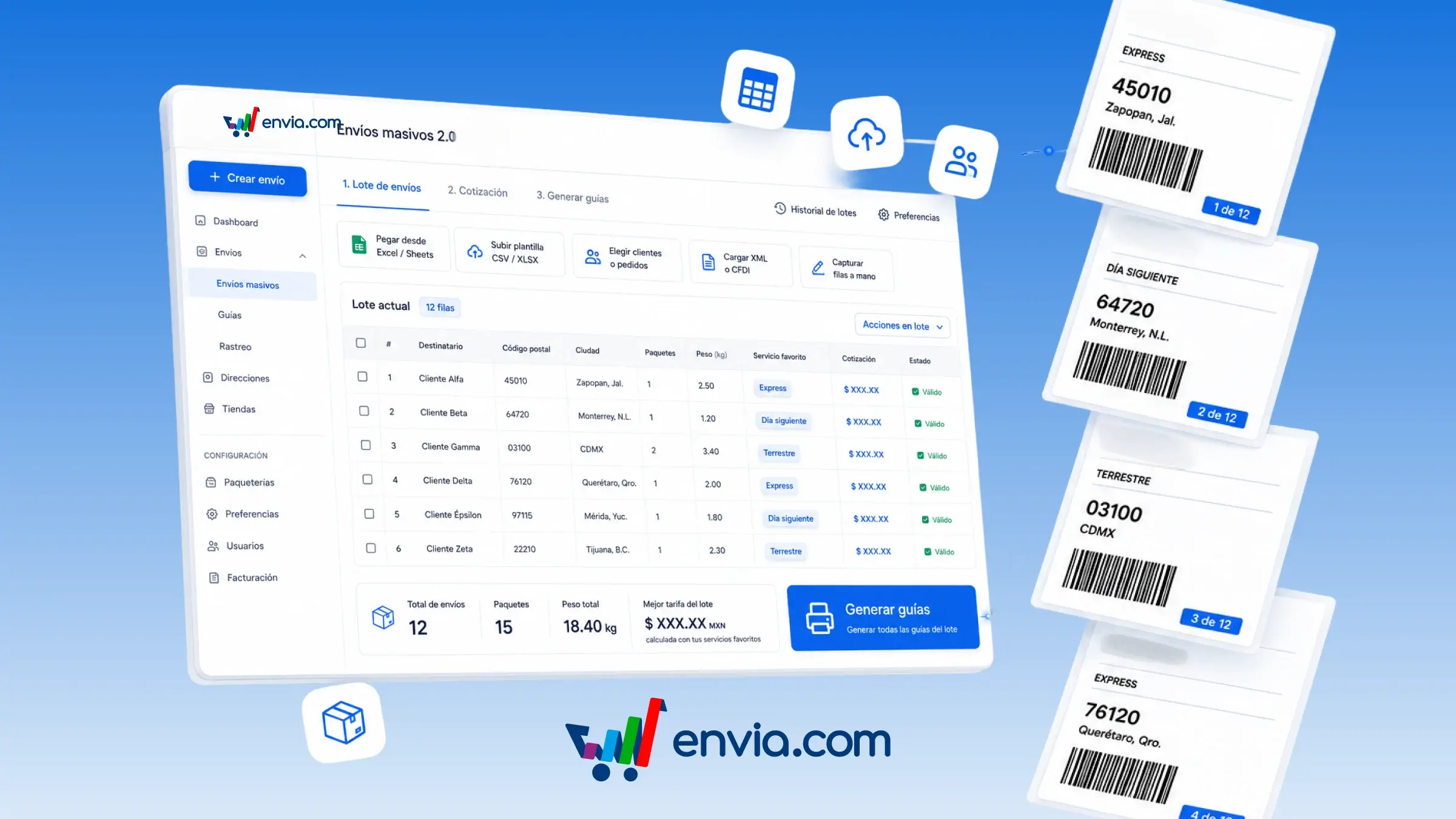
Build a batch in Bulk Shipments 2.0, quote it in a table, and generate all your shipping labels together
In Bulk Shipments 2.0, you can build a batch (a list of shipments that you quote and label together) and generate multiple shipping labels from the same table. You can paste from Excel or Sheets, upload a template, select customers or orders from your store, or enter rows manually. The table validates each row, allows you to apply the same value to all rows, and provides quotes so you can choose your preferred carrier, the cheapest option, or the fastest option. Upon generating, Envia processes the batch and allows you to download or track each label. History saves your batches, and Preferences remembers the origin, packages, and carriers for the next batch. It is available in Mexico and the United States; Colombia, Guatemala, Brazil, India, and the remaining countries will be enabled in stages.
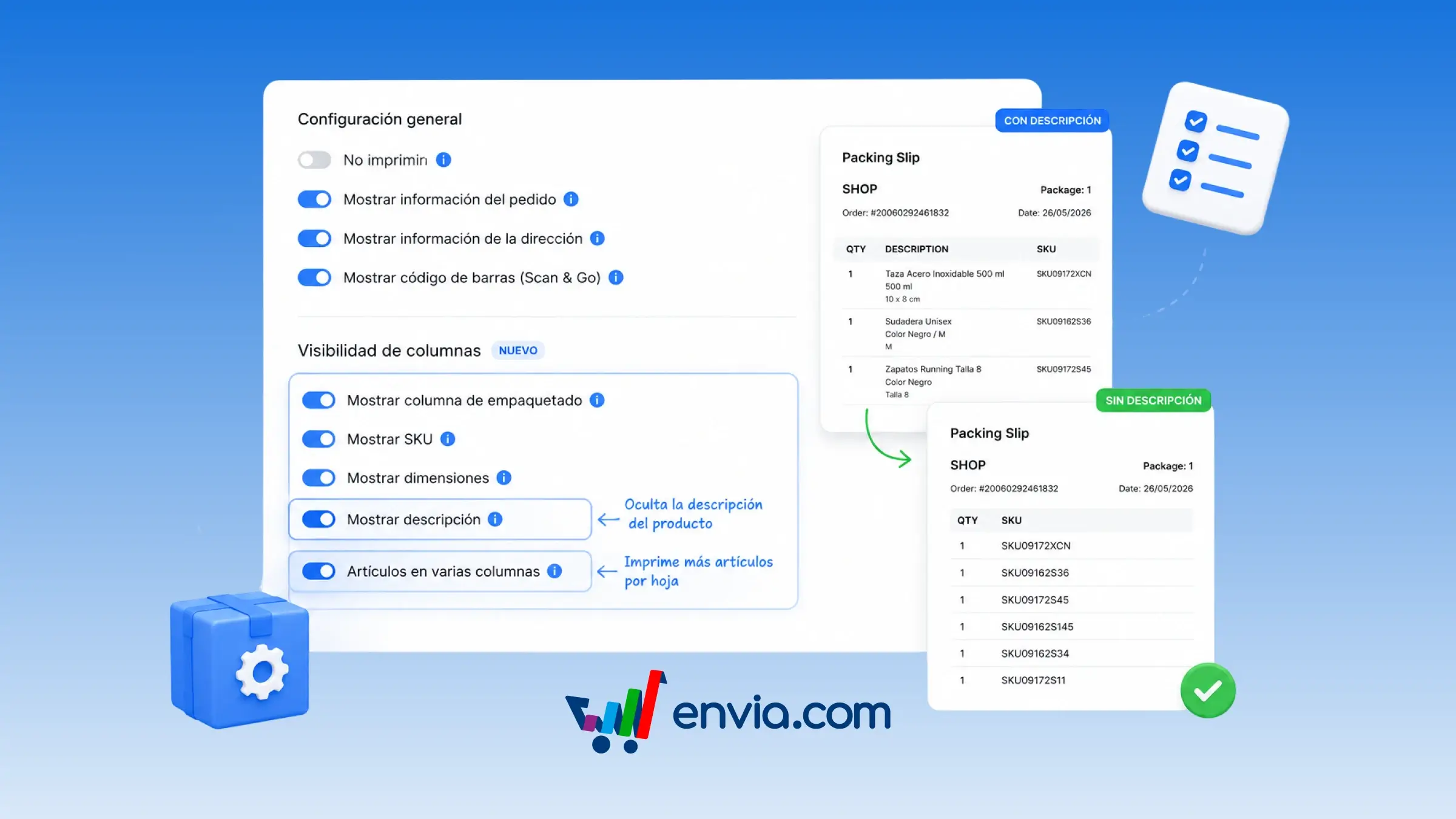
Hide the product description on the packing slip and print more items per page
From Ecommerce Pro > Set up your store, you can open Configure Packing Slip and decide whether the document displays each product's description and whether items are printed in multiple columns. Save the options, and every packing slip on your orders will use that configuration. If you hide the description, the document no longer shows the product name and the dimensions listed below it, and your warehouse team works with quantity and SKU instead. If you enable multi-column items, the system arranges products in two columns when the description is visible and in three columns when it is hidden. This is useful when you do not want the commercial product name to appear on the document, or when packing orders with many SKUs and needing more products per page. Configure it once and avoid rebuilding the layout on every print.
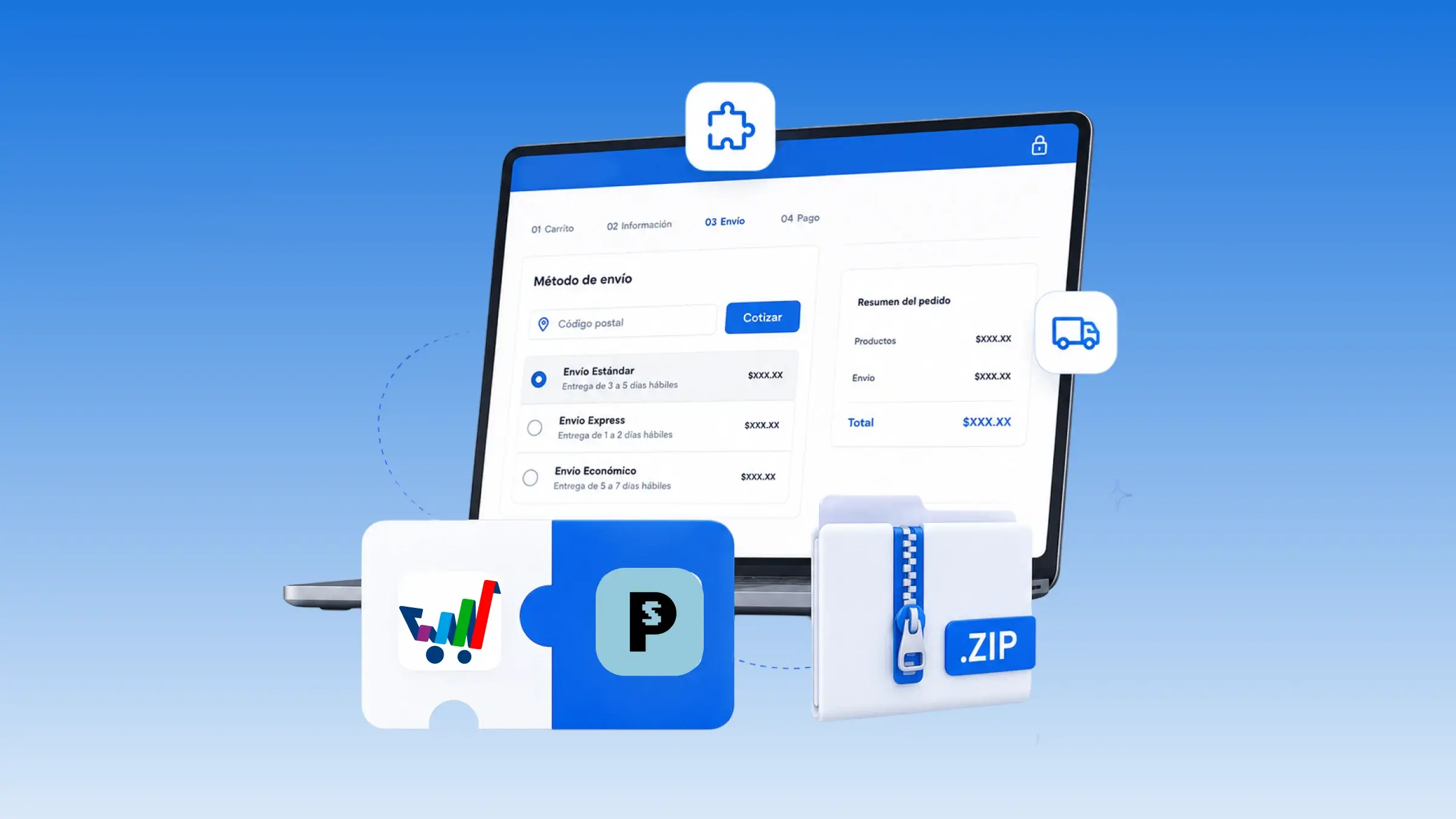
Install the Envia plugin on PrestaShop and display rates at checkout
You can connect your PrestaShop store to Envia by installing the plugin on your own PrestaShop. Download the module, install it, and connect your Envia account from there. In the module, set the origin address, turn on live rates, and choose the carriers that quote. In PrestaShop, enable Envia Delivery and Envia Pickup so they appear at checkout. Envia Delivery displays rates with price and delivery time, and Envia Pickup opens a map for the buyer to choose the pickup point.
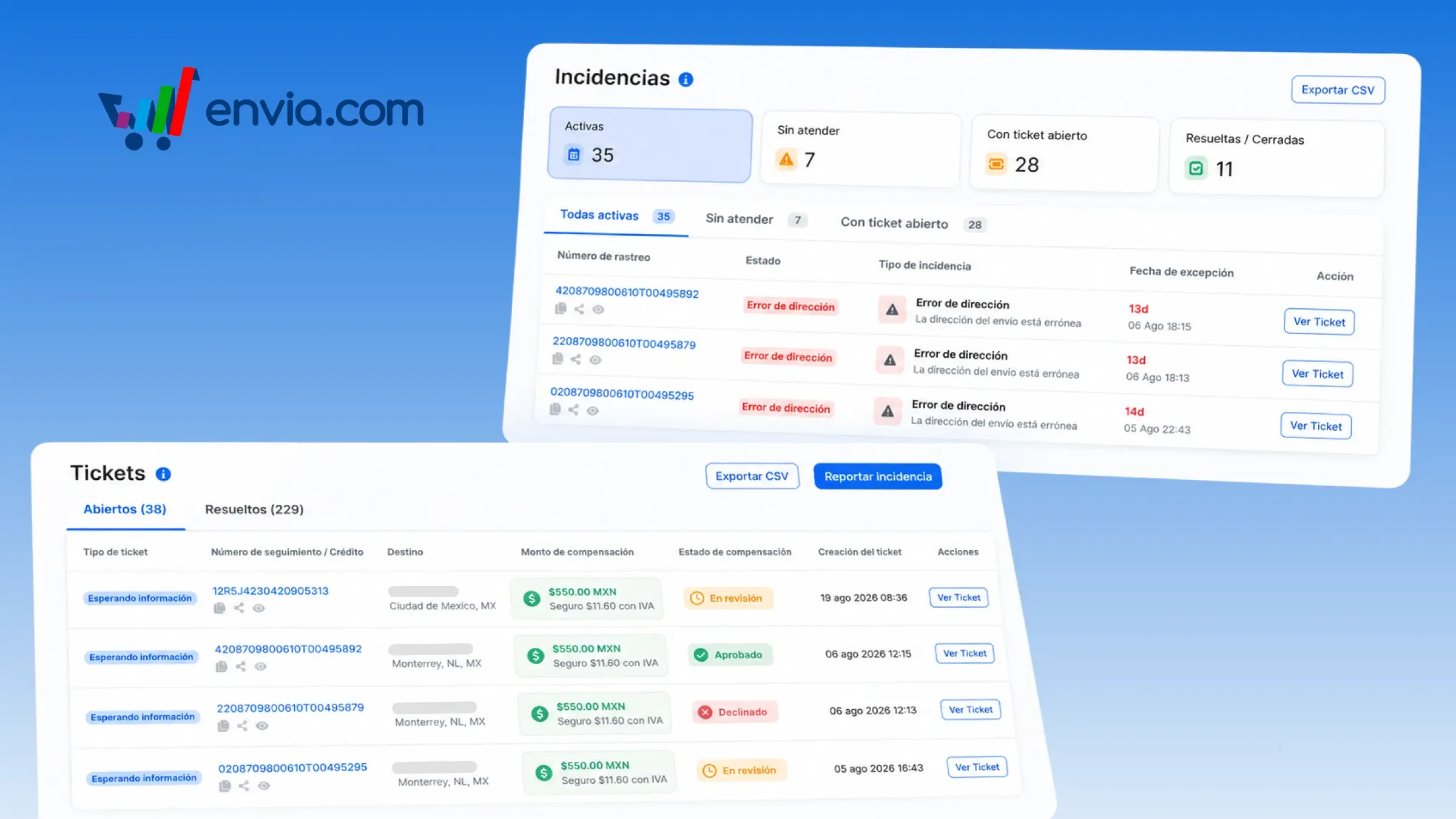
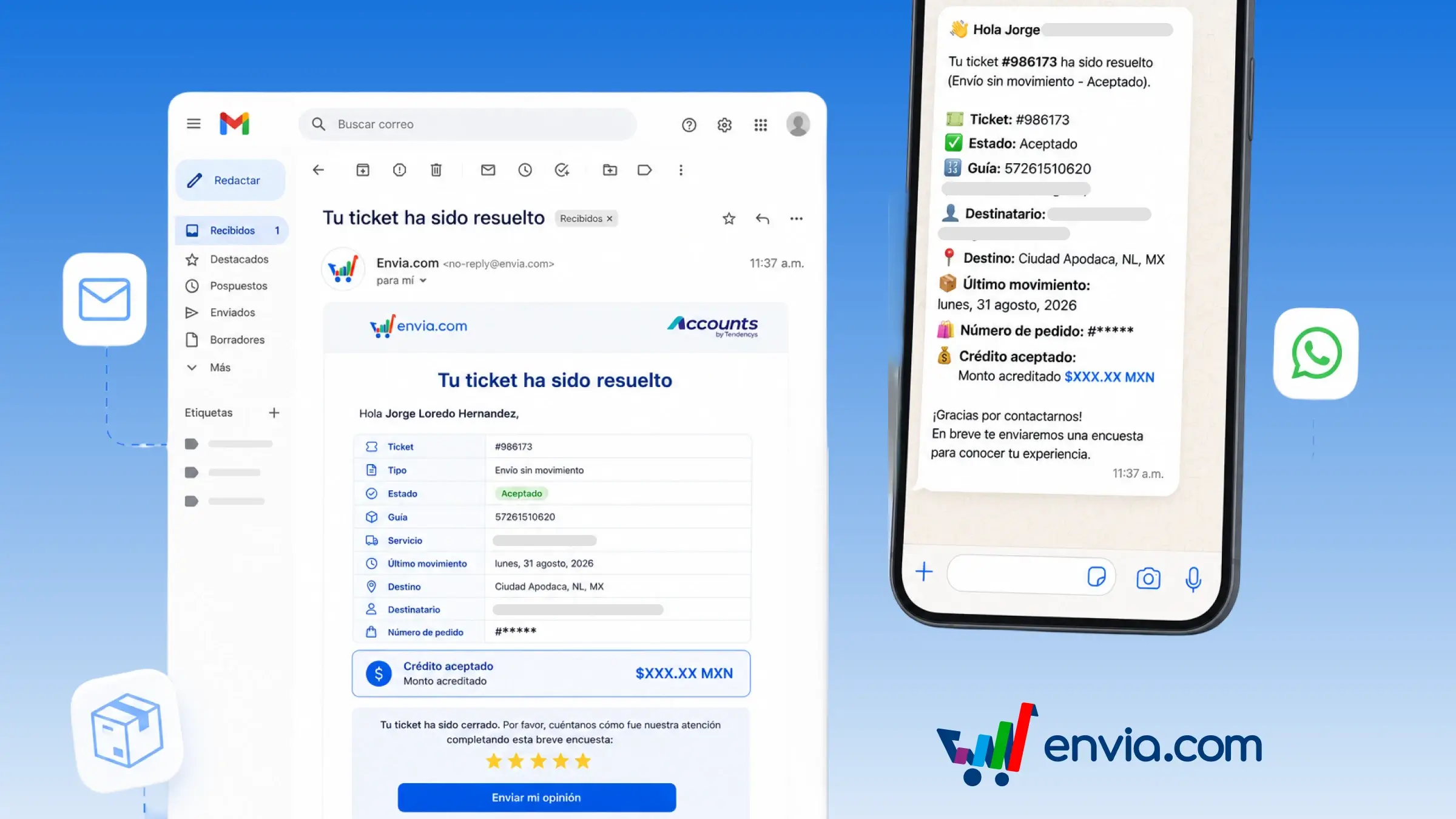
Check active incidents, and in Tickets, view the amount and status of each compensation claim
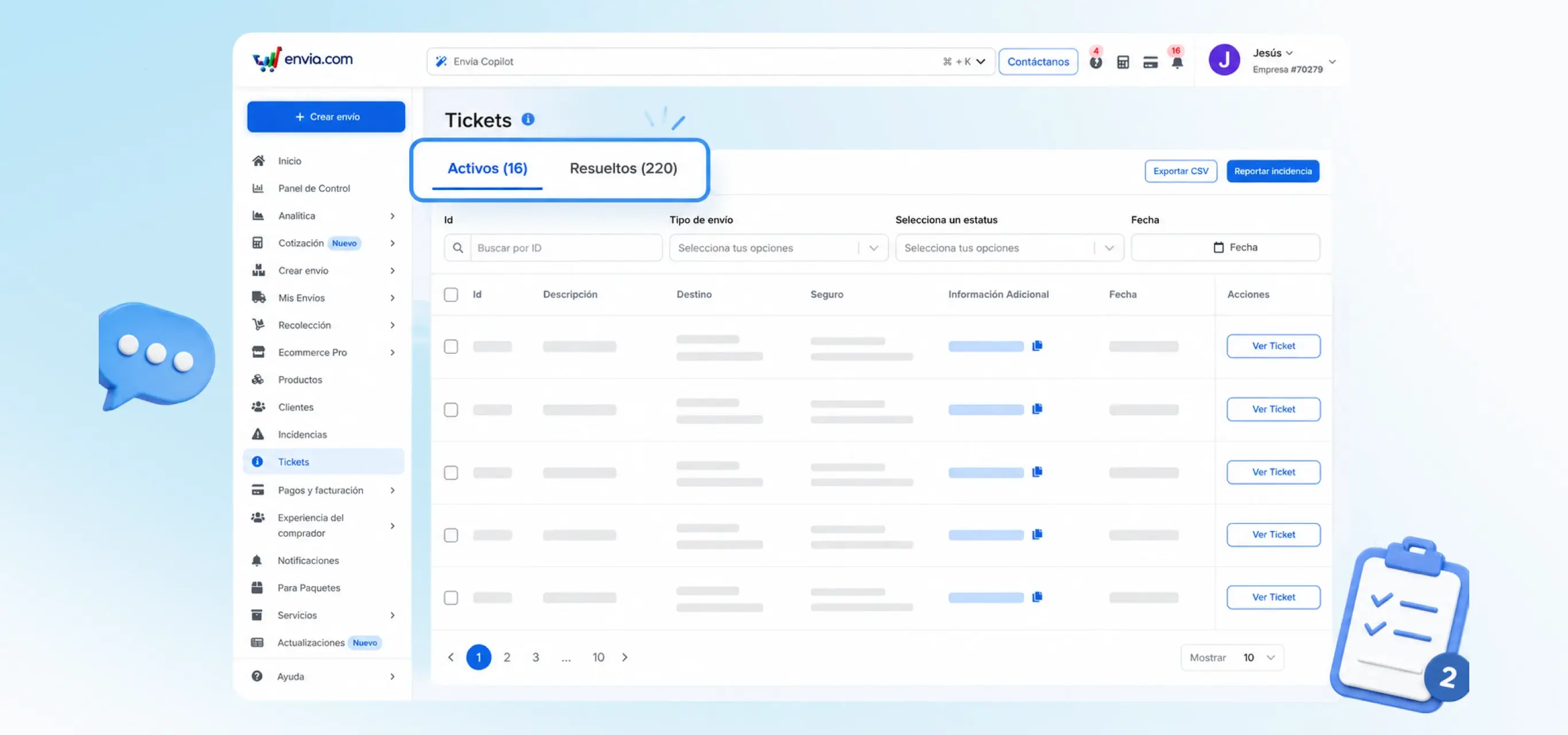
In the Incidents section, you will see the active shipment incidents by default: those not yet handled and those that already have an open ticket. The system opens this view on entry, and you can switch to Unhandled, Open Ticket, or Resolved / Closed. In the Tickets section, the same list shows how much was claimed in compensation for a damaged, lost, or insured shipment, and whether that claim is under review, approved, or declined. The system displays the amount and status in each row so that you do not need to open every ticket individually. This is useful when you are handling exceptions in Incidents and, in Tickets, checking which money claims are still pending on the same day.
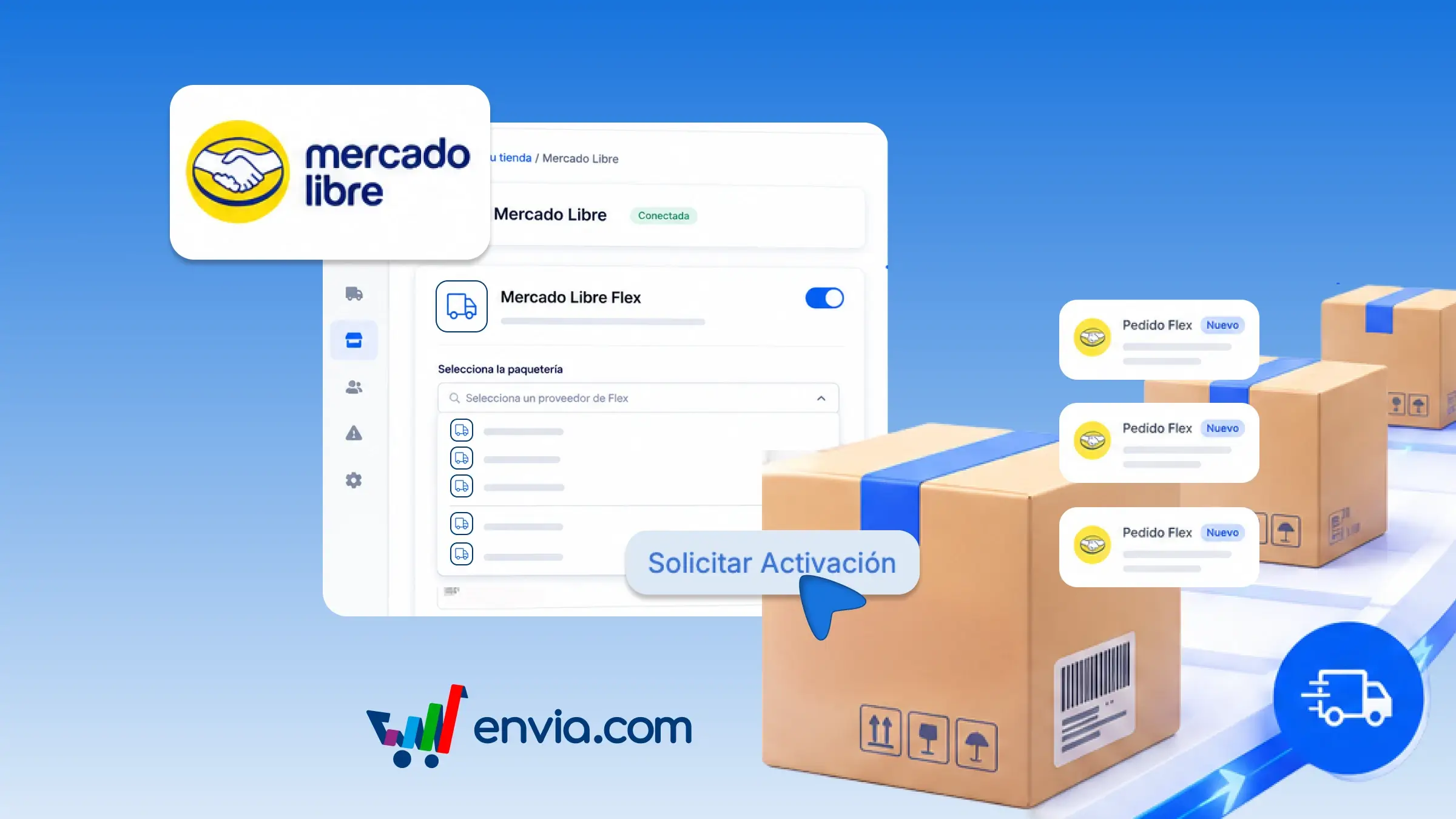
Activate Mercado Libre Flex and choose the carrier that delivers those orders
From your Mercado Libre store integration, you can request Flex and choose, among the compatible carriers Envia displays, which one you want to ship those orders with. Go to that store's settings, activate the service, and Envia verifies that Flex is already enabled on Mercado Libre. You will then see those carriers grouped by country, select one, and submit the request. An Envia advisor reviews the activation. Once approved, Flex orders from that store are dispatched automatically with the carrier you configured.
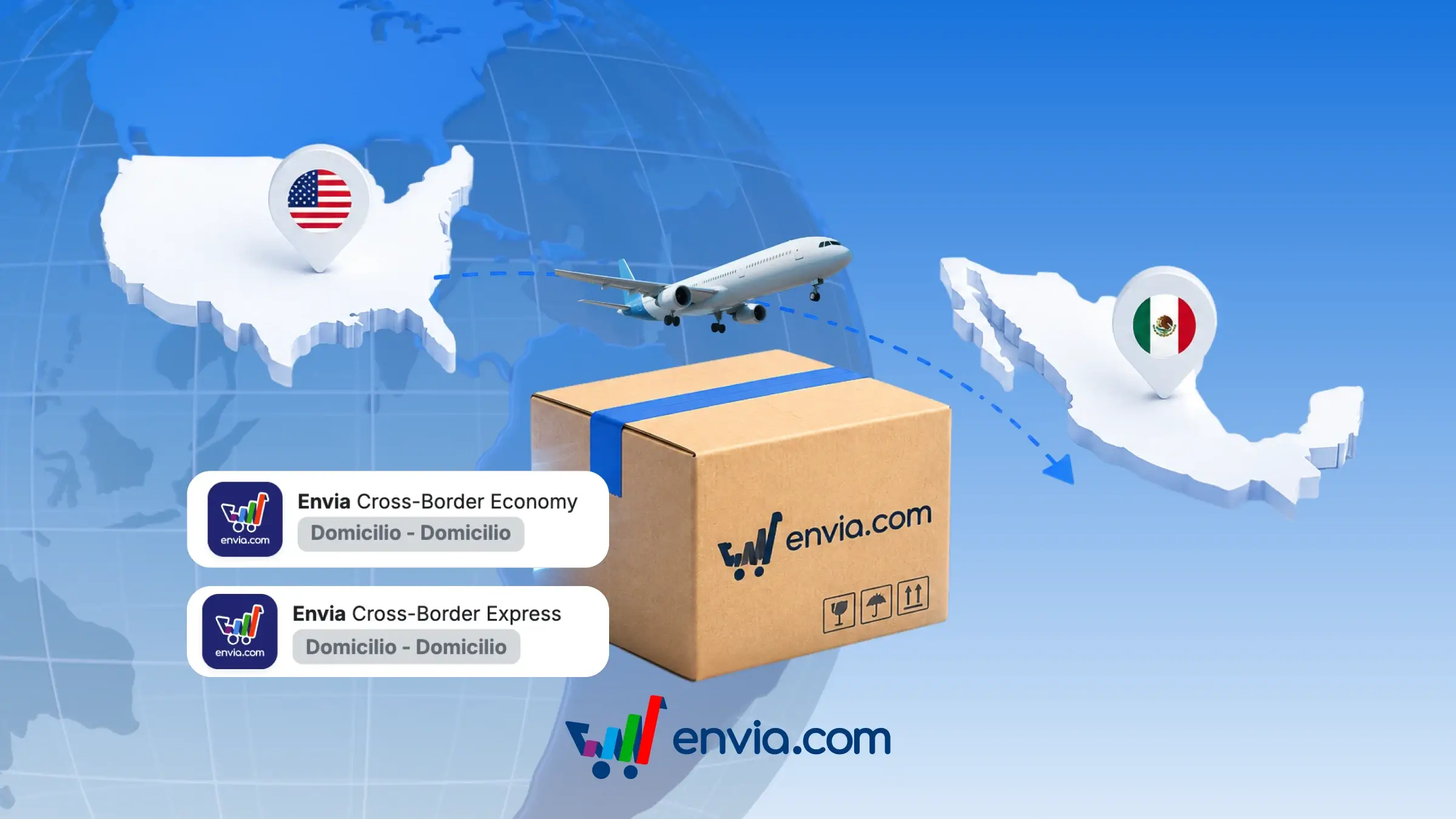
Quote and Create Shipments from the US to Mexico with Envia Cross-Border
If you ship from the United States to Mexico, Envia Cross-Border allows you to obtain a quote and generate the label within the same Create Shipment flow, without having to arrange the crossing yourself or create two separate shipments. You can select Economy or Express while quoting, review the price of that quote, and generate the label just as you would with any other carrier. The service covers the entire route, from origin in the US to delivery in Mexico. It is a useful option for reaching buyers in Mexico when you fulfil from the US and wish to manage the shipment within Envia. In My Shipments and in tracking, you can follow the progress of the package right up to delivery.
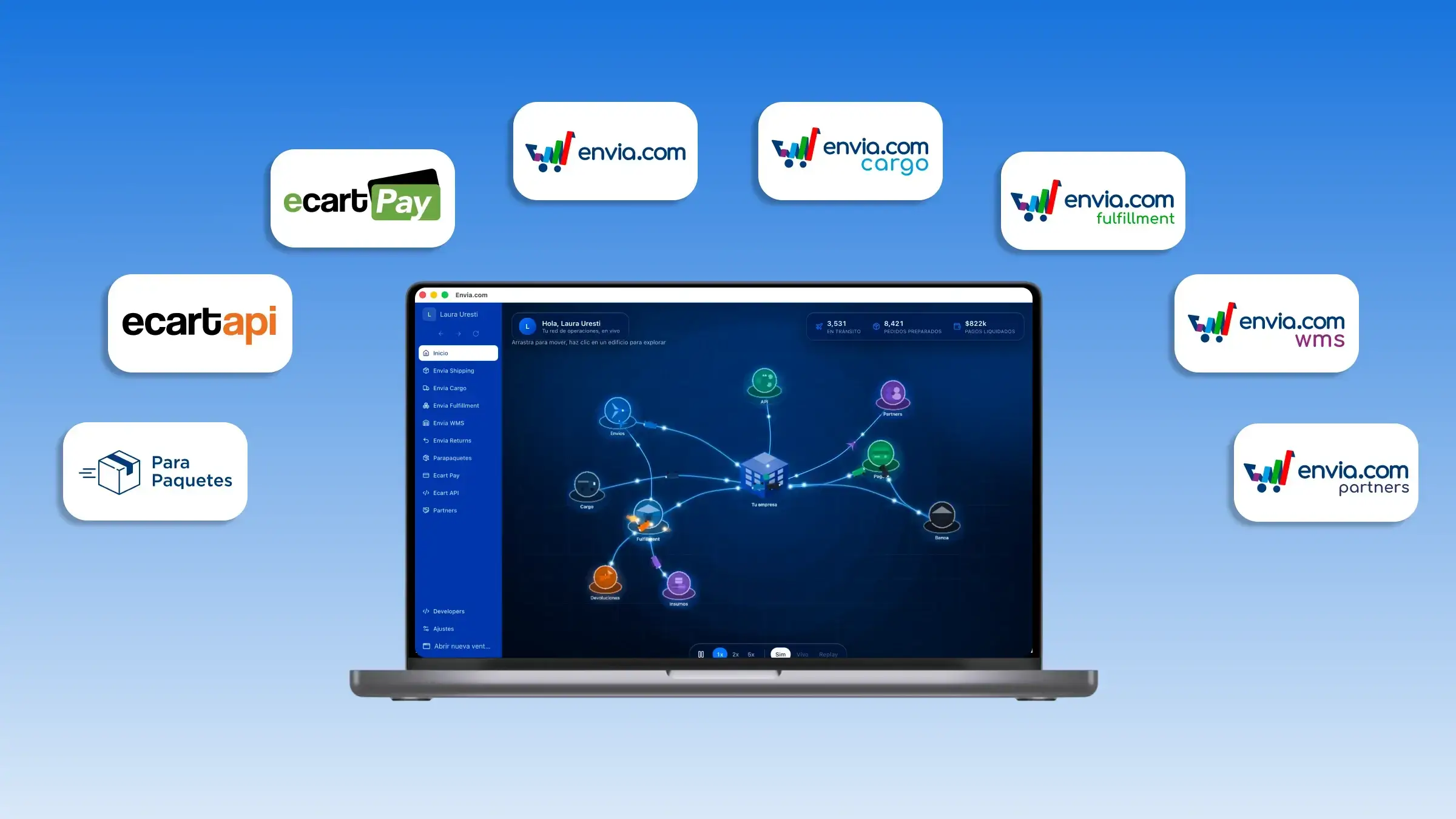
Download Tendencys, the desktop app with all your services
Meet Tendencys, the new desktop app to run your business from a single window. From the side menu, you can access all available services: Envia Shipping, Cargo, Fulfillment, WMS, Returns, Parapaquetes, Ecart Pay, Ecart API, and Partners. Everything stays centralised: switch services without opening another tool or session. Tendencys is a desktop-only app, built to help you work on Mac or Windows with more focus and fewer tabs. Download it from the banner at the top of envia.com or inside your account.
July 2026
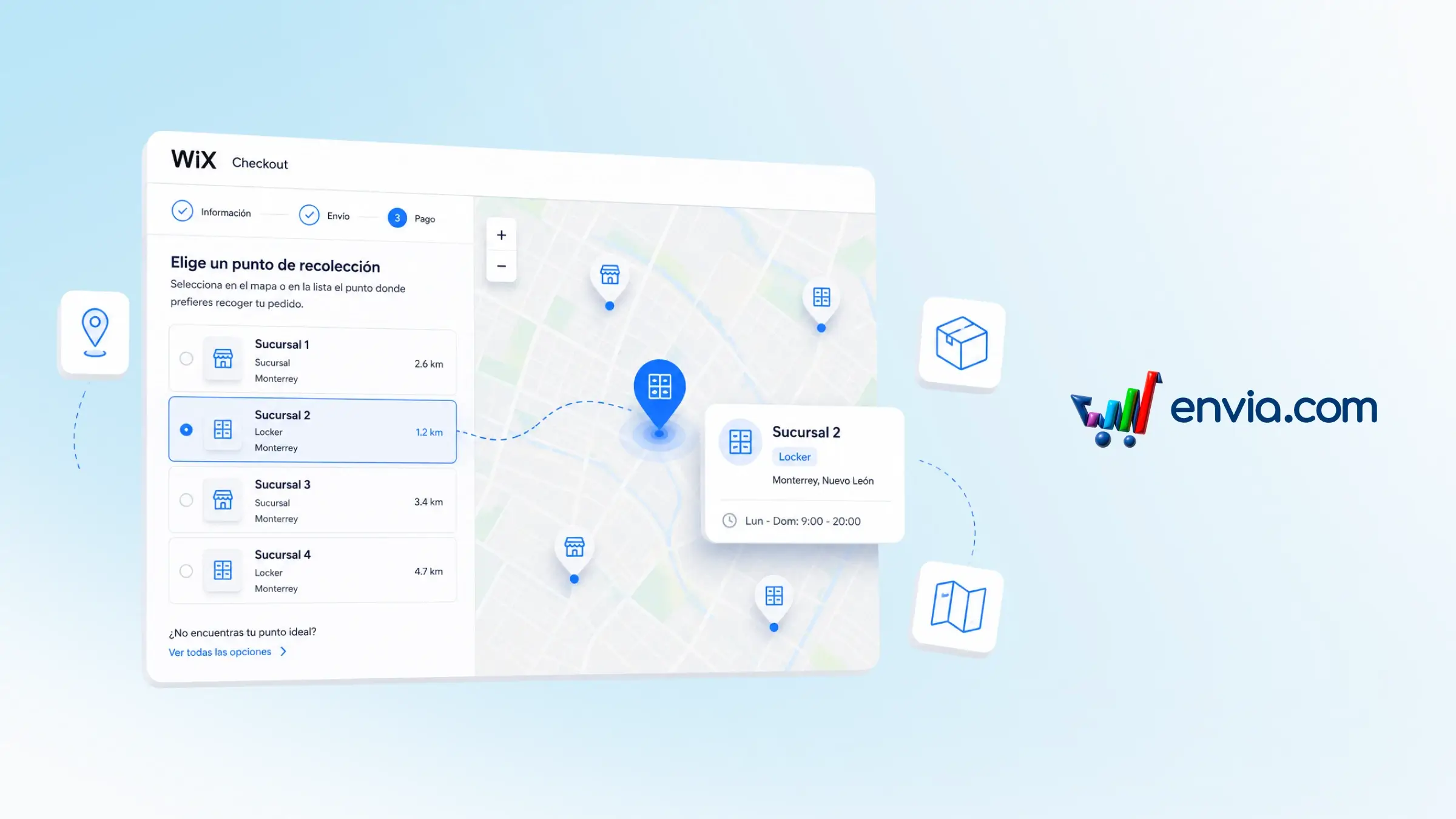
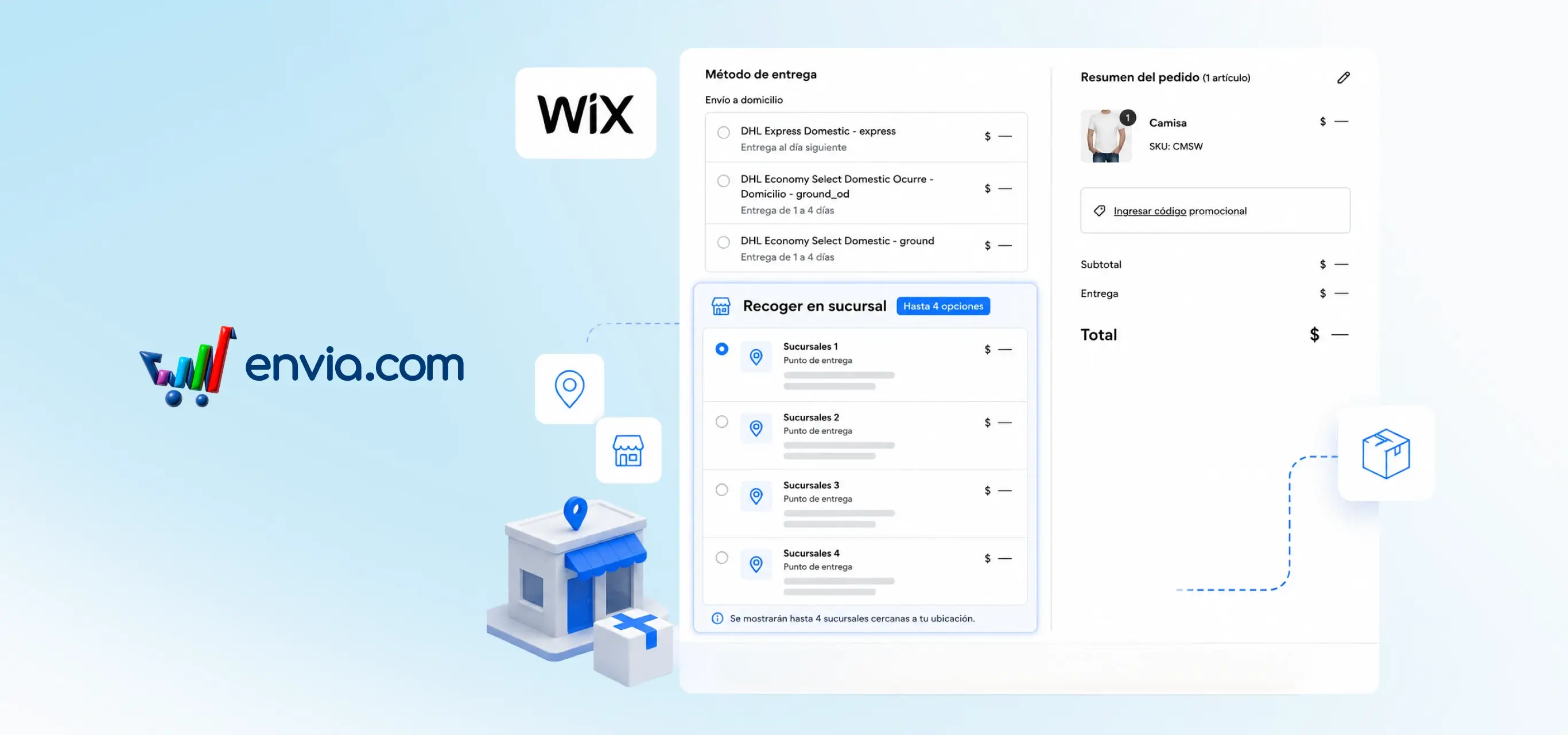
Choose the pickup point on a map at Wix checkout
You can display a pickup-point map at your Wix store's checkout so that shoppers can select where to collect their order before making payment. When the quotation includes pickup options, the map shows branches and lockers along with name, point type, and city. You decide whether to show only the map or the map together with Wix's native list, and you can set the title that appears above it for your region. The selection remains linked to the order so you can generate the shipping label with the correct point. Ideal if you sell with pickup-point delivery and want shoppers to locate the nearest option without leaving checkout.
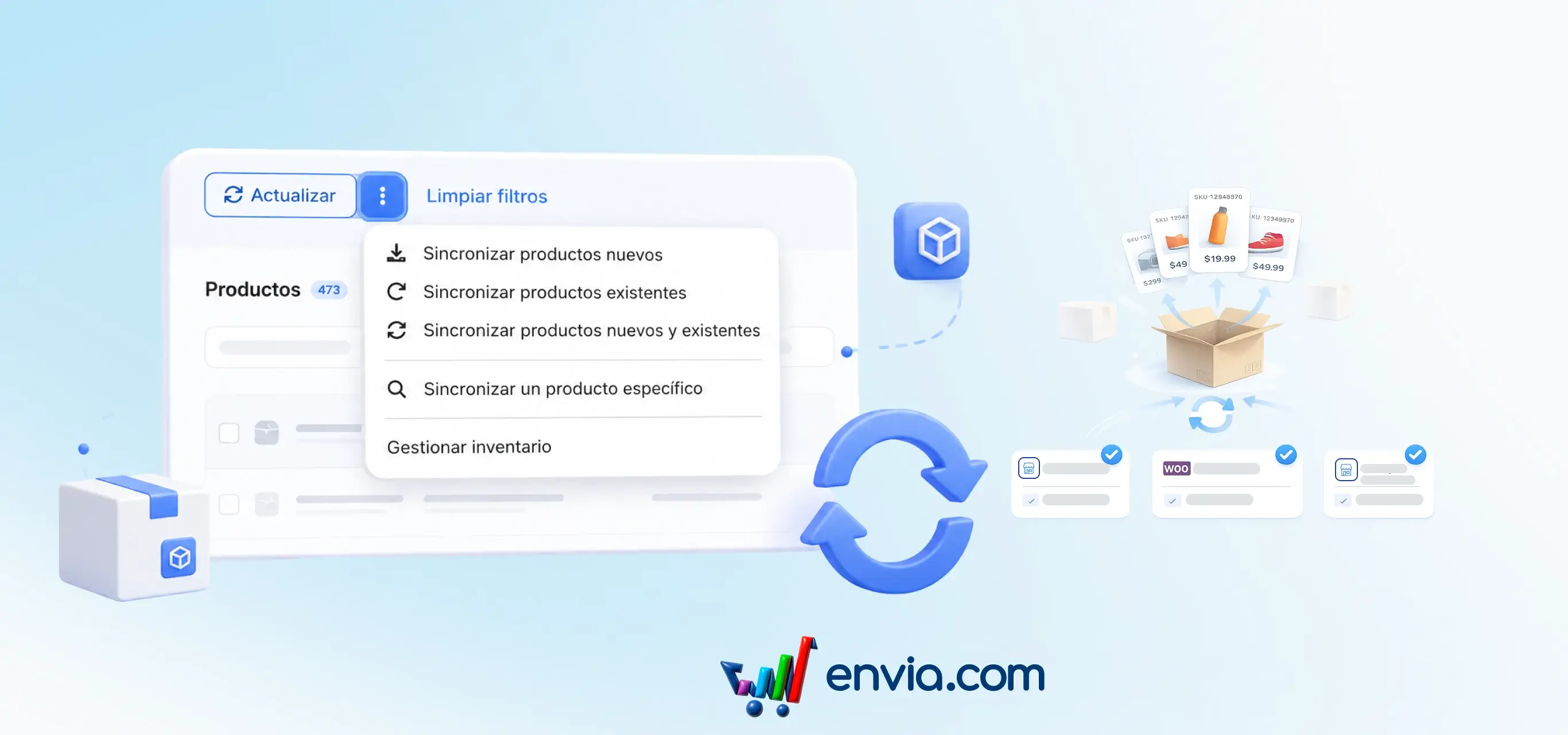
Choose which products to sync: new, existing, or just one
You can sync your store's catalog by choosing to bring in only new products, only the ones that already exist in Envia, both, or a single product by its store ID. You select the stores you want to include and start the sync without having to wait on that screen. The process runs in the background and shows live progress, with each product's status: synced, pending, or error. If you need to update measurements, you can override the package dimensions during sync. This way you keep your catalog up to date when you connect a new store, refresh changes, or fix a single product without re-syncing everything.
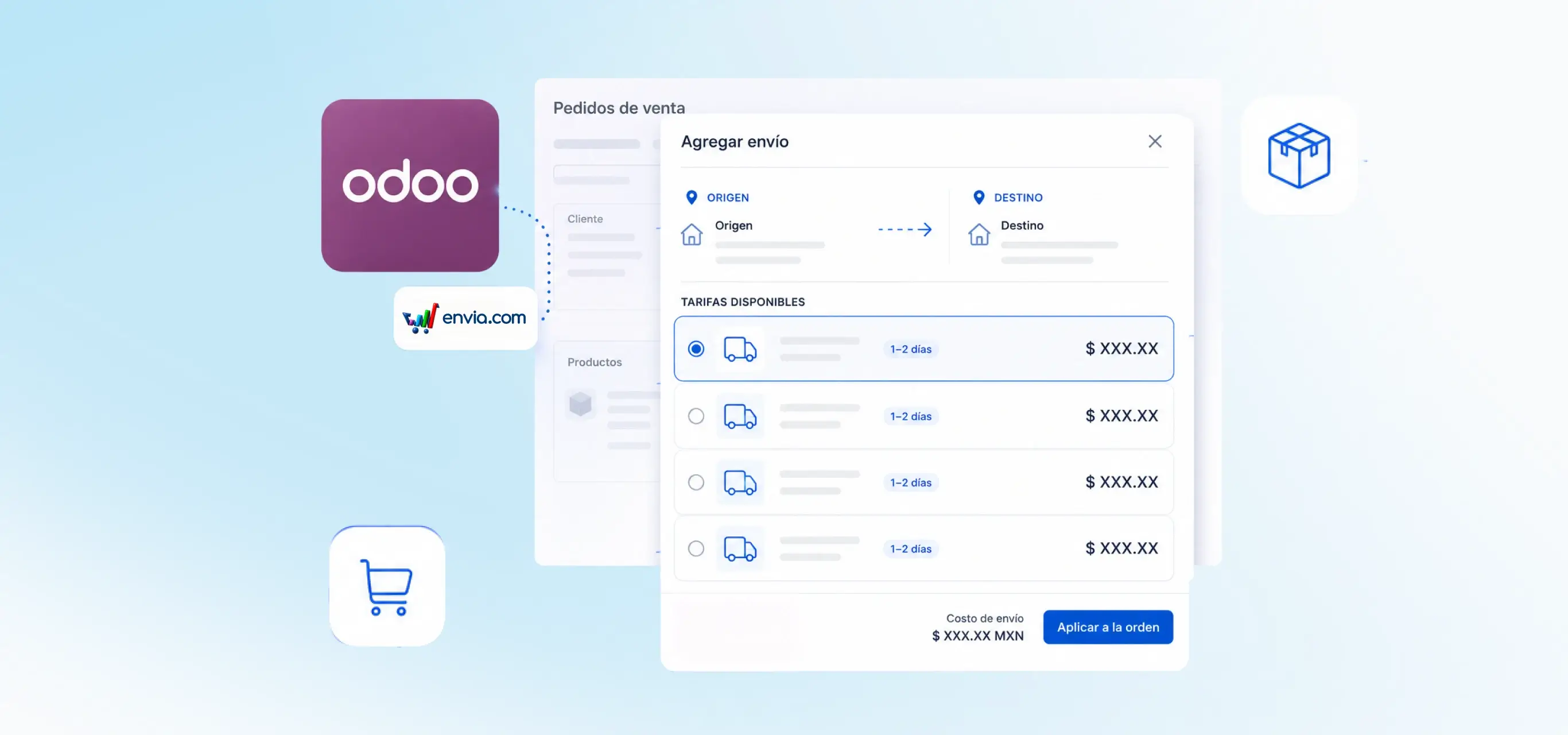
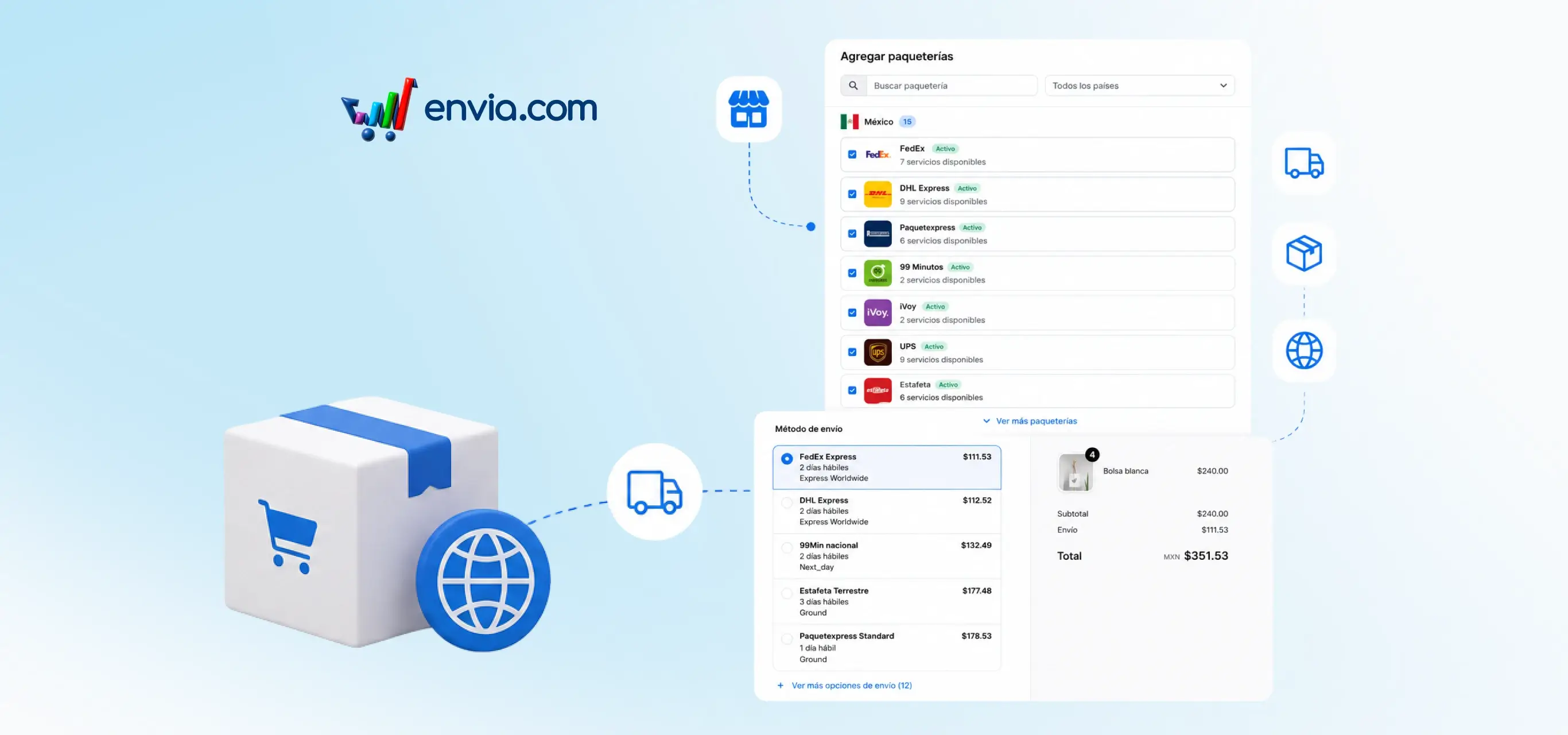
Install the Envia plugin for Odoo 19 and quote shipping on your orders
If you sell with Odoo, you can install the Envia plugin and quote shipping without leaving your orders. In Add shipping you compare live rates from carriers such as DHL, FedEx, Estafeta, and Paquetexpress, choose home or branch delivery, and apply the cost to the order. Connect your Envia account, define the origin address, and the system uses the product's weight to build the quote. If you have a web store in Odoo, your buyer can also see those rates at checkout. This way you decide the carrier and shipping price in the same place you close the sale.
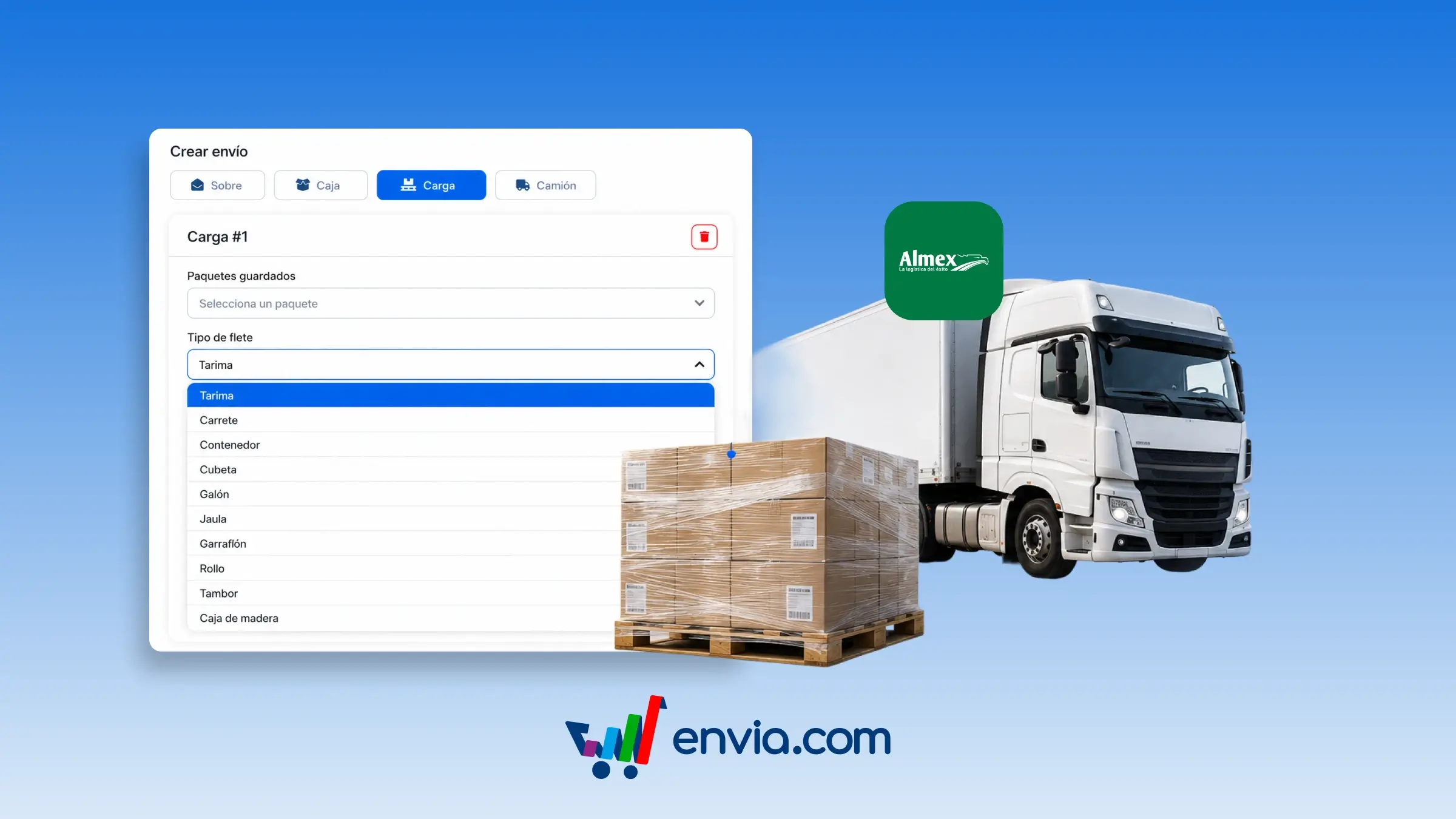
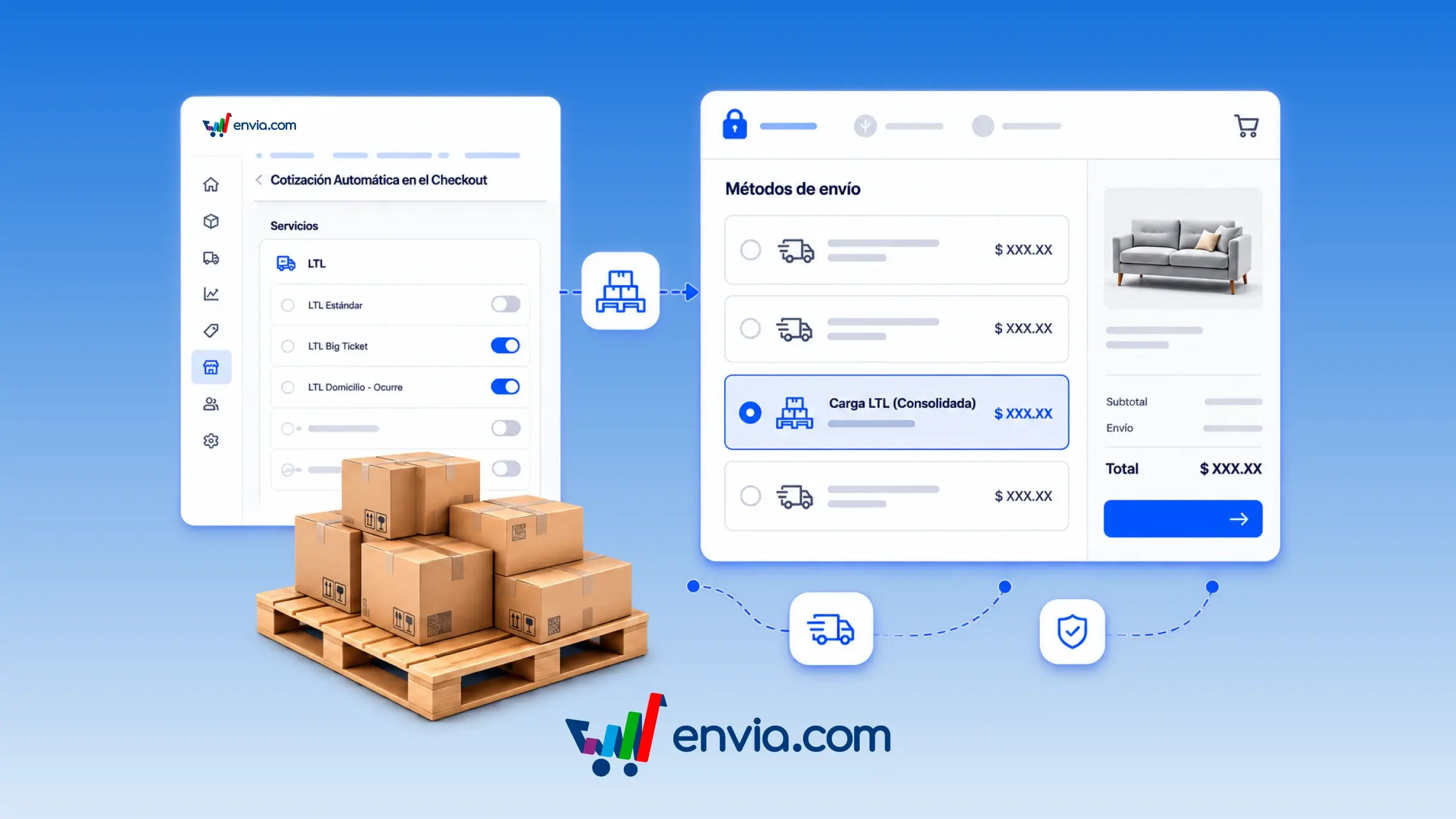
Select the freight type for your pallet shipments with Almex in Mexico
You may specify the freight type for your cargo when creating a pallet (LTL) shipment from Mexico. In Create shipment, select Pallet, and in the Freight type menu, select how your goods are packed: pallet, boxes, roll, crate, bundle, or another catalog option. The system uses this selection when quoting and generating the label so that Almex receives the correct packaging code. This is useful if you are shipping fabric rolls, loose boxes, drums, reels, or crated cargo and require the pickup to match your packaging. This helps reduce rejections and corrections caused by incorrectly documenting the freight type.
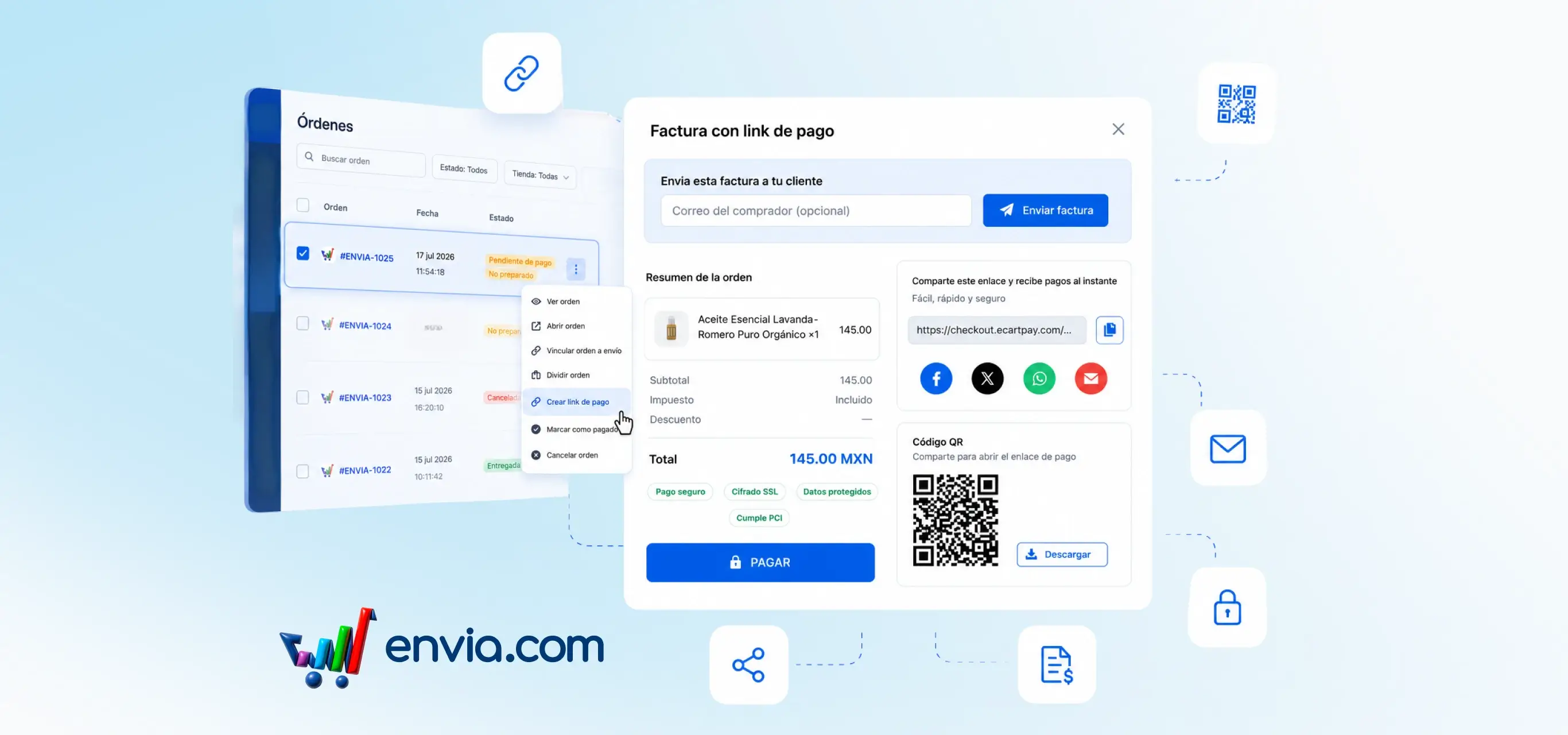
Charge pending Ecommerce orders with a payment link
From Ecommerce Pro > View Orders, you can generate an EcartPay payment link to charge a manual order that is still pending. The system takes the order total, creates the link, and allows you to copy it, download a QR code, or share it via WhatsApp, email, and social media. You can also send an invoice with your business branding to the buyer's email address. Once the payment is completed, the order is automatically marked as paid. This is useful when you sell outside your store, close an order over chat, or need to collect payment before generating the shipping label.
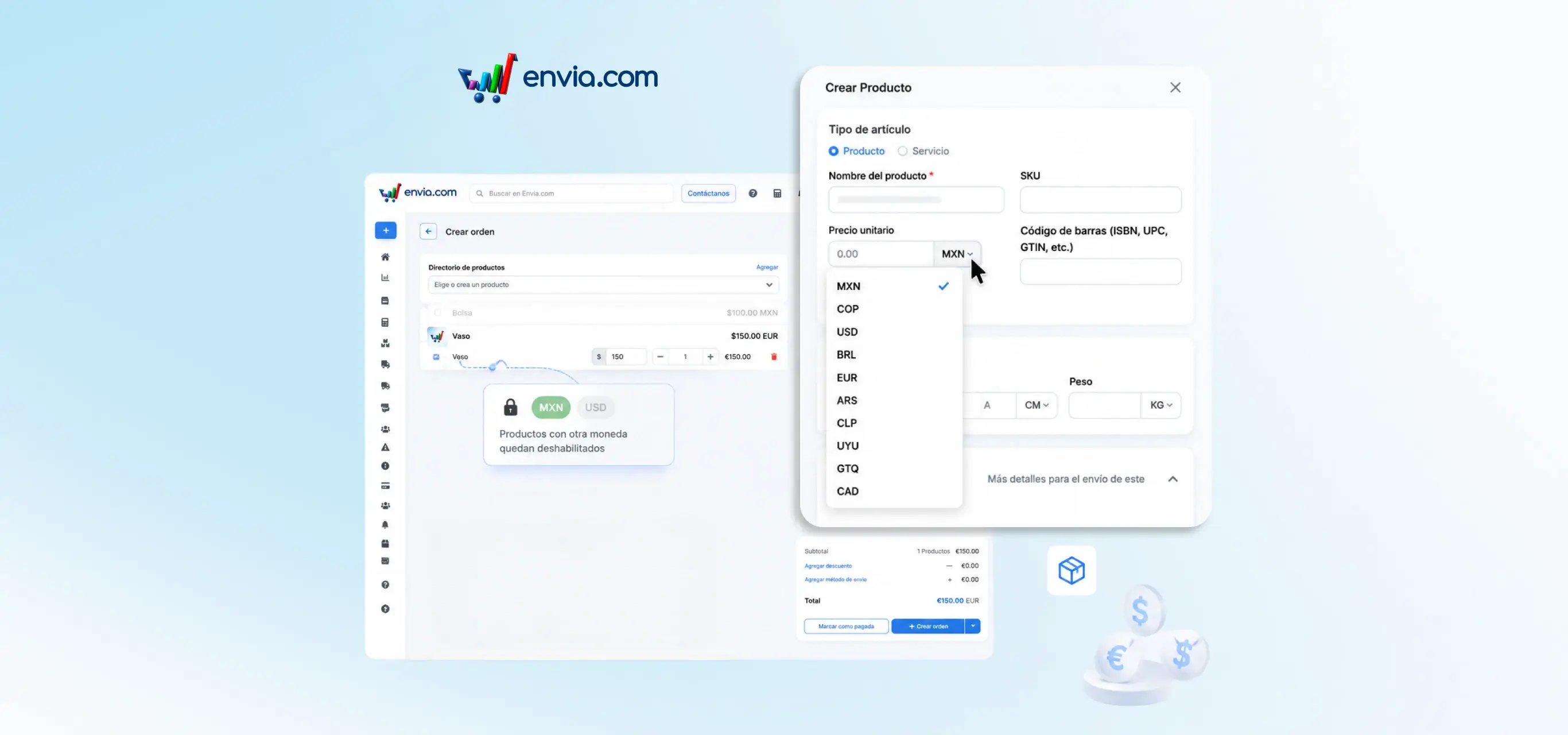
Set the order currency by adding the first product
When creating a manual order in Ecommerce Pro, the first product you add determines the currency for the entire order. Products in a different currency are disabled in the search so that prices are not mixed. Totals, the summary, and the payment confirmation are shown in the order's currency. If you clear the product list, you may choose the currency again when adding the first product. This helps avoid incorrect totals when your catalogue has prices in more than one currency, especially if you later charge using a payment link.
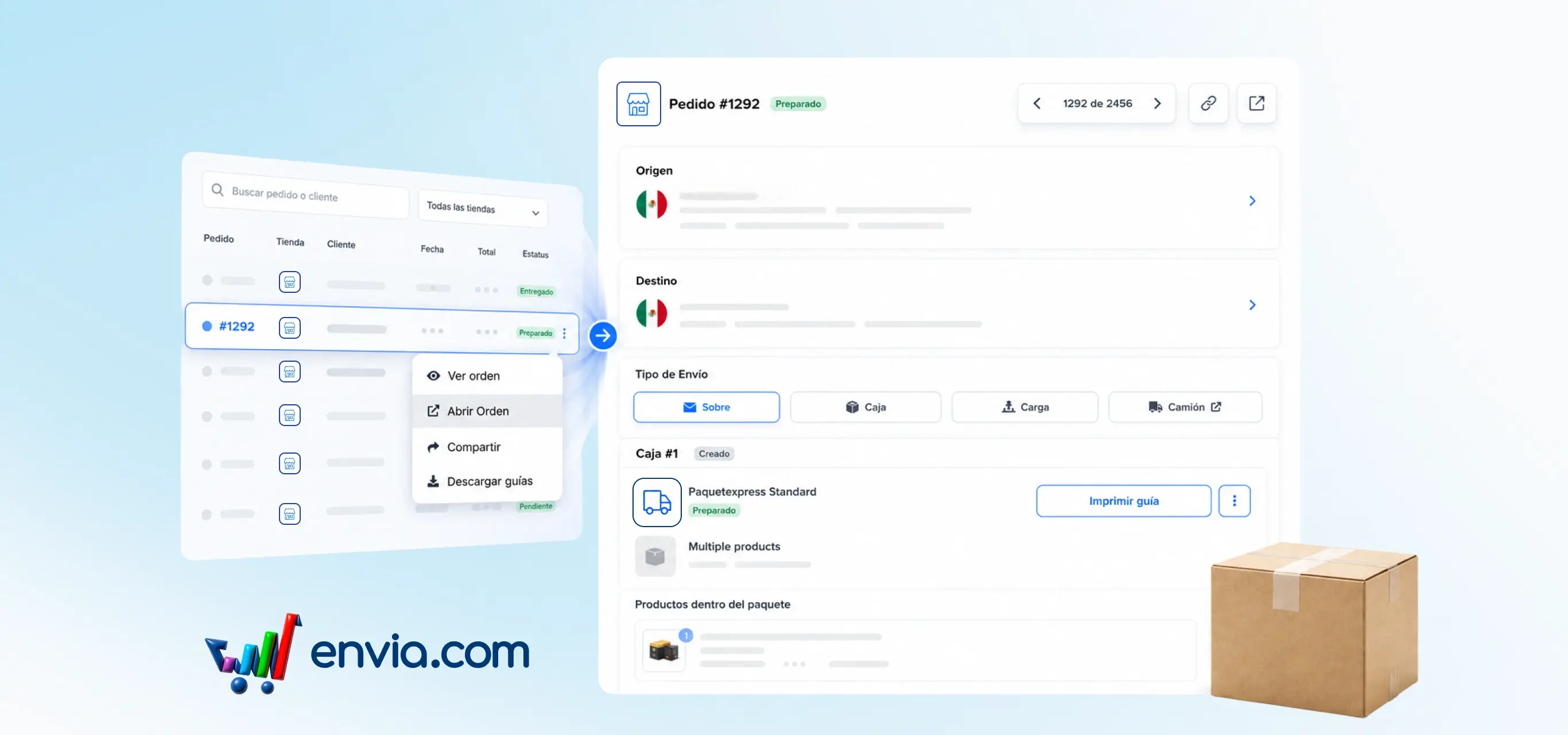
Open every order on its own page and share it with a link
From Ecommerce Pro > View Orders, you can open any order in a full page dedicated to just that shipment. There you review the details, get quotes, edit packages, and generate the label without leaving the order's context. Move to the previous or next order with the arrows, filter by store, or search by name to find the one you need. If the order has multiple origins, switch between locations from the tabs on the same screen. The system gives you a unique link per order so you can copy it, share it with your team, or save it and come back later. This way you handle orders one by one with more control day to day.
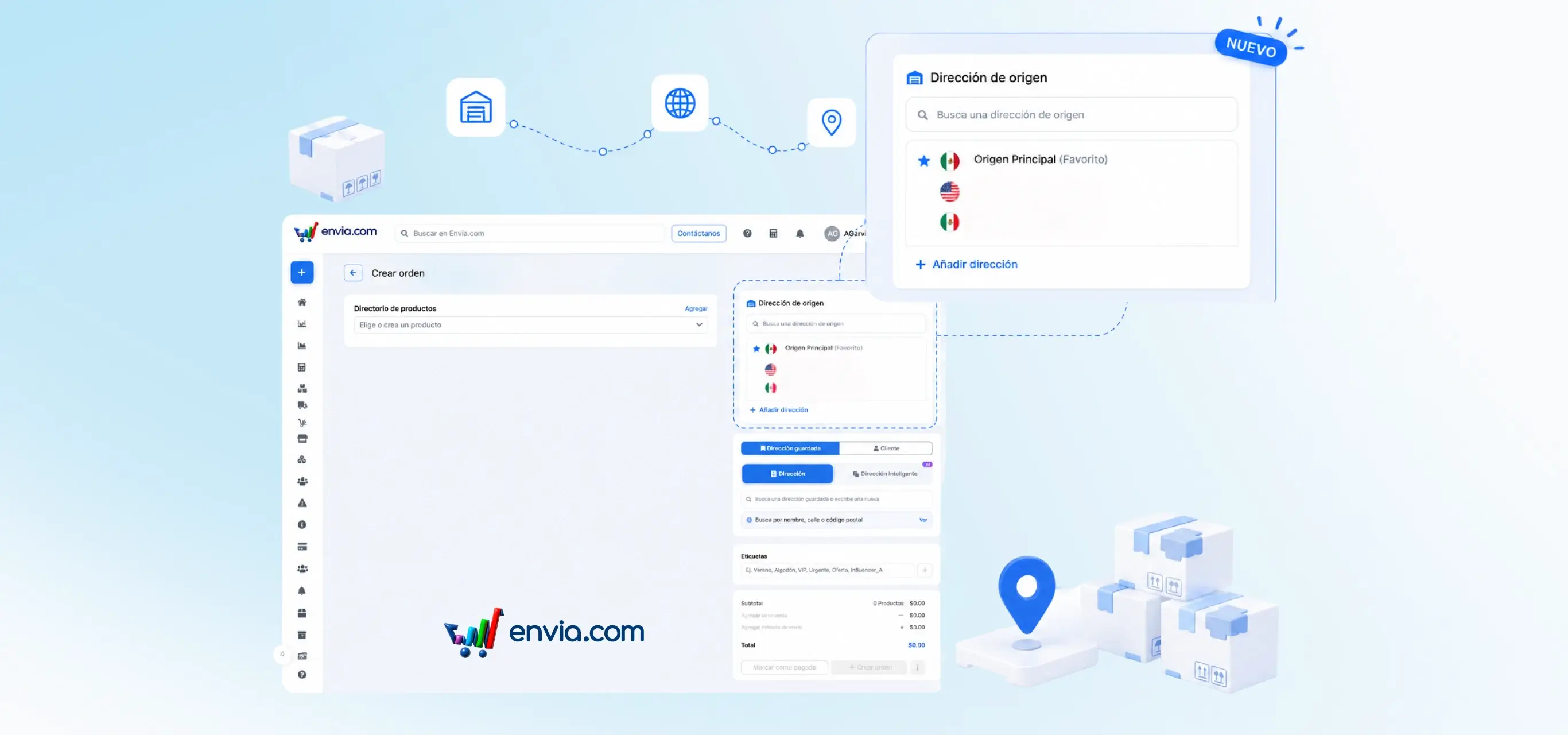
Choose the origin address when creating a manual order
When creating a manual order in Ecommerce Pro, you can view and choose the address from which the shipment will be dispatched. You may search for or select an origin address, or add a new one without leaving the screen. The system can pre-select your store's preferred origin, and it uses the selected address to quote the shipment and save the order. If any details are missing from the address, an alert will be shown so you can complete them before proceeding. This way, you control the dispatch point for each order when operating with more than one origin.

June 2026
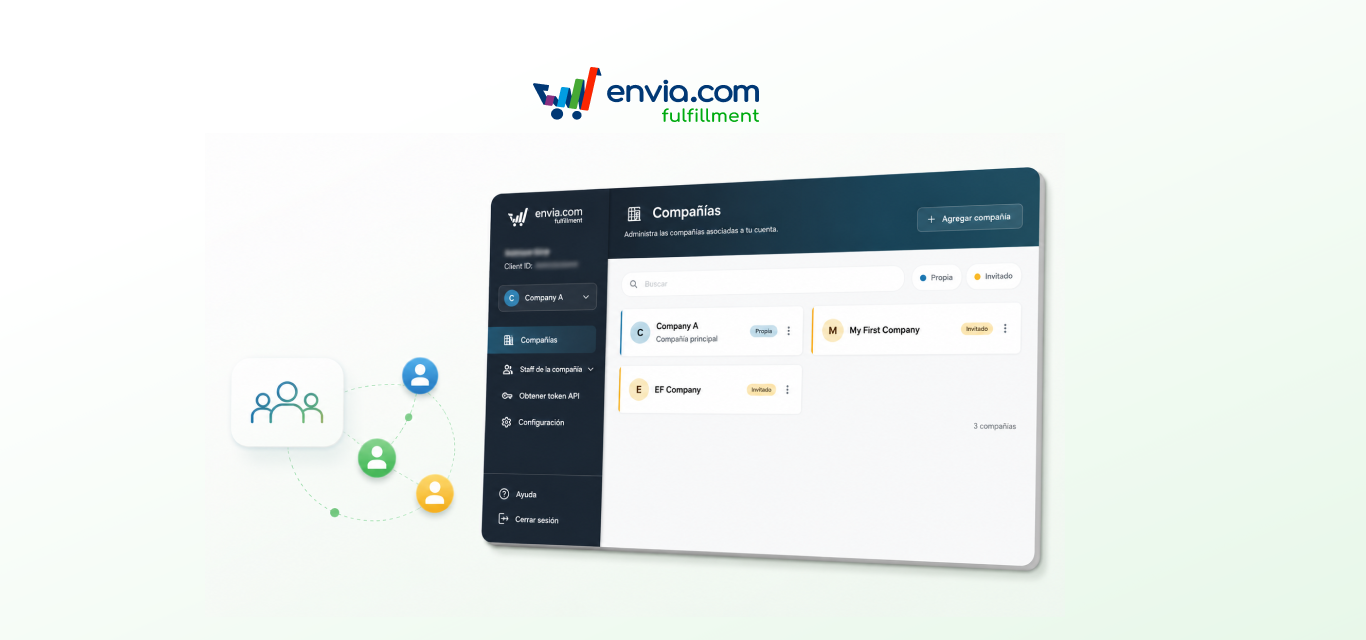
Multi-client: manage multiple clients and companies from a single account
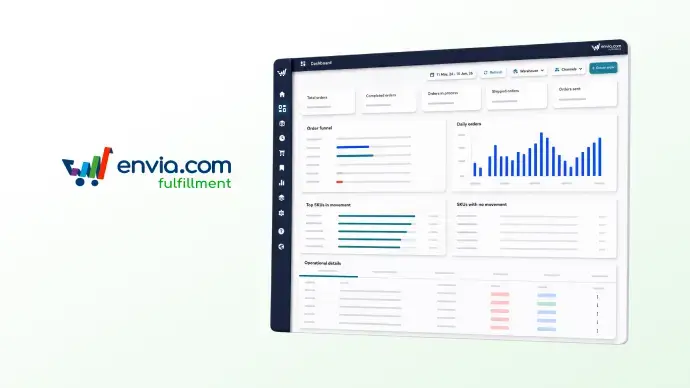
Multi-client is now available in Envia Fulfillment: you can now manage multiple companies from a single account, without creating separate users or switching sessions. From the selector in the side menu, you can switch between your own companies and those you've been invited to as a collaborator. Each company keeps its inventory, orders, and settings completely separate. You can also invite your team and assign specific permissions per company, inventory, orders, billing, and settings, controlling exactly what each person can see and do.
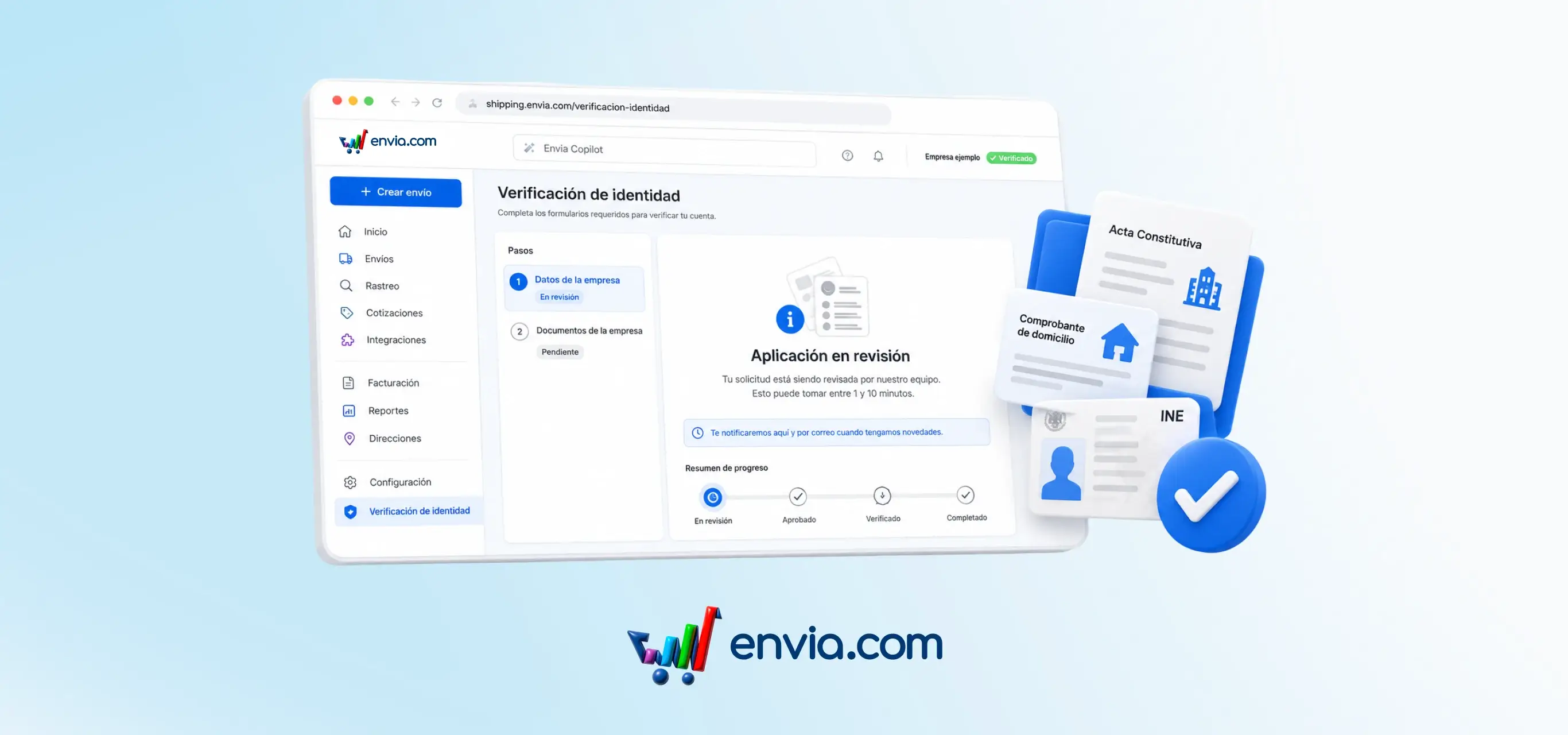
Verify your identity or your company's identity from Envia
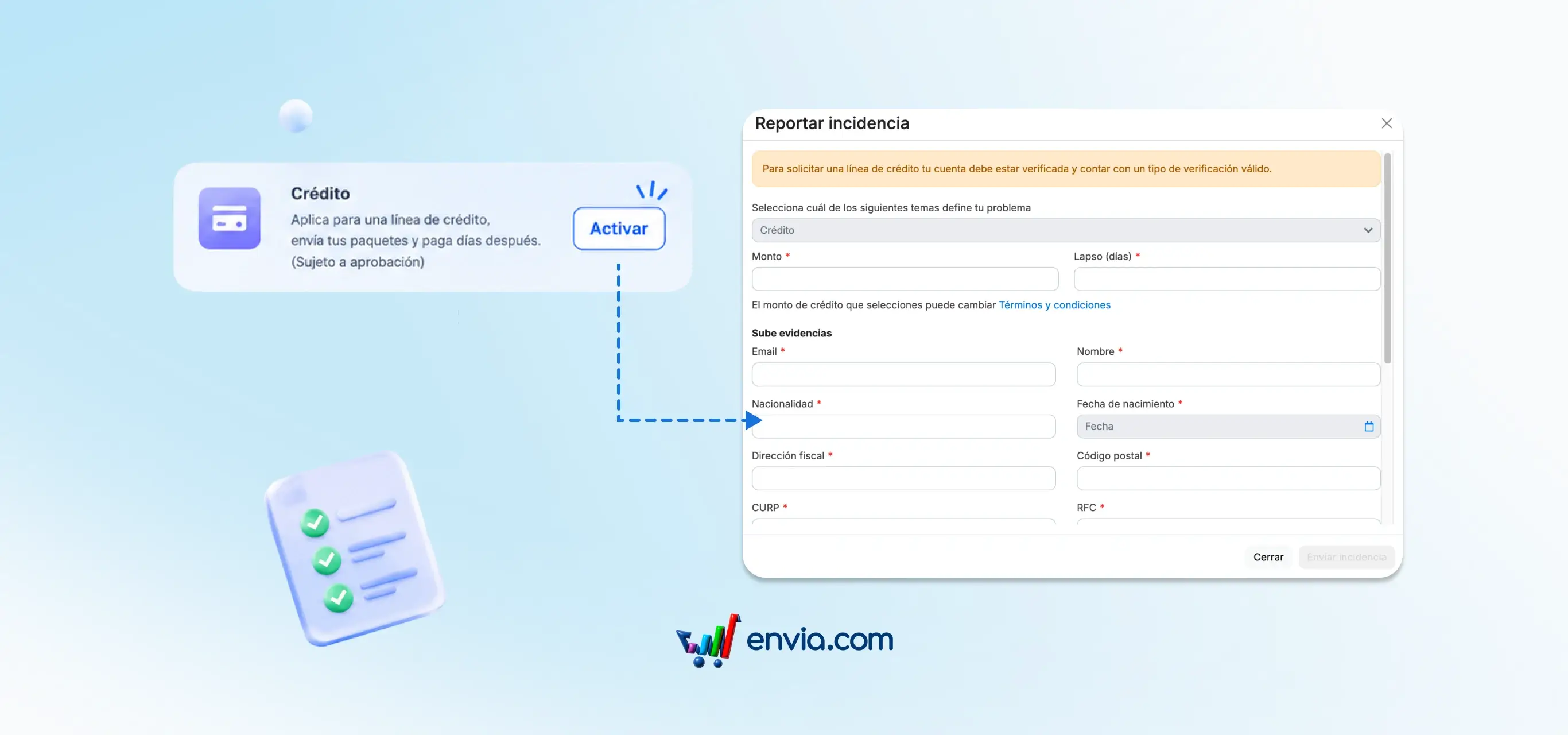
From the identity verification section, you complete the entire process within the platform without any additional windows opening or being redirected to an external site. Choose between personal verification, using your official ID and a liveness check, or business account verification, requiring articles of incorporation, proof of address, a notarised power of attorney for the legal representative, and a tax status certificate. A side panel shows the status of each step in real time: pending, under review, rejected, or approved. Once all steps are approved, the Verified badge appears next to your company name in Envia.
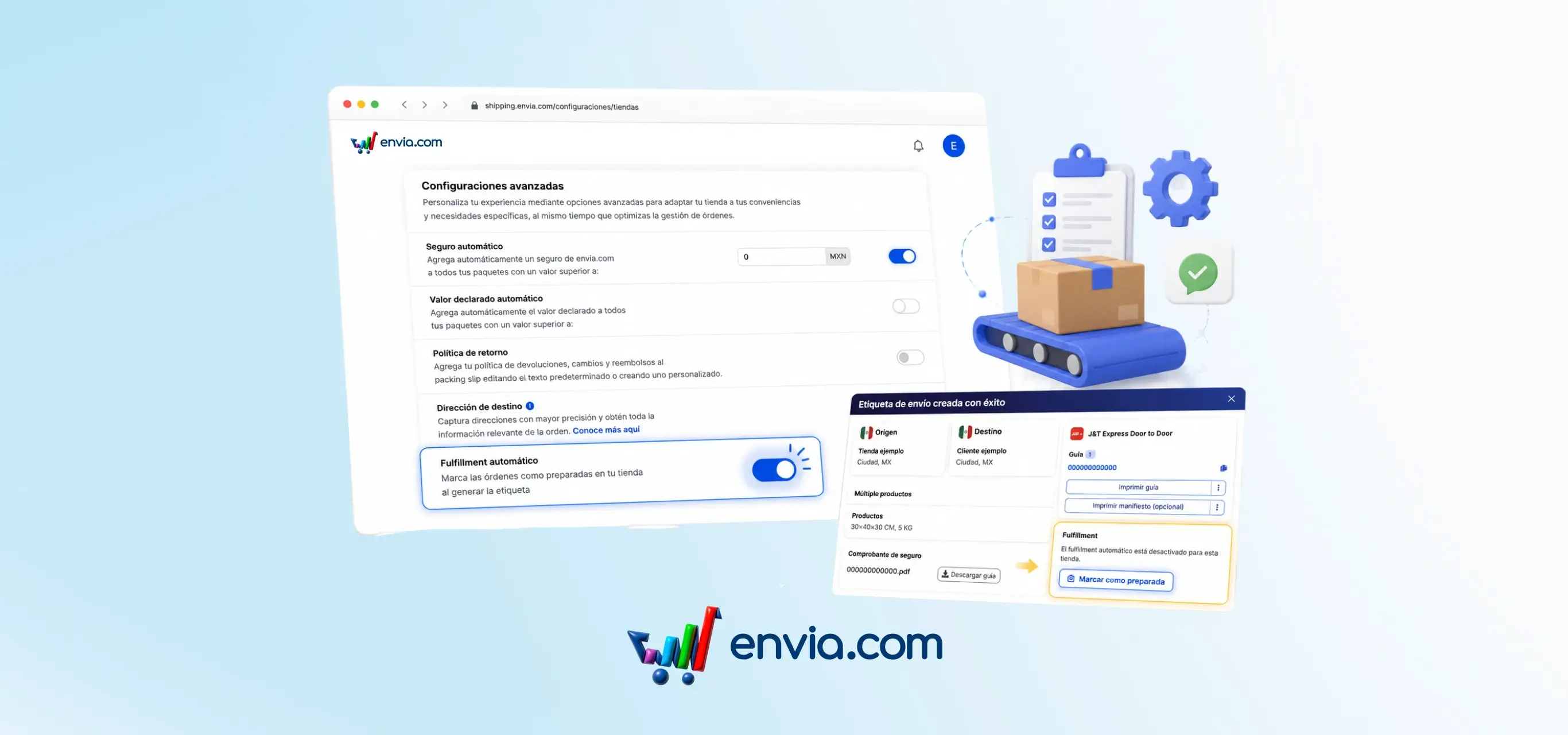
Enable or disable automatic Fulfillment for each connected ecommerce store
When generating a label from Ecommerce Pro, you can decide whether the order is automatically marked as fulfilled in your connected store or if you prefer to confirm it manually. The setting is located at Ecommerce Pro > Configure your store > Advanced settings, under the Automatic Fulfillment section. With the toggle on, the system sends the fulfilled signal as soon as the label is generated, with no extra steps. When turned off, the label is created normally but your store does not receive the fulfilled signal automatically; instead, the label summary displays a Mark as fulfilled button you can use when the package is ready. This is useful for orders with special packaging, quality checks, or any workflow where generating the label and shipping do not happen at the same time.
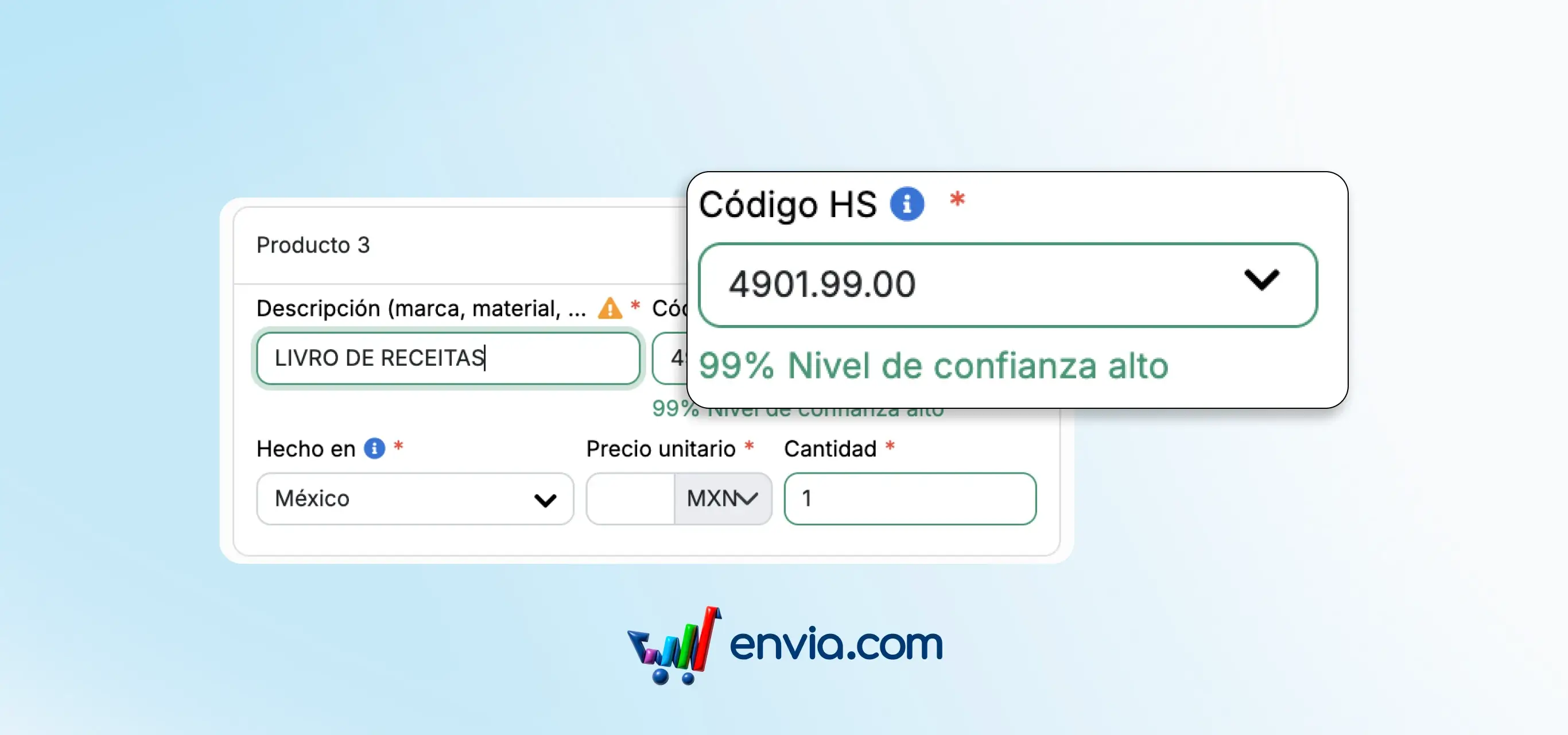
Look up the HS code with a confidence score for each suggestion
When you need to enter the HS code for a product, you can view a full description and a confidence score for each Zonos suggestion. The score is colour-coded and classified into five confidence levels. The classification updates automatically when you edit the HS code, so you can choose the right code with greater confidence. This functionality is available in both the Products module and the Create Shipment modal.
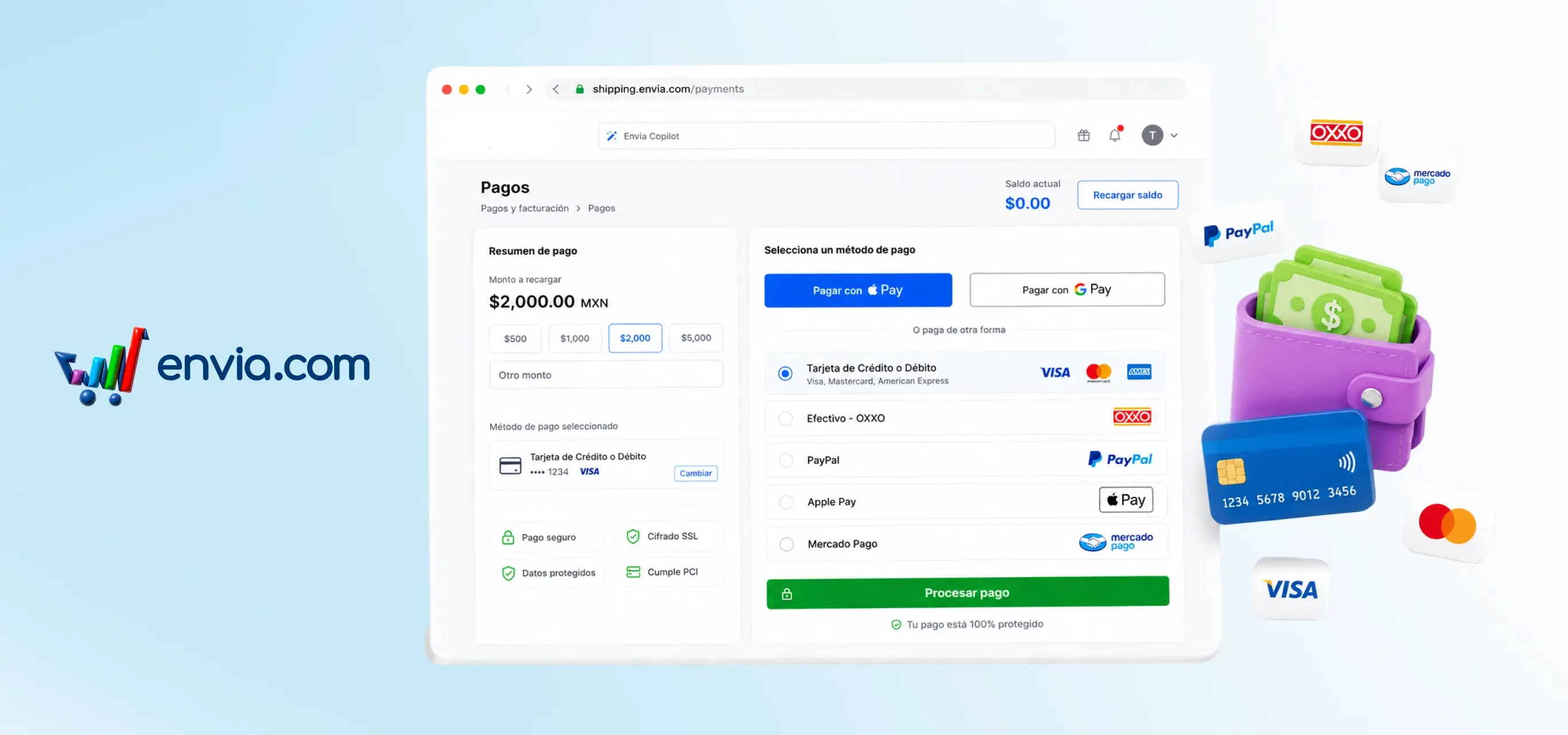
Top up your balance and complete payment without leaving Envia
When you top up your balance, the payment process appears directly on the same page — no pop-ups, no redirects. Select the amount, click 'Proceed to payment,' and checkout is right there with your details pre-filled. Choose from credit or debit card, cash, PayPal, Apple Pay, or Google Pay. You can also pay from the side payment panel without navigating to another section.
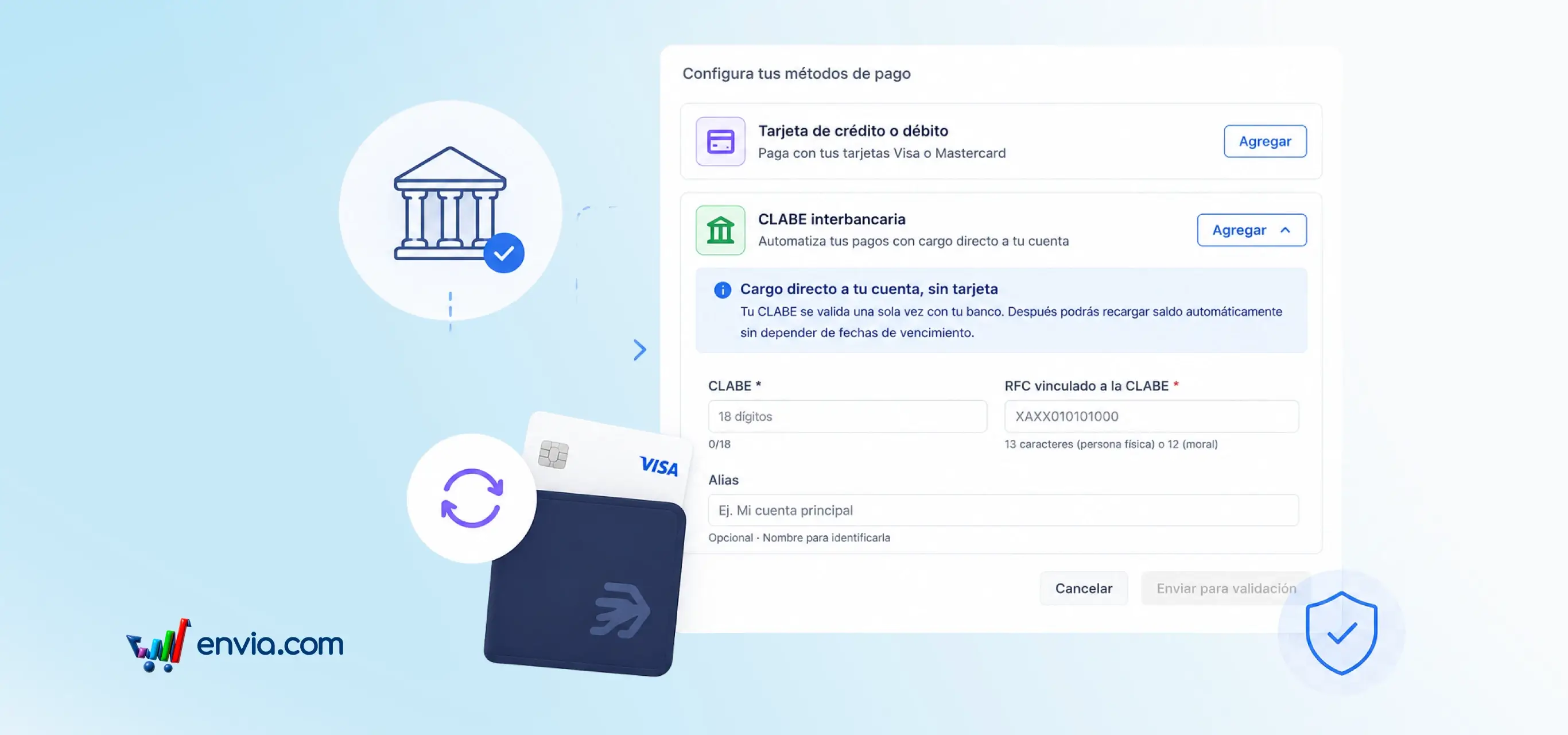
Link your CLABE to top up your balance automatically (Mexico only)
From Settings > Payment Methods, you can register your CLABE and select it as the payment method for automatic balance top-ups. As you type your CLABE, the bank is detected automatically from the first digits; you only need to add your RFC so STP can validate the account in a few minutes. Once the rule is active, the system charges automatically whenever your balance drops below the threshold you set, with no manual steps required. You can switch between CLABE and card at any time; the platform always shows the active method and the amount to be charged on the next top-up.
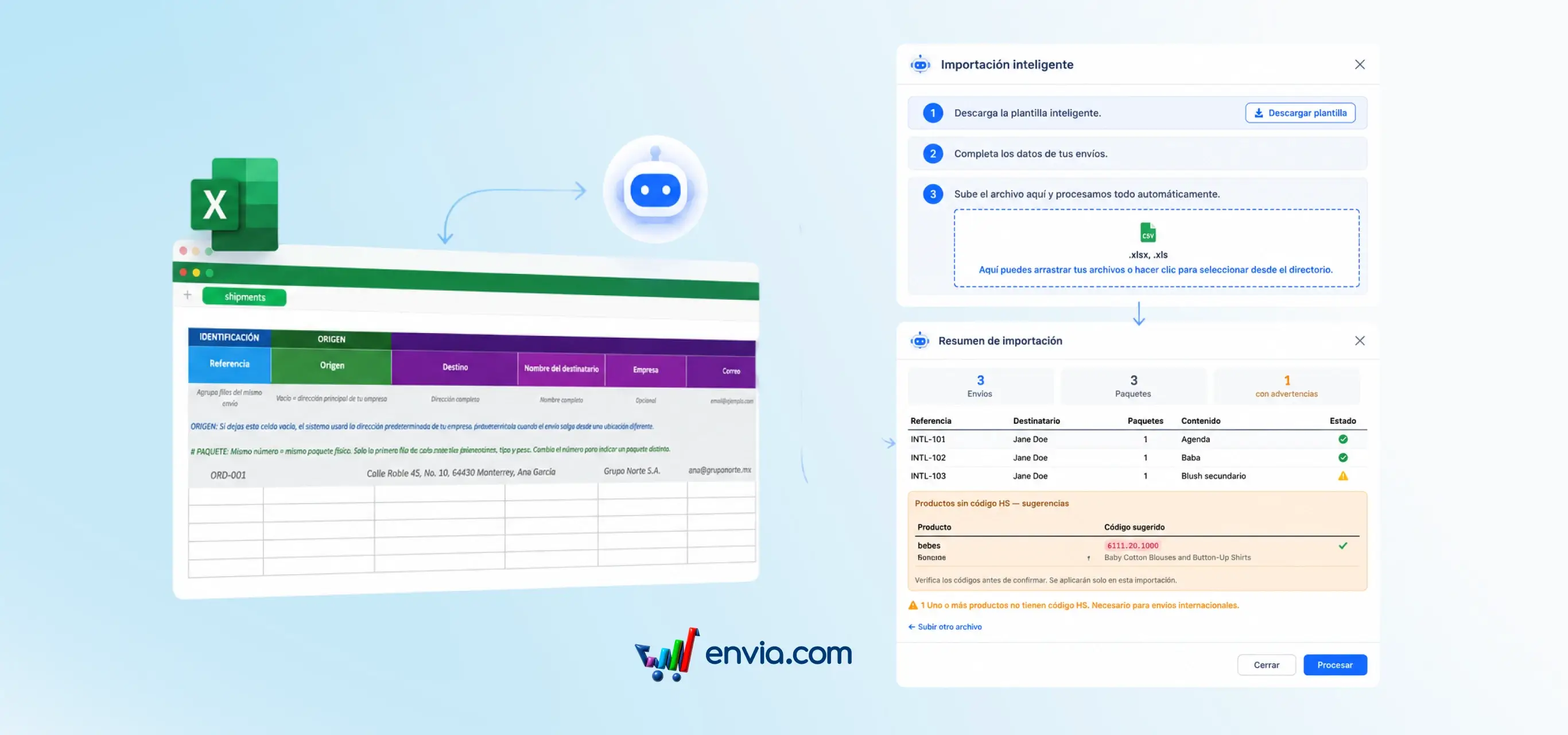
AI maps your Excel file and suggests HS codes for your bulk shipments
Upload any Excel file with your orders and AI automatically detects the columns, regardless of language or order. A three-step flow guides you from downloading the template to uploading the file; once processed, you see a preview with the total shipments, packages and warnings before confirming. For products requiring an HS code, the system classifies them and presents suggestions you can apply to all with one click or review individually by SKU. Works for both domestic and international shipments. Errors appear in the preview, not after labels are generated, so you know exactly what to fix before the shipment leaves your operation.
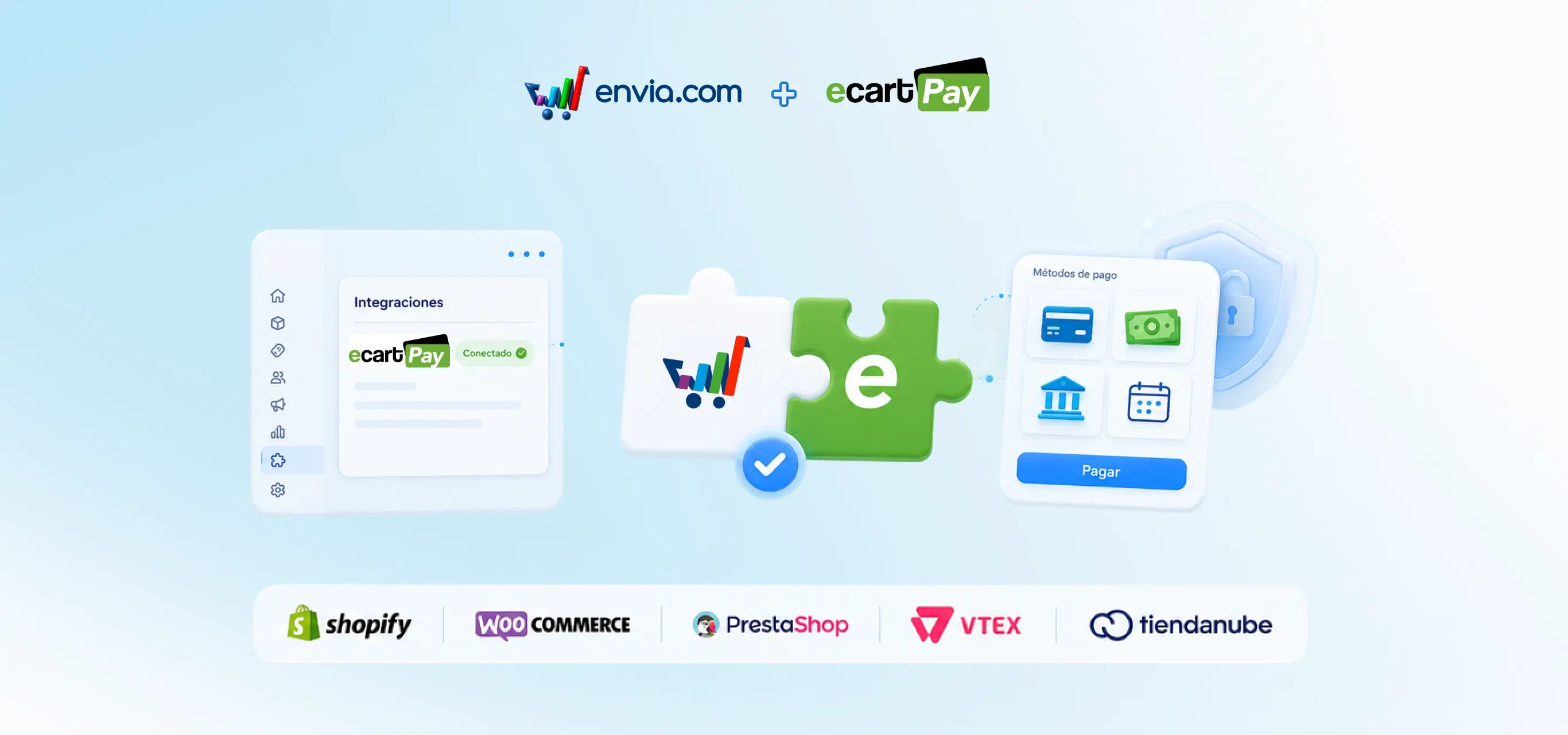
Collect payments in your store with EcartPay: cards, cash, bank transfer, and interest-free instalments
Activate EcartPay as your store's payment gateway and accept credit and debit cards, cash, bank transfers, and interest-free instalments. From your store's integration screen, select the EcartPay version for your platform and install it directly — without redirects or pop-ups that may distract your customers. EcartPay processes every transaction with advanced fraud protection and enables invoice generation directly from its portal. Compatible with Shopify, WooCommerce, PrestaShop, VTEX, and Tiendanube. With rates from 0.4% per transaction, you reduce payment costs while offering customers their preferred payment methods.
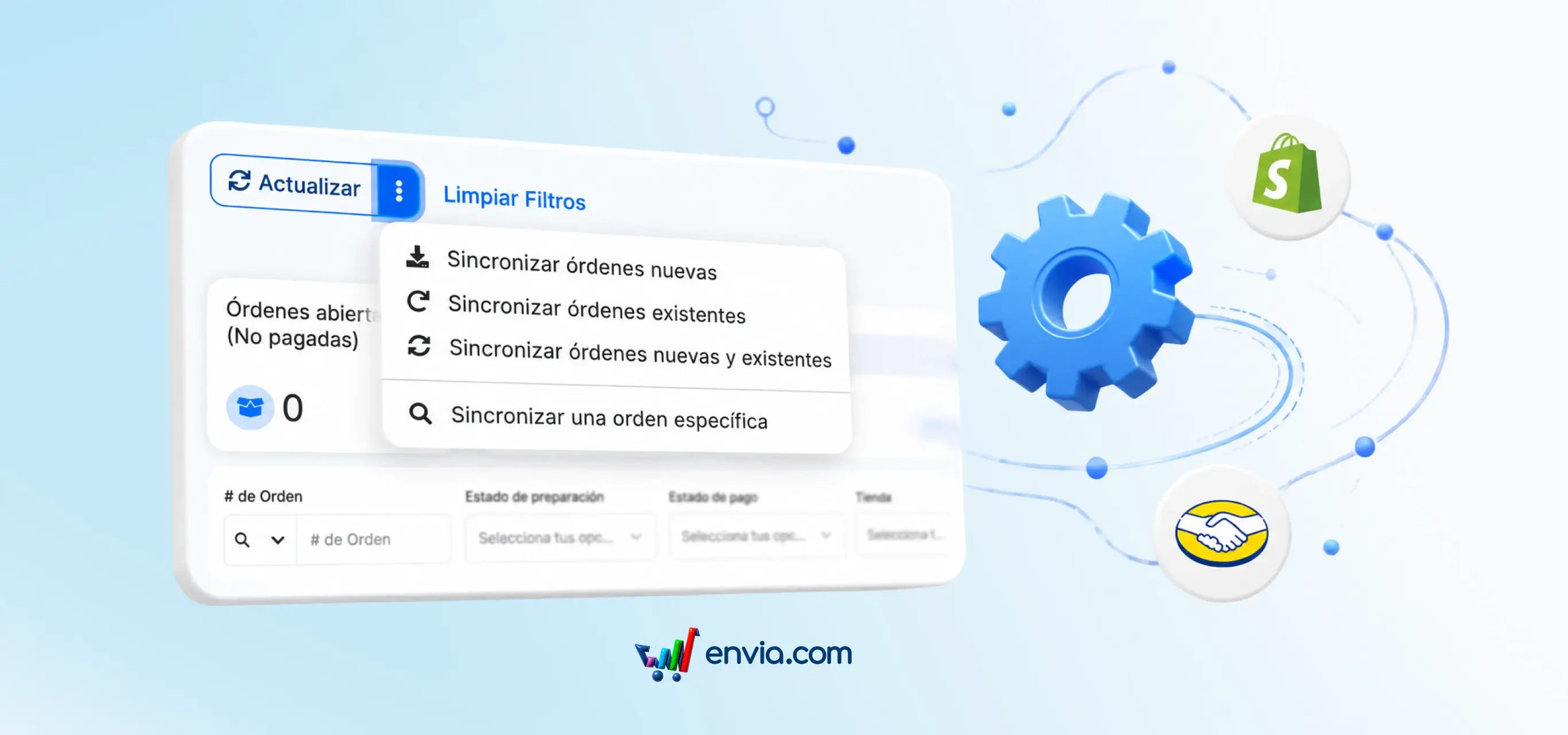
May 2026
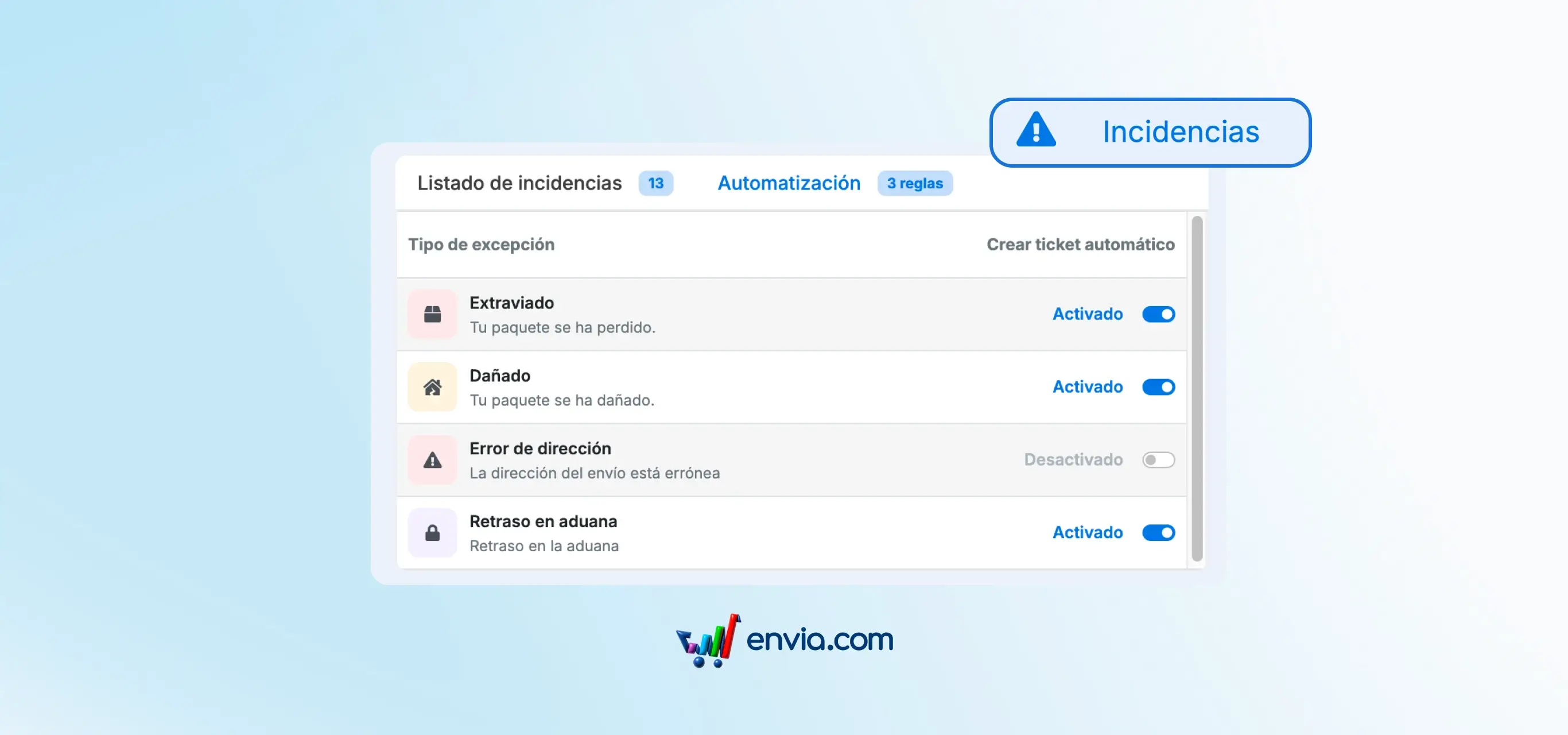
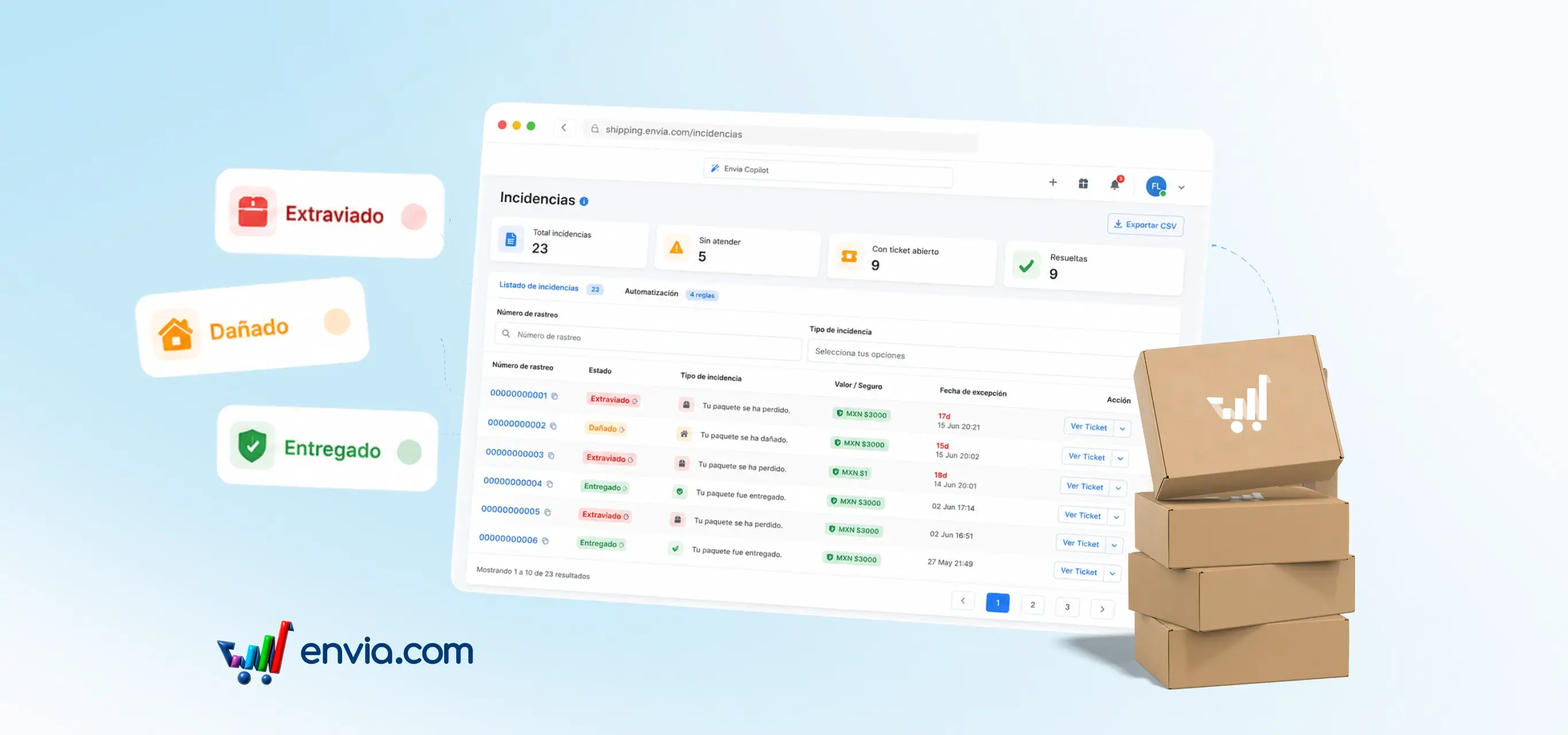
New Incidents module: detect, handle and resolve shipping issues without losing time
You now have Incidents in your main menu: a dedicated screen that groups all shipments that had an issue — lost, damaged, redirected or address error packages. At a glance you see how many incidents you have in total, which ones you haven't handled, which ones already have an open support ticket and which ones are resolved. You can search by tracking number, filter by exception type and export the list to CSV. From each incident you can open a support ticket or view the existing one. You also have an Automation tab where you configure which types of incidents automatically create a ticket, without you having to intervene each time.
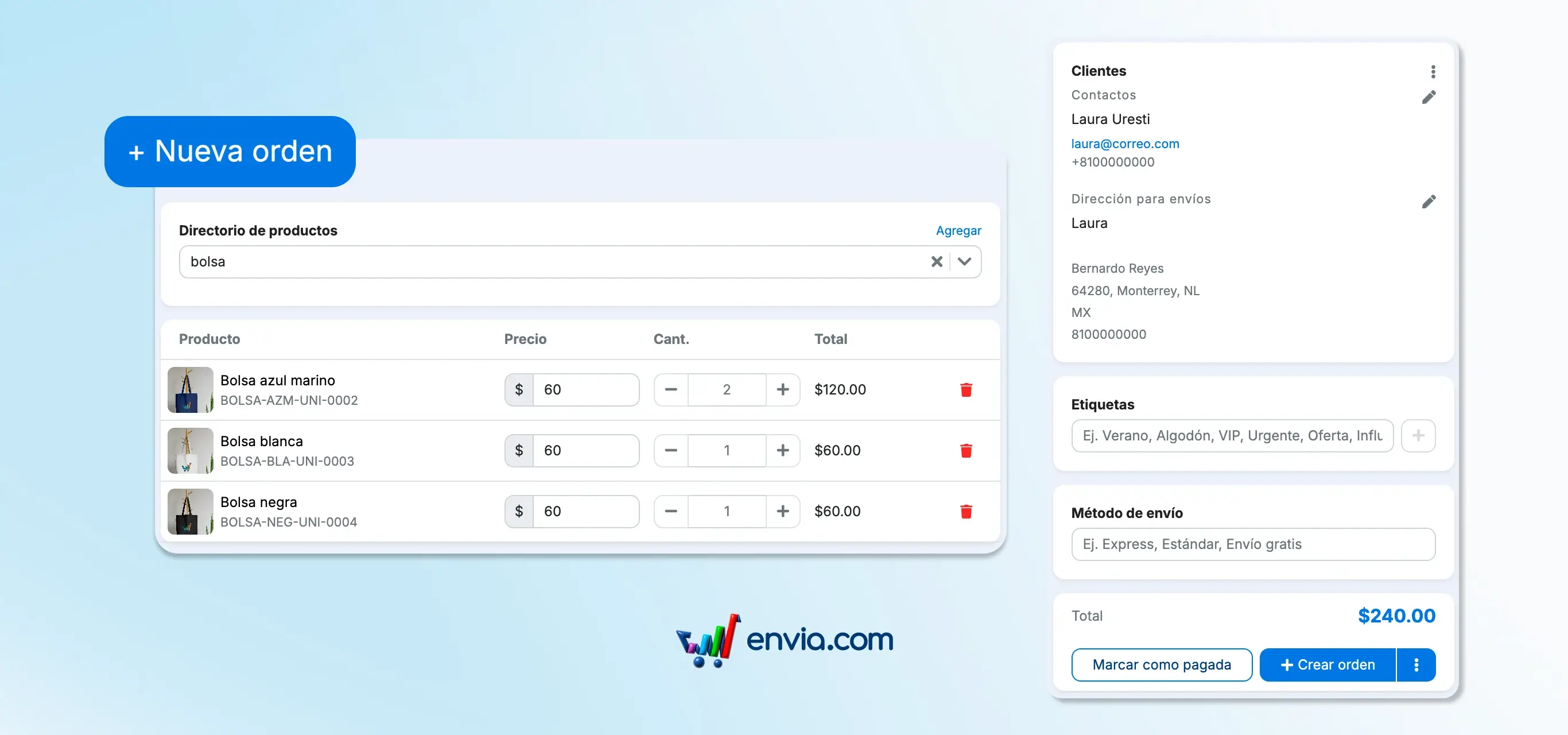
Create orders manually without needing an integration
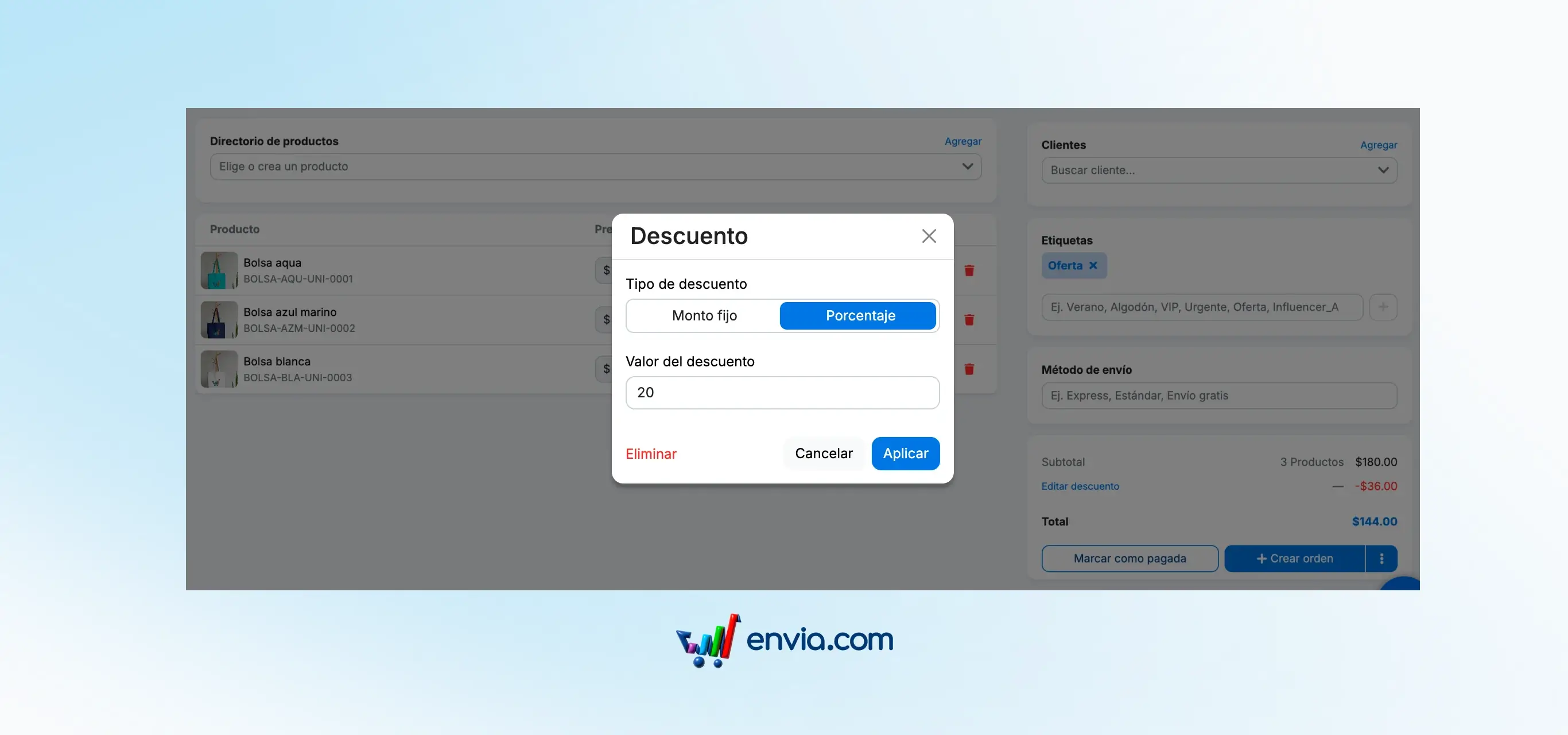
We built a complete flow to create orders manually from Envia.com. You now have a new page under Ecommerce → "+ New order" where you can search for your customer, add products with image, SKU and price, choose the payment method and generate the order in seconds without needing any external integration. Orders appear directly in your Ecommerce table and can be managed just like those coming from Shopify or WooCommerce.
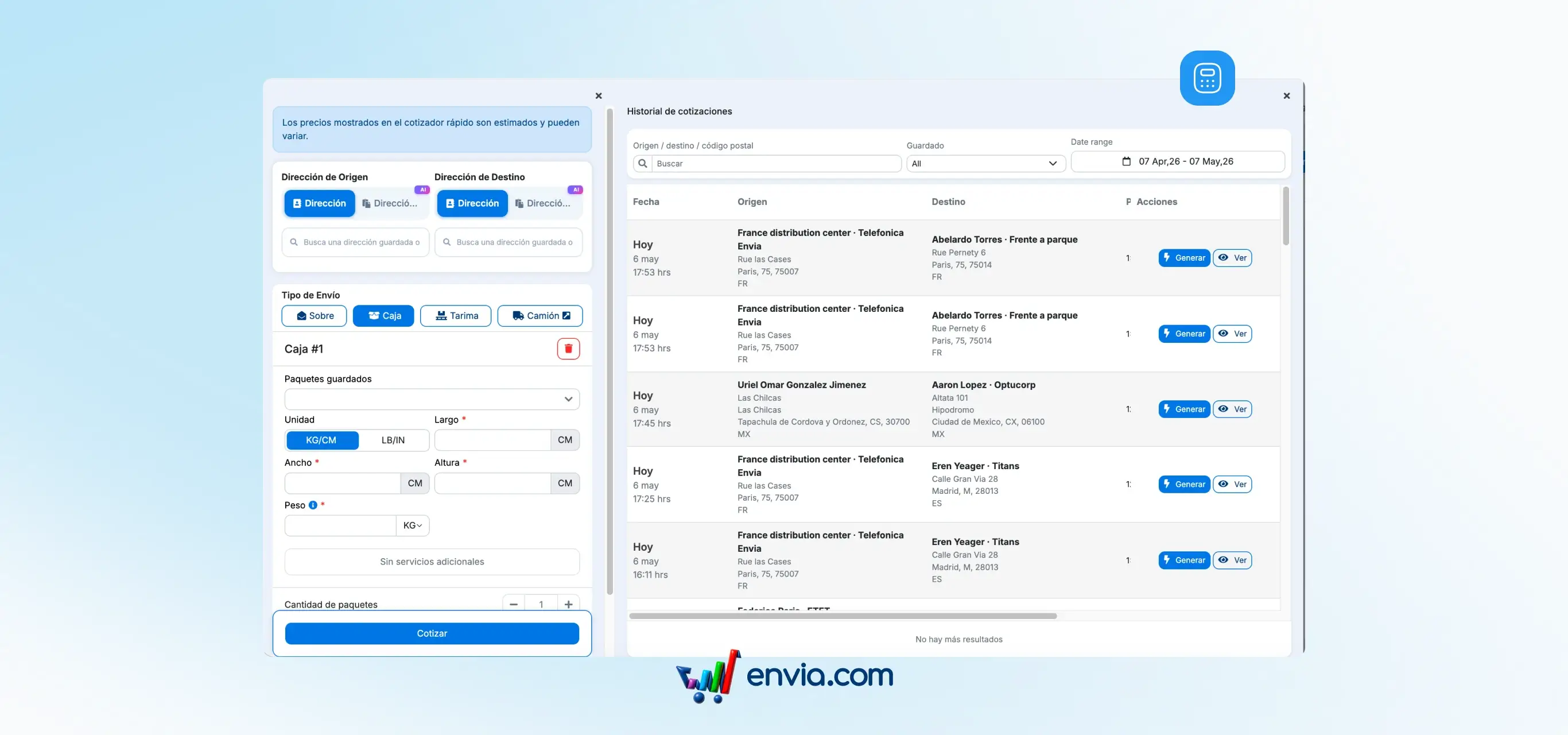
Review, compare and create shipments from your previous quotes
How many times have you quoted a shipment, left the screen and lost the prices? That doesn't happen anymore. Every quote you make in Envia — whether manual, from a shipment, or from a store order — is automatically saved to your history. No extra steps. No repeating the process. In the Quotes → Quote History section, you can see all your recent quotes: origin, destination, packages and the best available rate based on your preferences. To keep a specific quote, pin it with the Saved toggle and the system will never delete it. When you're ready, click Generate to create the shipment directly from there, without re-quoting.
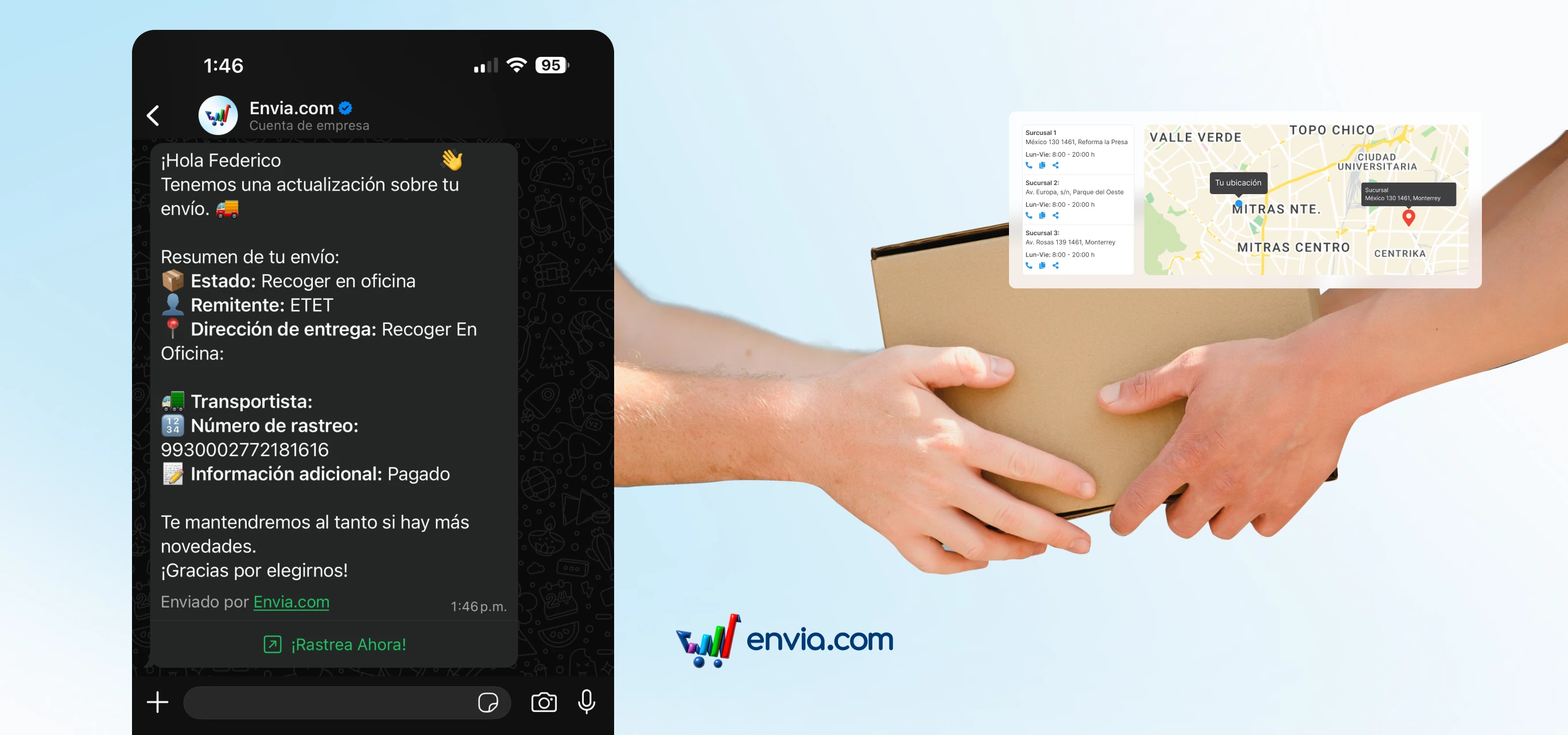
Your customer knows when and where to collect their parcel at the pickup point, without you having to notify them
When a shipment is delivered to a branch (meaning the package doesn't go to the customer's door but to a carrier pickup point), there was previously no automatic notification to tell the buyer they could come collect it. This caused confusion, support calls and in some cases returns due to unclaimed packages. Now, the moment the carrier registers that the package has arrived at the branch, your customer receives a WhatsApp with the shipment status, the exact address of the pickup point, the carrier, the tracking number and a button to track their package in real time. Fully automatic, with nothing required from you. Applies to all countries and carriers that handle this branch delivery method.
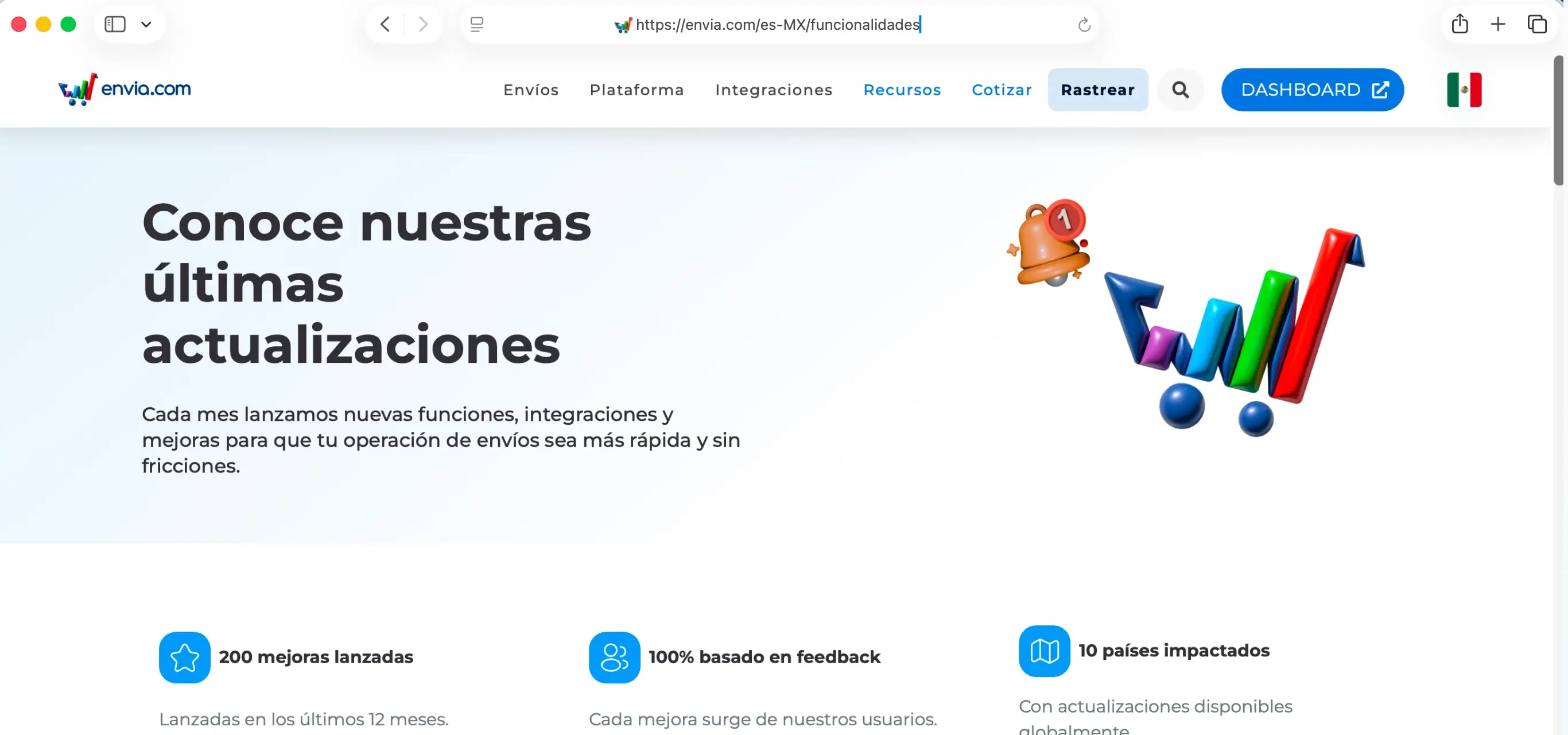
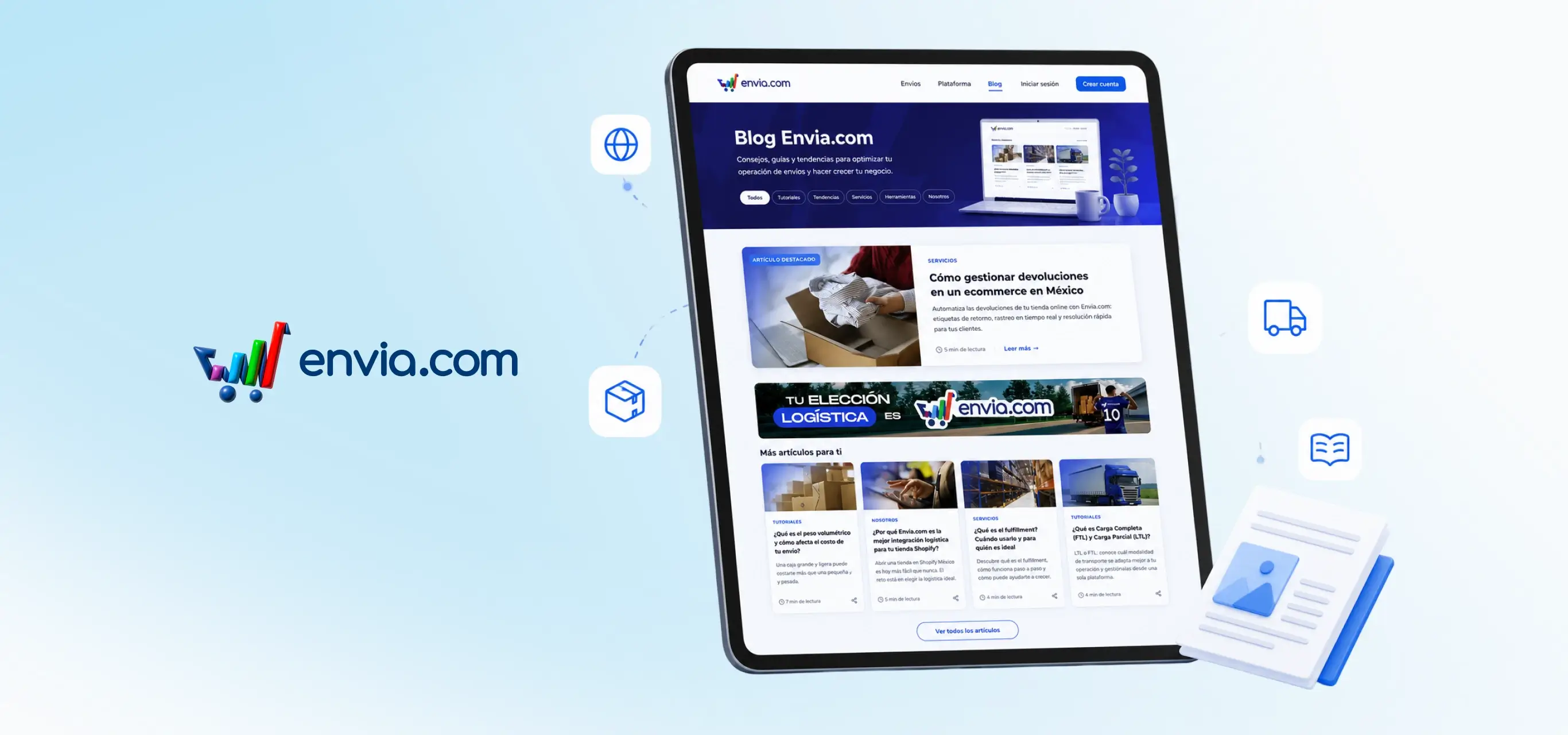
Discover everything new on Envia.com in one place
Stay informed about the latest improvements and updates to our platform. We created a new section on Envia.com called Features, where you can see all the improvements and updates we launch every month. Each new feature has its own page with full details: what changed, why it benefits you and how to use it. Content is automatically updated with each new release and is available in all platform languages.
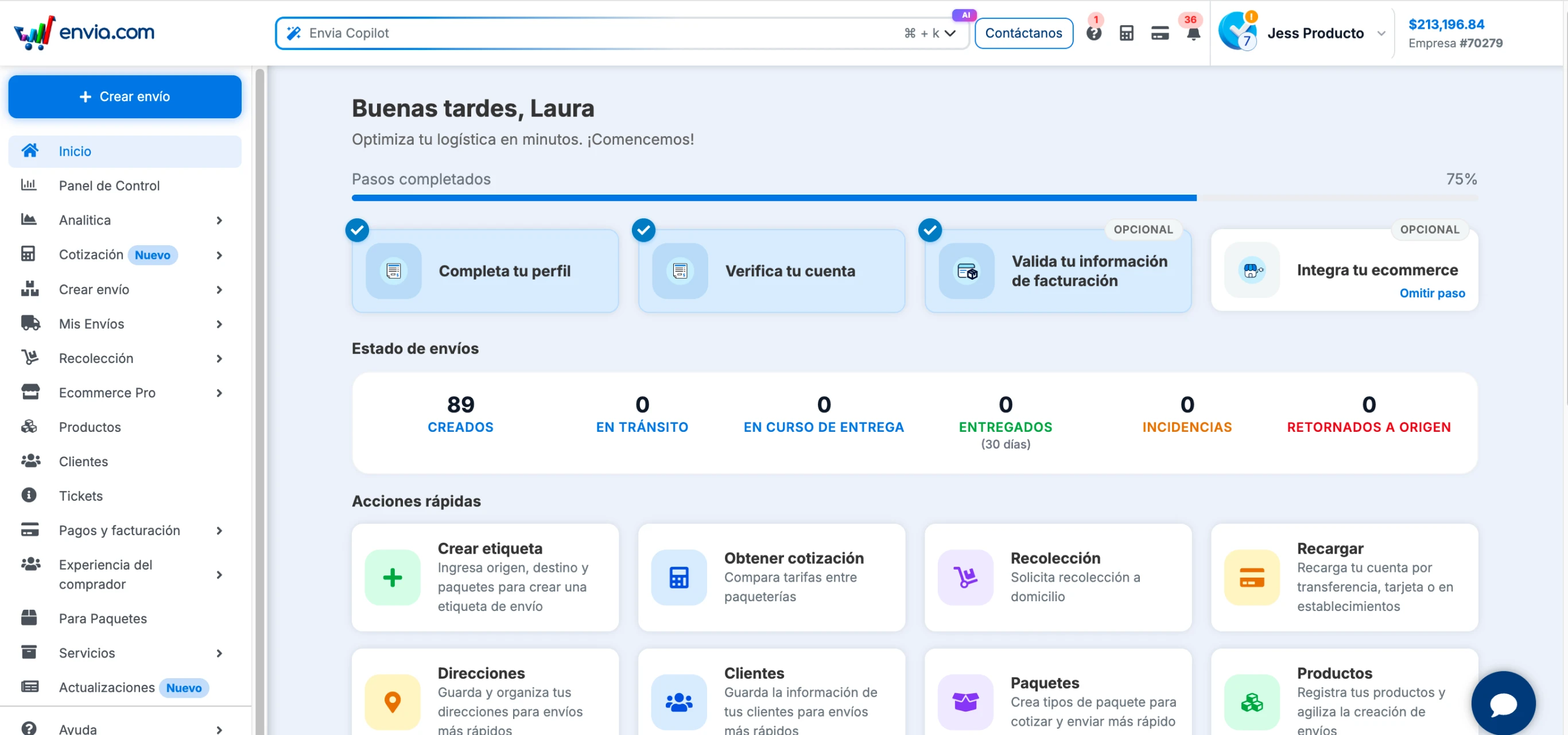
Everything you need to run your operation is on your home screen
Your home page is the first screen you see when you log into Envia and it's now designed so that within seconds you know exactly how your operation is going and can take action without navigating the menu. From there you have the real-time status of your shipments over the last 30 days: how many you created, how many are in transit, how many have issues and how many were returned. You also find your 8 most frequent actions in one click, from creating a label to reloading your balance, and direct access to the 12 platform configuration areas. And if you work with other Envia services, they're there too: Cargo, Fulfillment, WMS, Para Paquetes and Ecart Pay, with direct access from the same screen.
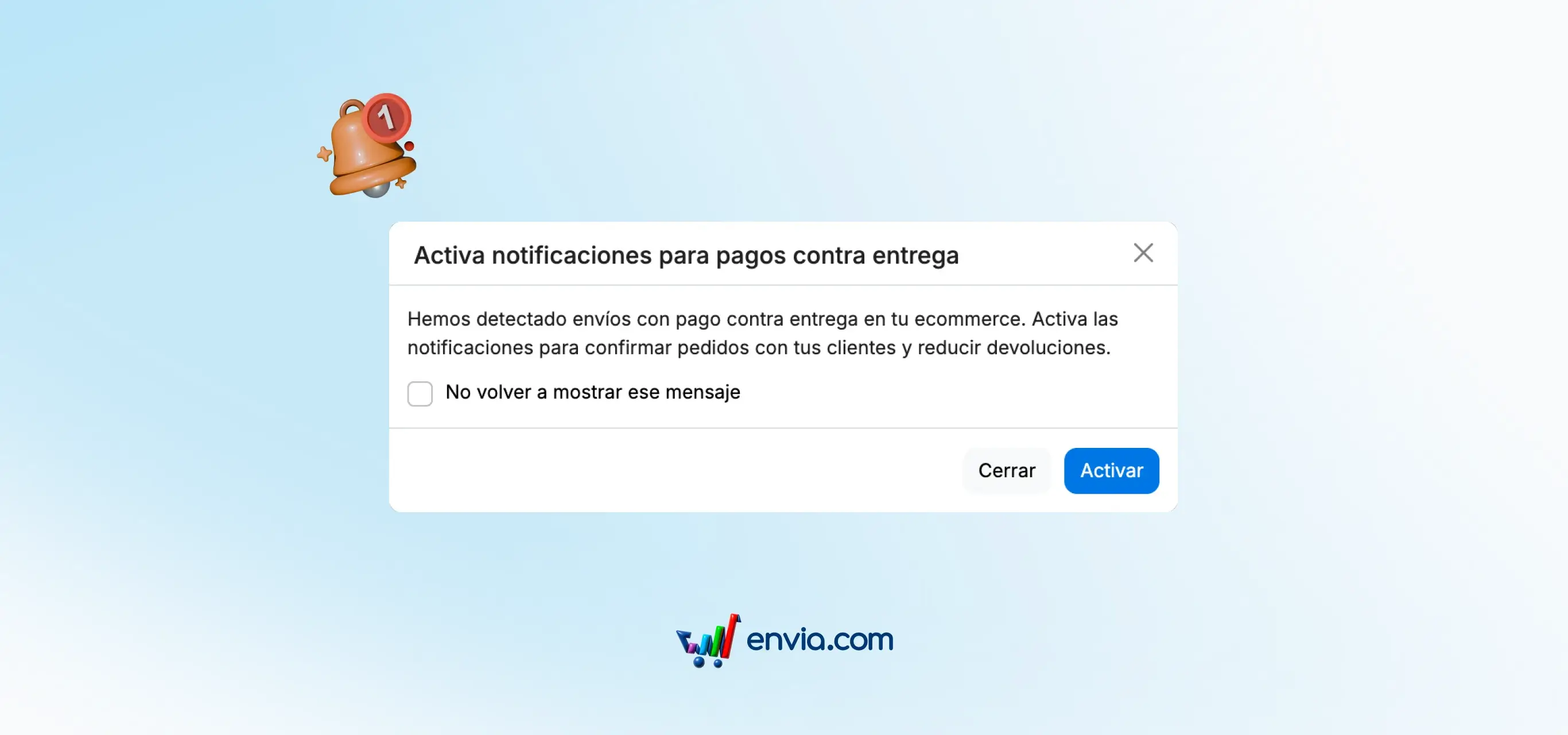
Enable WhatsApp notifications for cash on delivery without leaving your orders page
When you sell cash on delivery (meaning your customer pays when the package arrives), it's key that they receive WhatsApp notifications so they're ready with payment. Previously, enabling those notifications took you away from the orders page to Settings. Not anymore. From the Ecommerce Pro orders page, if your WhatsApp notifications for cash on delivery payments aren't active, a modal appears that lets you enable them right then, without switching screens. One click and done. If something fails, you'll see a clear message explaining what happened. And if you don't want the modal to appear again, you can mark it to never show again.
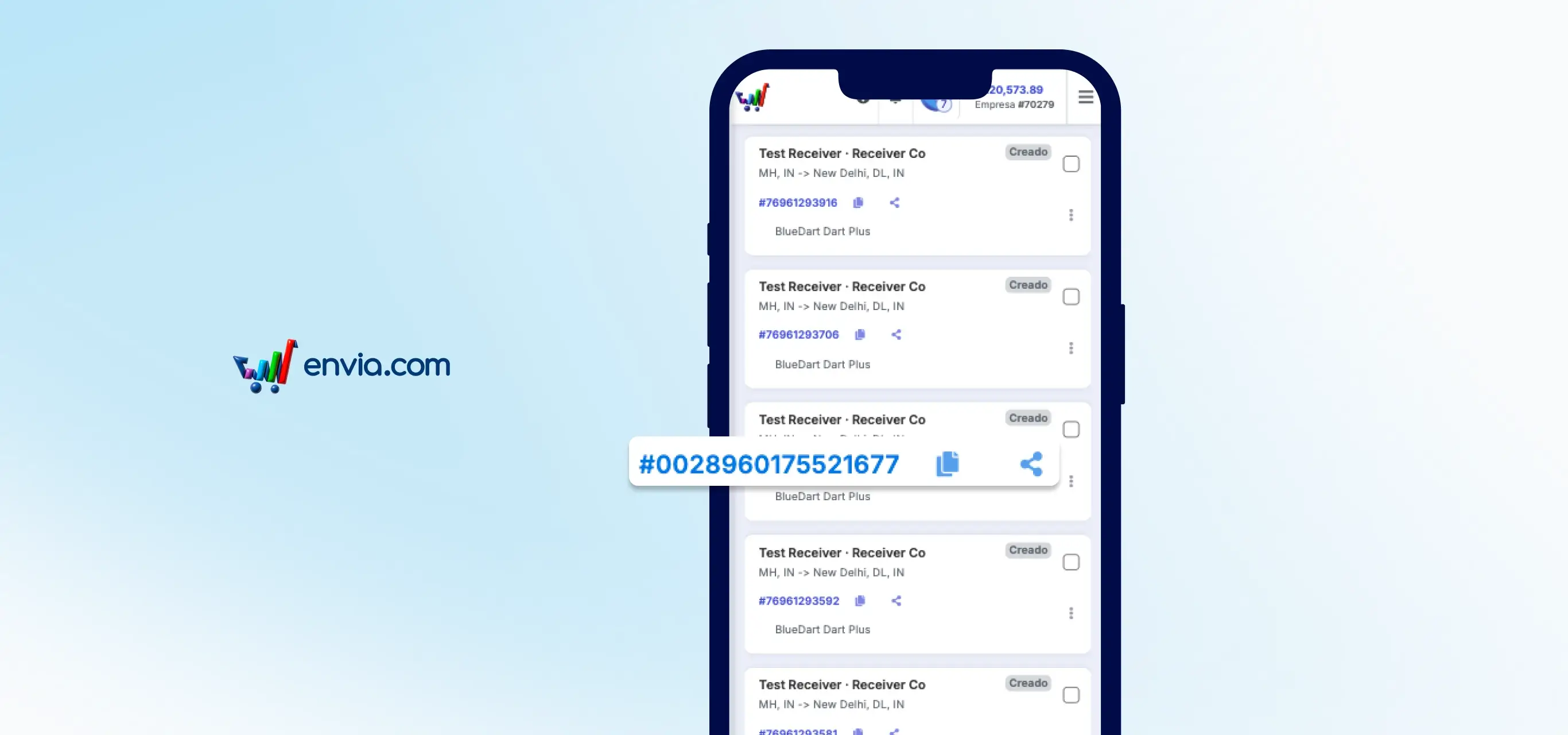
Share the tracking number with your customer directly from your phone
When your customer asks where their order is, you need the tracking number fast. Before, you had to open the full shipment details to find it, but the mobile view of My Shipments has changed that. Each card shows the tracking number with two icons next to it: one to copy it to the clipboard and another to share it directly via WhatsApp, SMS or any app from your phone. One tap and your customer already has the information to track their package. You can also access this option from the actions menu on each card.
March 2026
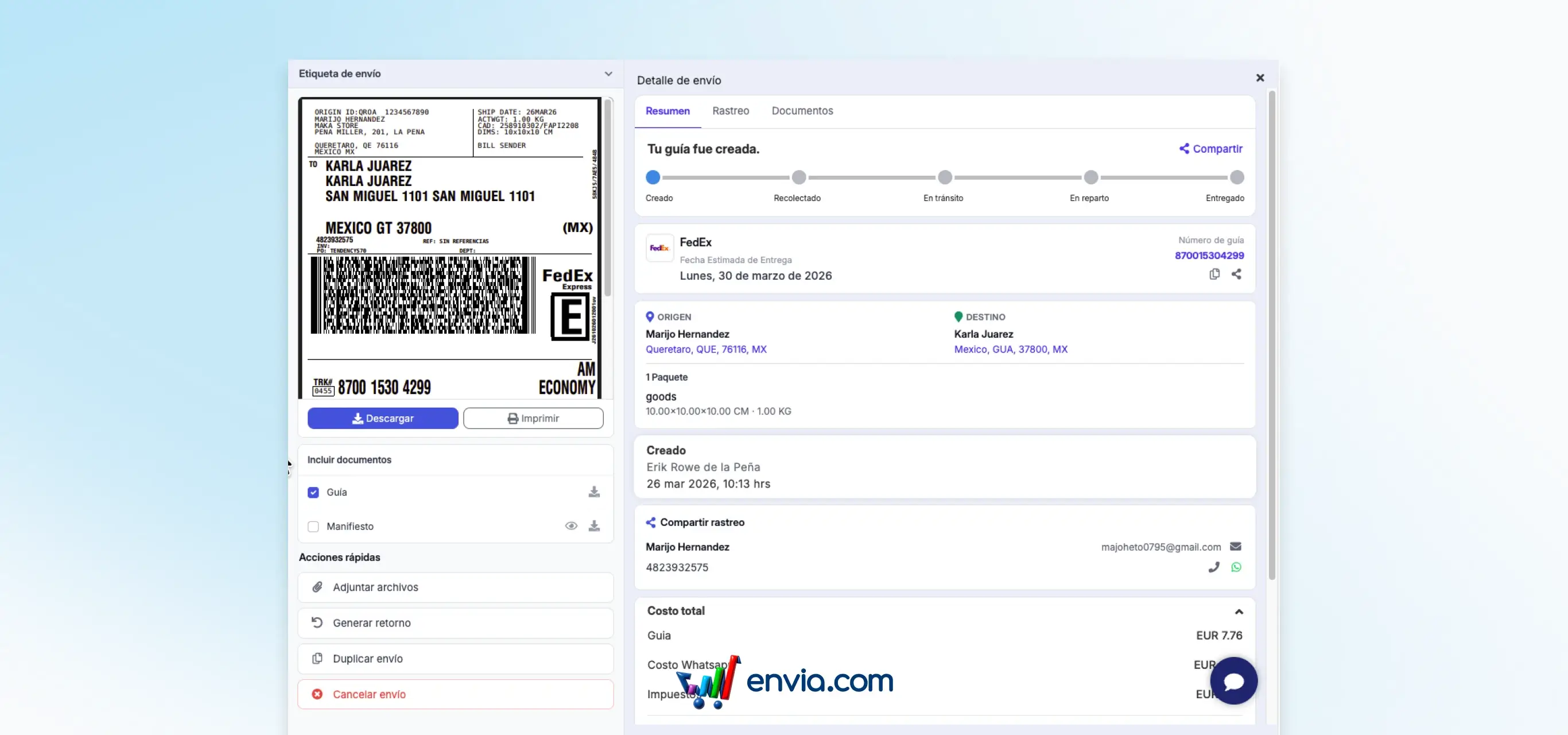
The full detail of each shipment now opens in a side panel with everything organised in three tabs
When you click on any shipment in your list, a side panel opens on the right with all the information organized in three tabs: Summary with the general data of the shipment, Tracking with the status and movements of the package, and Documents where you can see the PDF guide, the manifest and the packing list (available only for Ecommerce Pro shipments), in addition to uploading additional documents for international shipments or evidence in case of incidents. From the same panel you can also generate a return, duplicate the shipment or cancel it, without having to open a separate screen. The PDF guide can be viewed directly from the dashboard without needing to download it first.
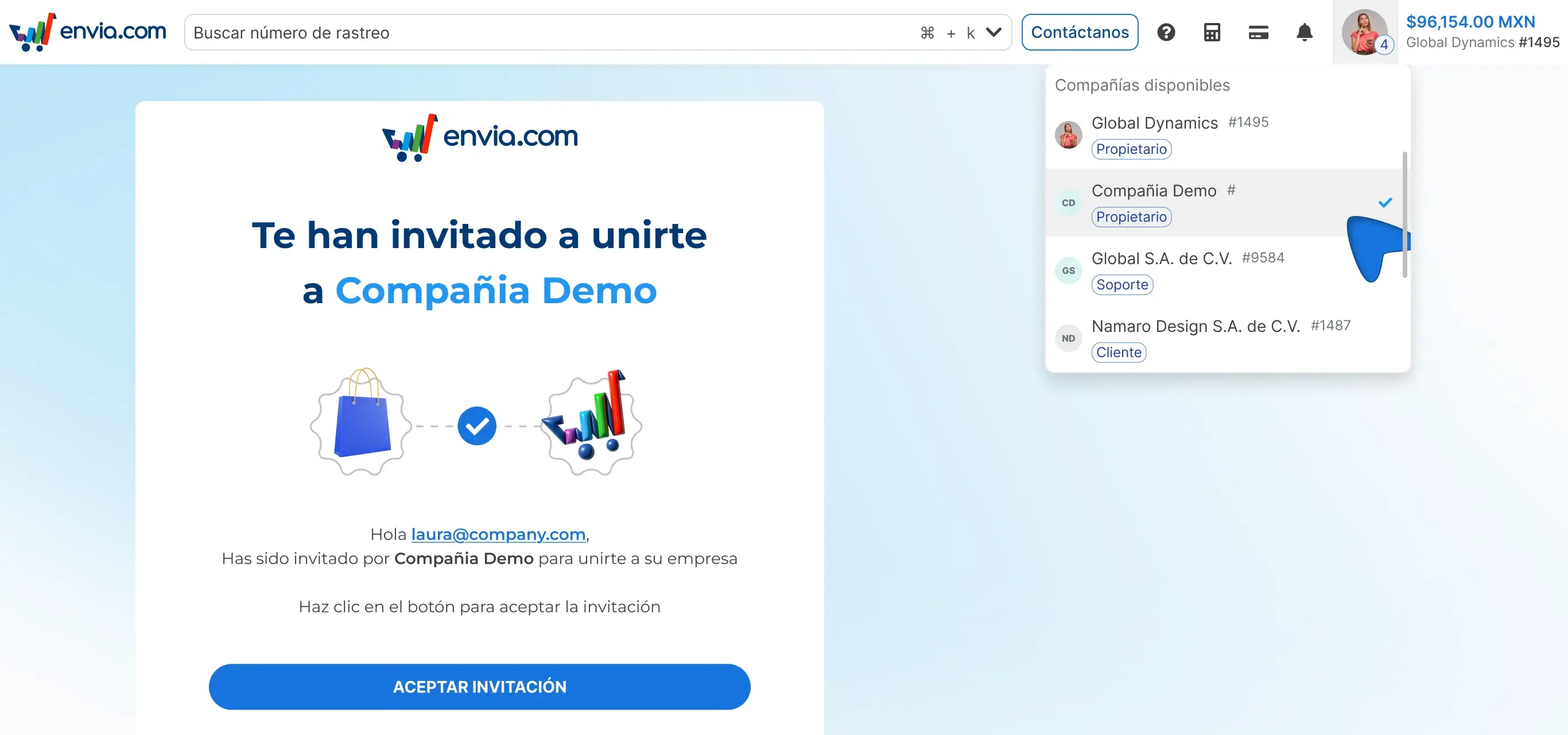
Invite users to your company and switch between accounts without logging out
From the Users section you can add new members and assign them a role. If the email already has an account, an invitation is sent. If not, fill in the data and share credentials. You can switch between companies without logging out.
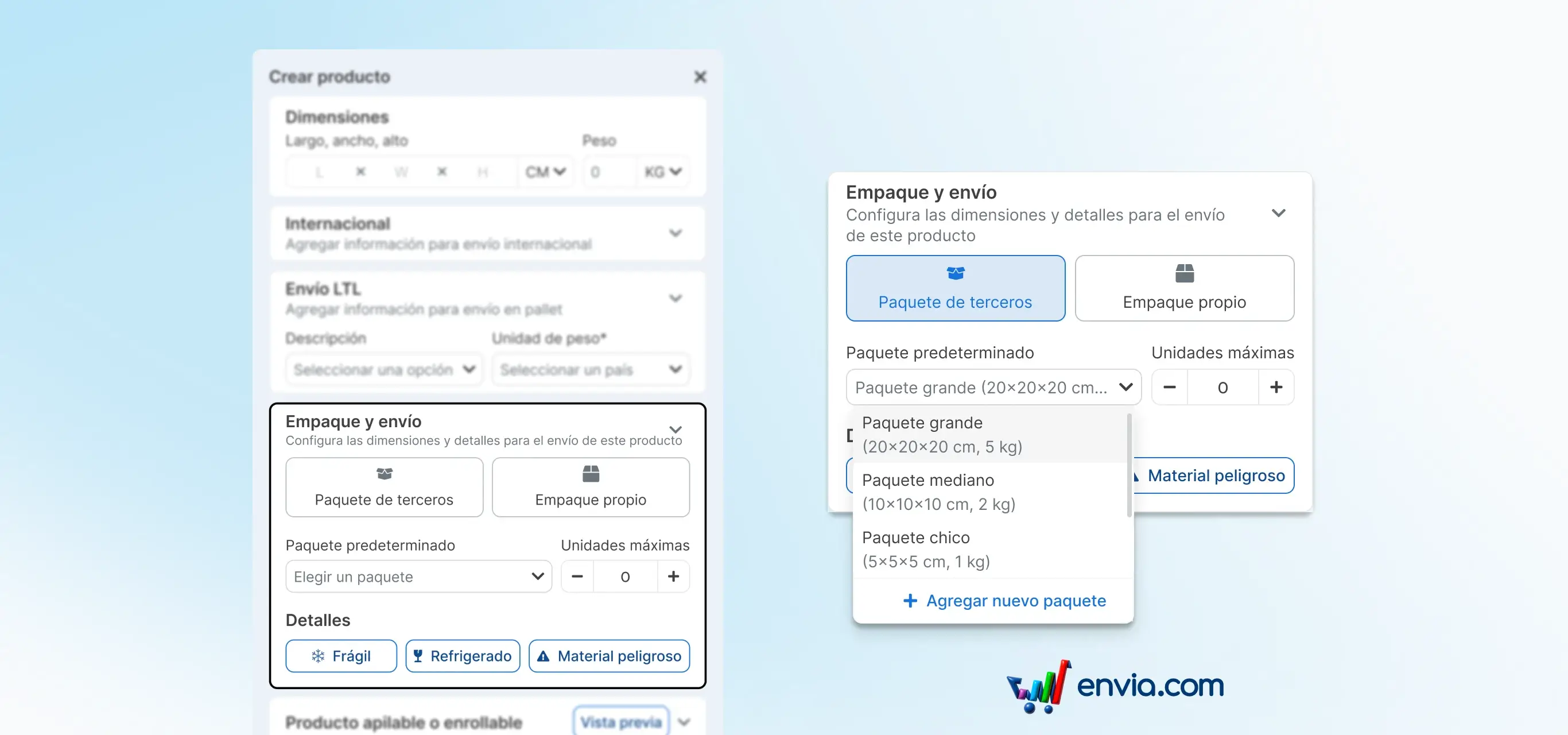
Assign the right package to each product and the system applies it automatically when an order arrives
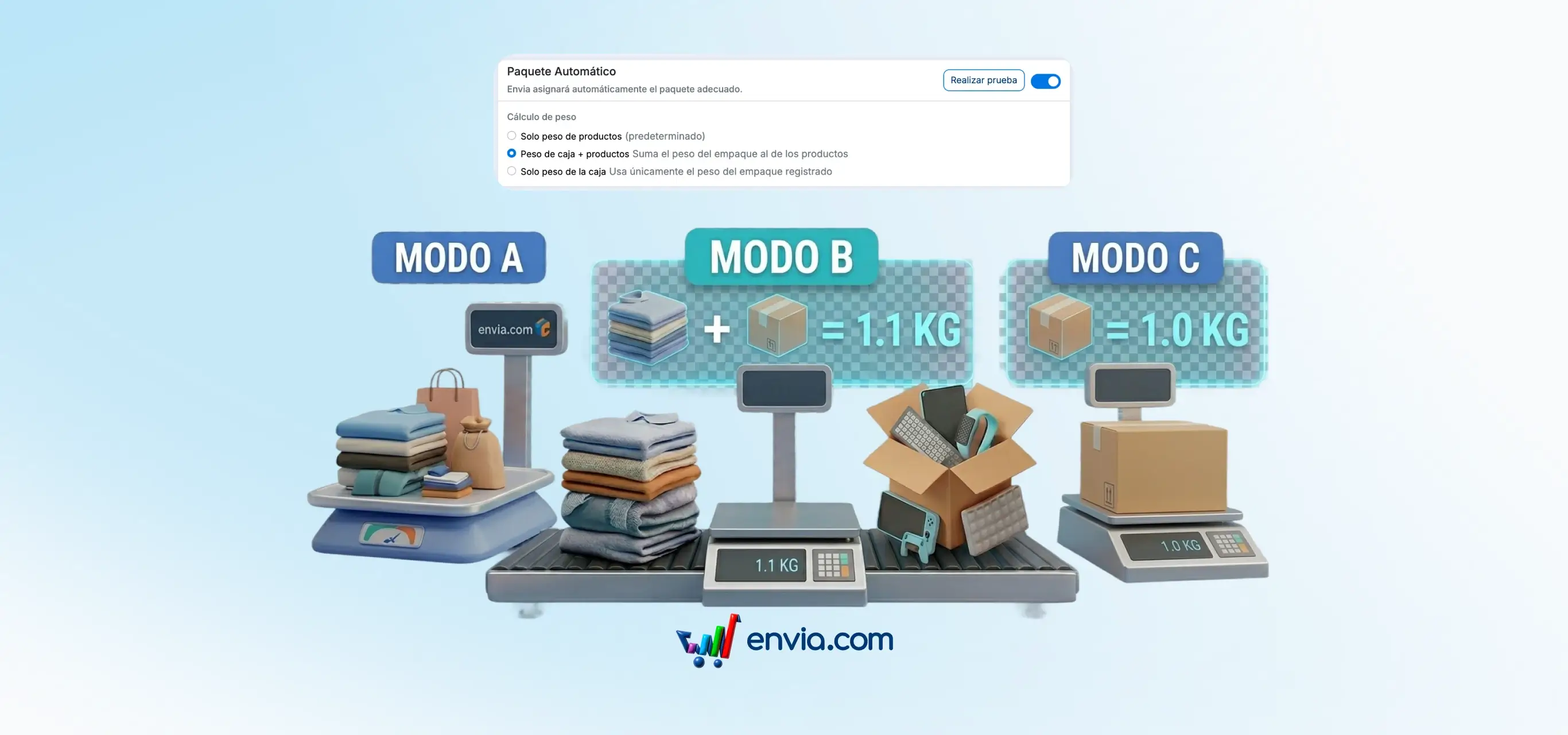
Every product has an ideal packaging. By setting it up in the catalogue, the system automatically applies packaging rules when an order arrives. You define how many units fit, or the product dimensions are used directly.

February 2026
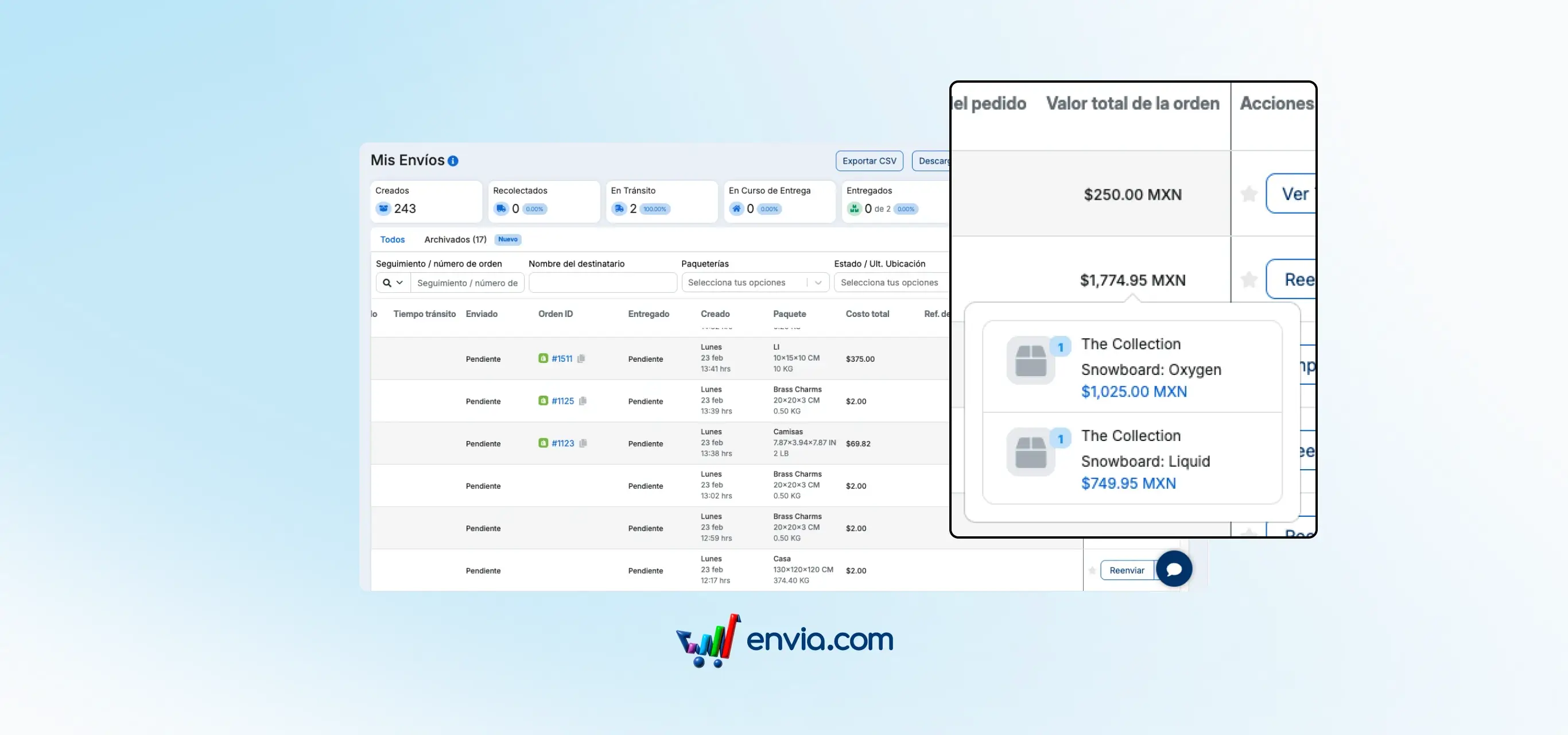
See the total value of each order directly from your shipments list
When you manage many shipments a day, matching a sale amount to its corresponding shipment used to take extra time. Now the My Shipments table has an Order Value column where you can see the total amount of each order linked to your Ecommerce store, along with the included product details, without opening the shipment or switching screens. Enable it from Edit Columns and position it wherever works best for you.
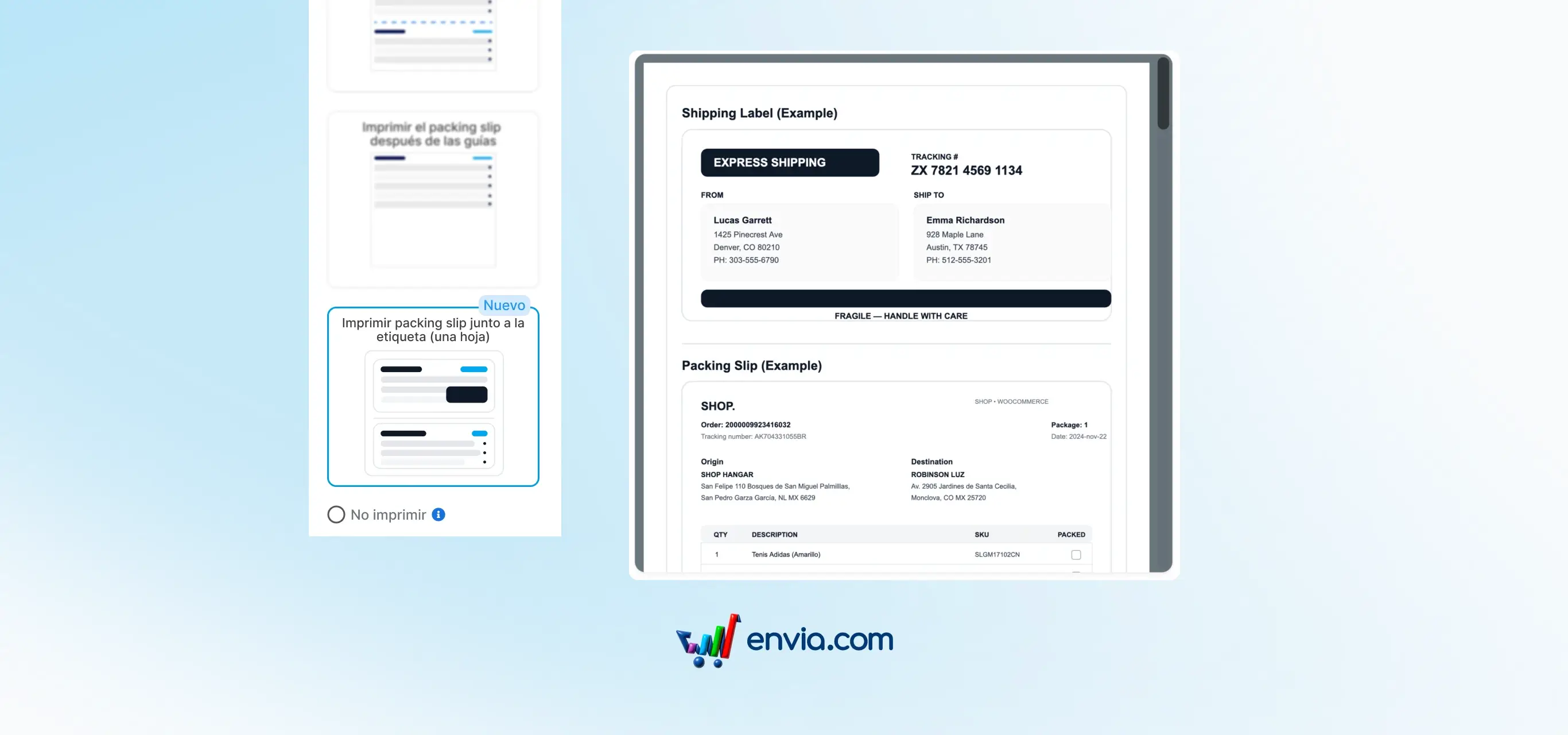
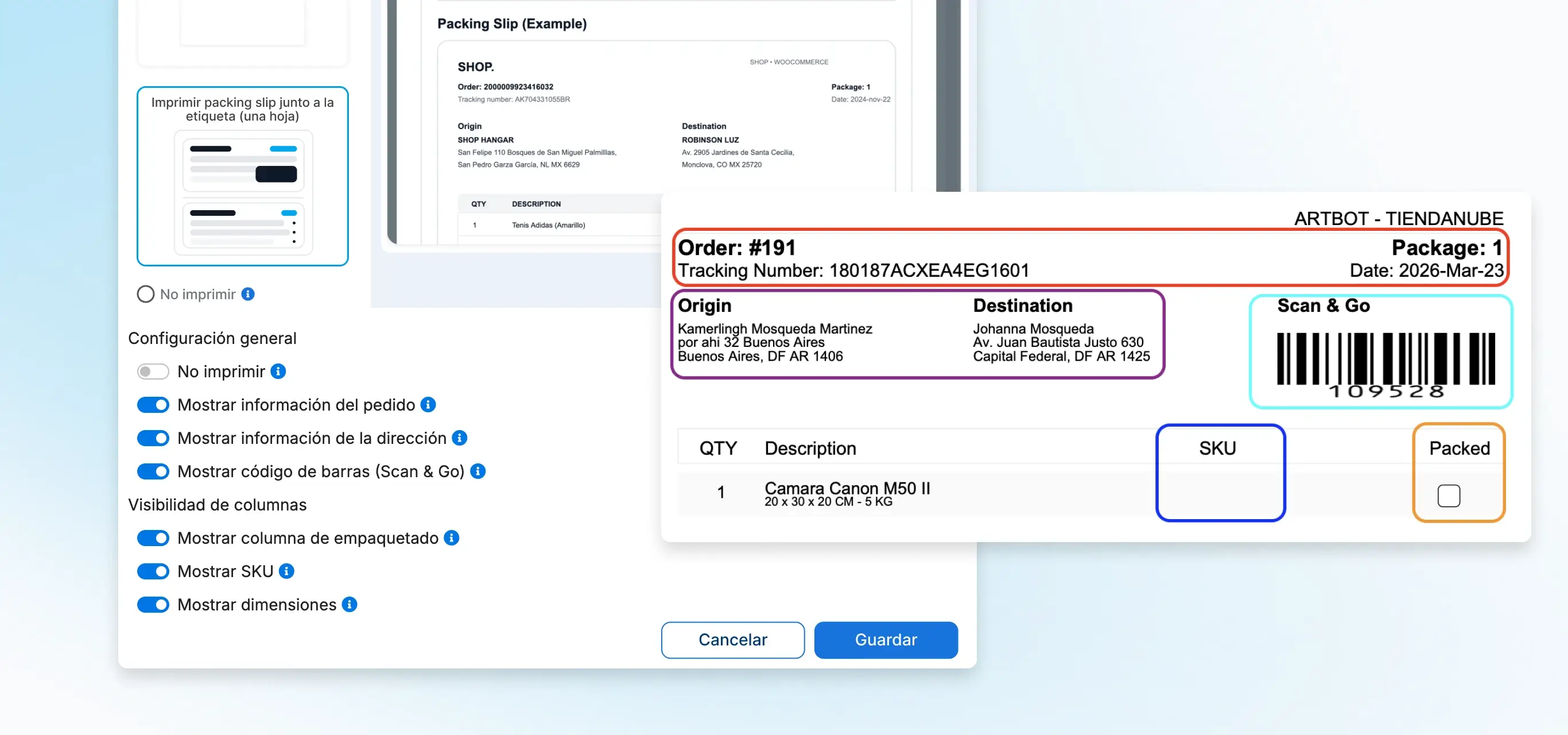
Print your label and order details on a single sheet, in one step
Before you had to generate two separate files: the label to attach to the package and the packing slip to place inside. Now there is a third printing option that combines both into a single PDF. Download them together, print them at once and you are done. Available from Ecommerce Pro in your store settings, within Configure Packing Slip.
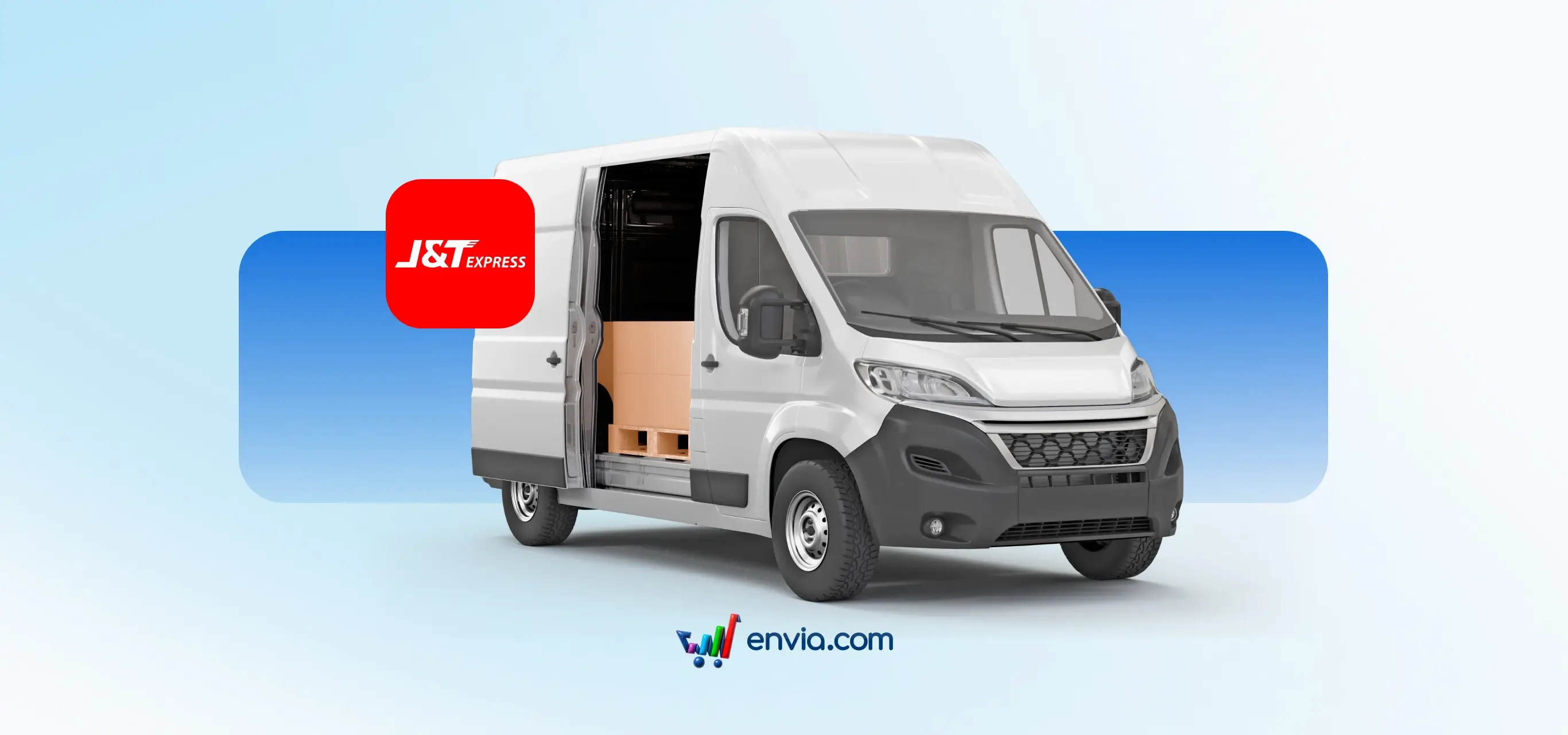
J&T Express is back on Envia with coverage across 32 states of Mexico
J&T Express returns to Envia with expanded national coverage. From Mexico City and Estado de México you can ship to all 32 states, with packages up to 30 kg and delivery times of 1 to 7 business days. Quote and compare its rates alongside all other carriers available on Envia, from the same place as always.
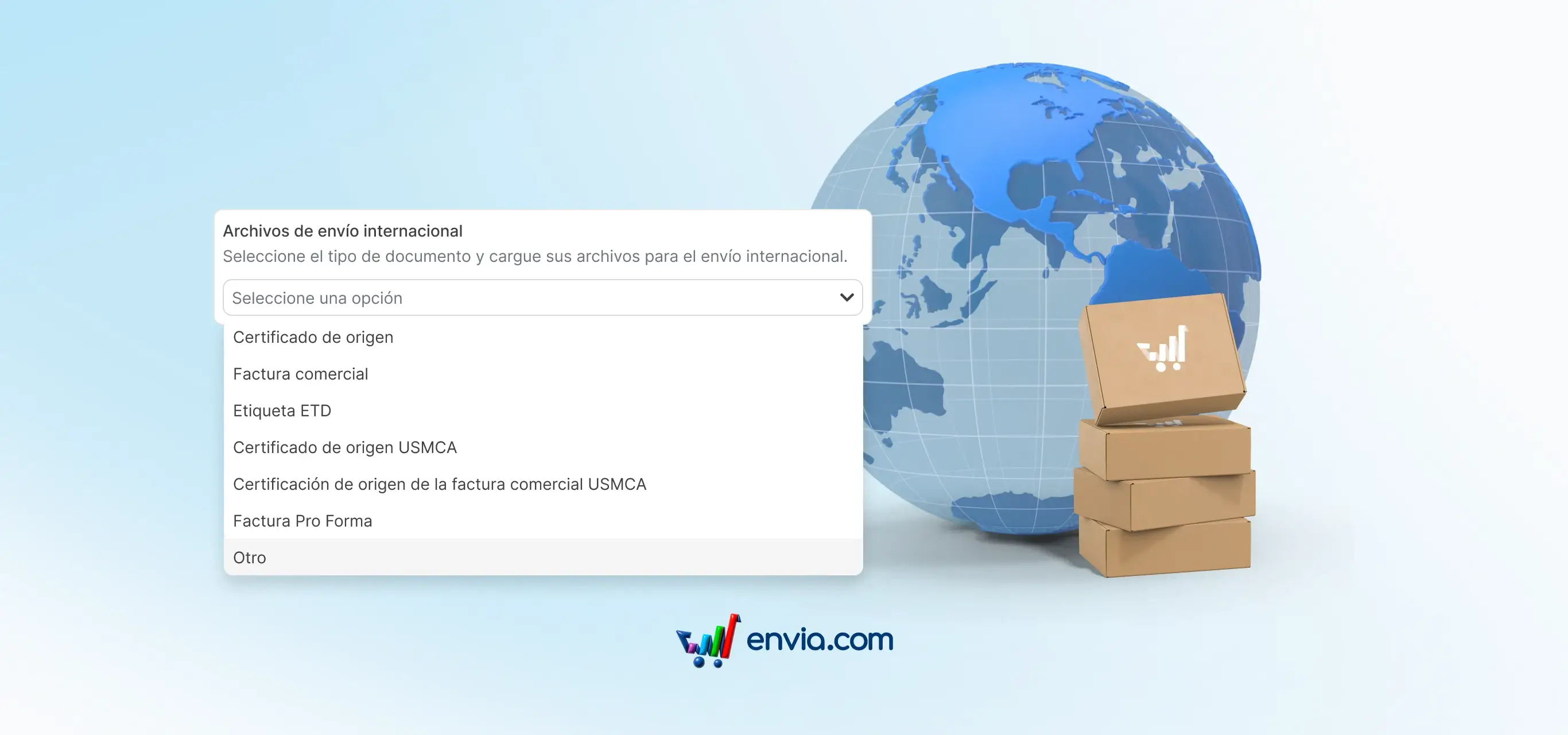
Attach the documents customs requires without leaving the platform
Some international shipments require additional documents when clearing customs: a certificate of origin, a proforma invoice or another. Previously you had to send them separately to the carrier or follow a process outside Envia. Now you can attach them directly from the platform: when generating the shipment or from My Shipments once the shipment already exists.
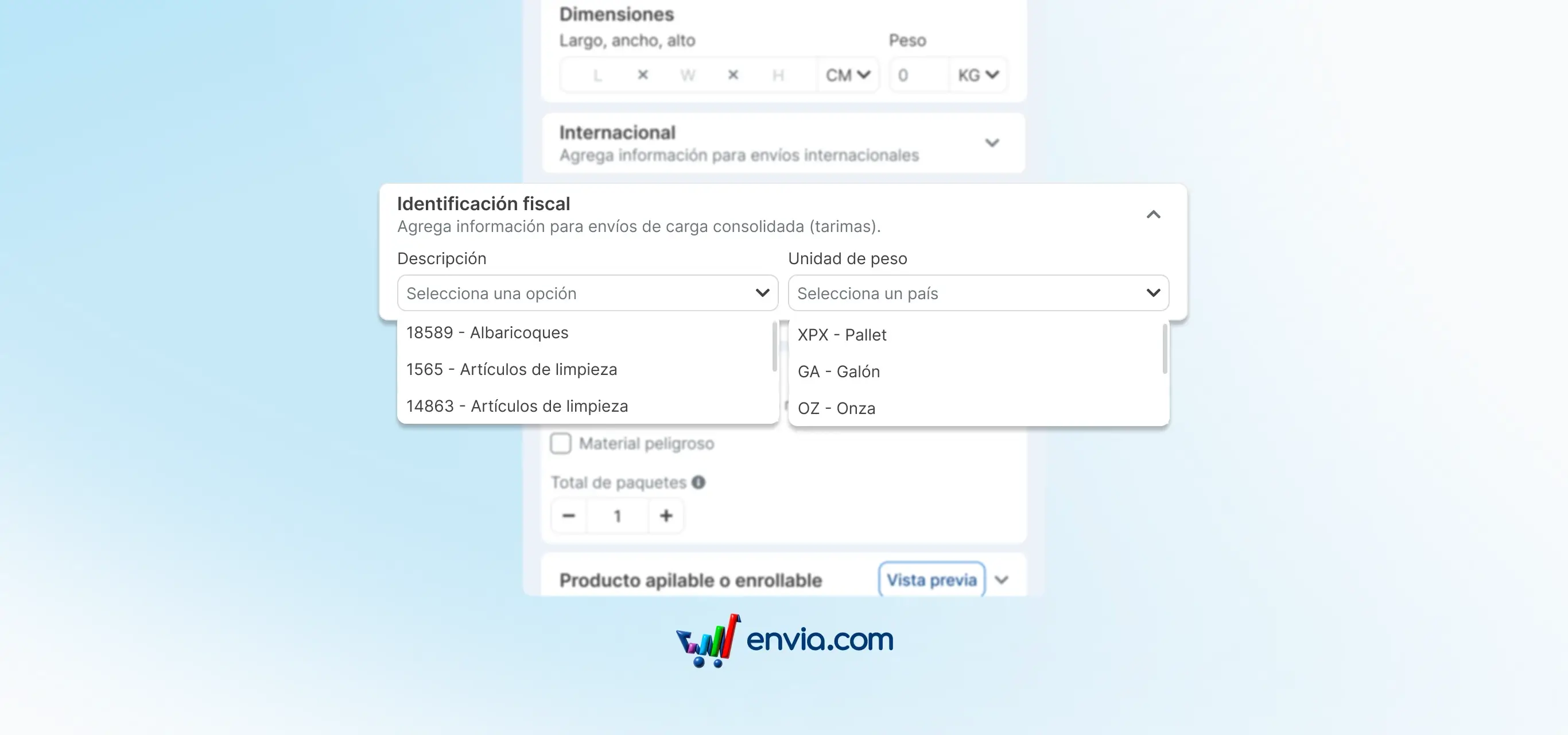
Classify your products according to SAT for consolidated freight shipments from your catalogue
LTL consolidated freight shipments require each product to be classified according to the official SAT catalogues. This classification is mandatory to correctly issue the bill of lading. Now you can enter that information directly in the Envia product catalogue under the new Tax Identification section. Choose the product description and weight unit according to SAT catalogues, save it and it will be available every time you use that product in an LTL shipment.
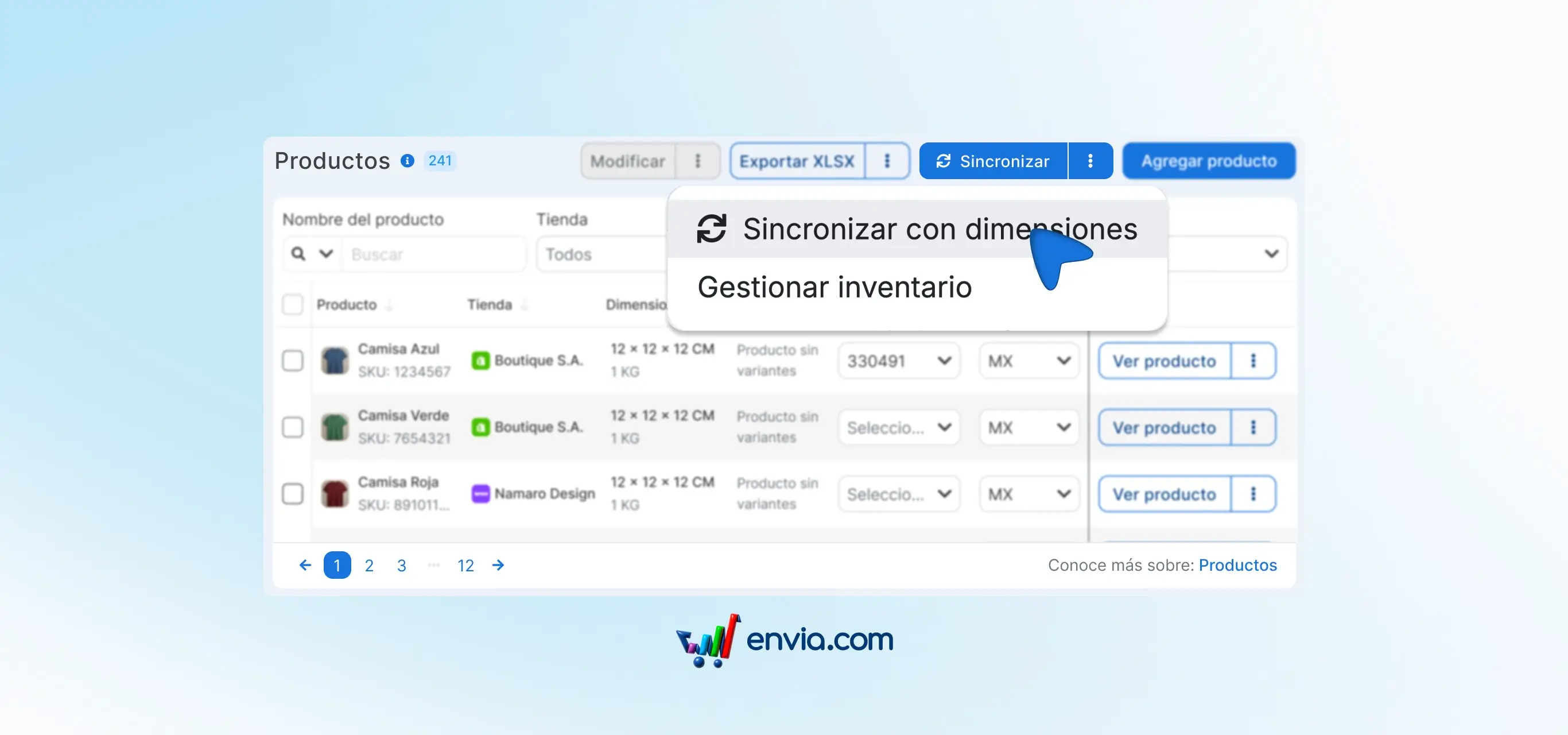
Your product dimensions update automatically when you change them in your store
Previously, product dimensions were only imported once when connecting your store. If you later changed height, width or length in Shopify, WooCommerce or another platform, those changes never reached Envia. Now you can enable automatic dimension sync from Ecommerce Pro.
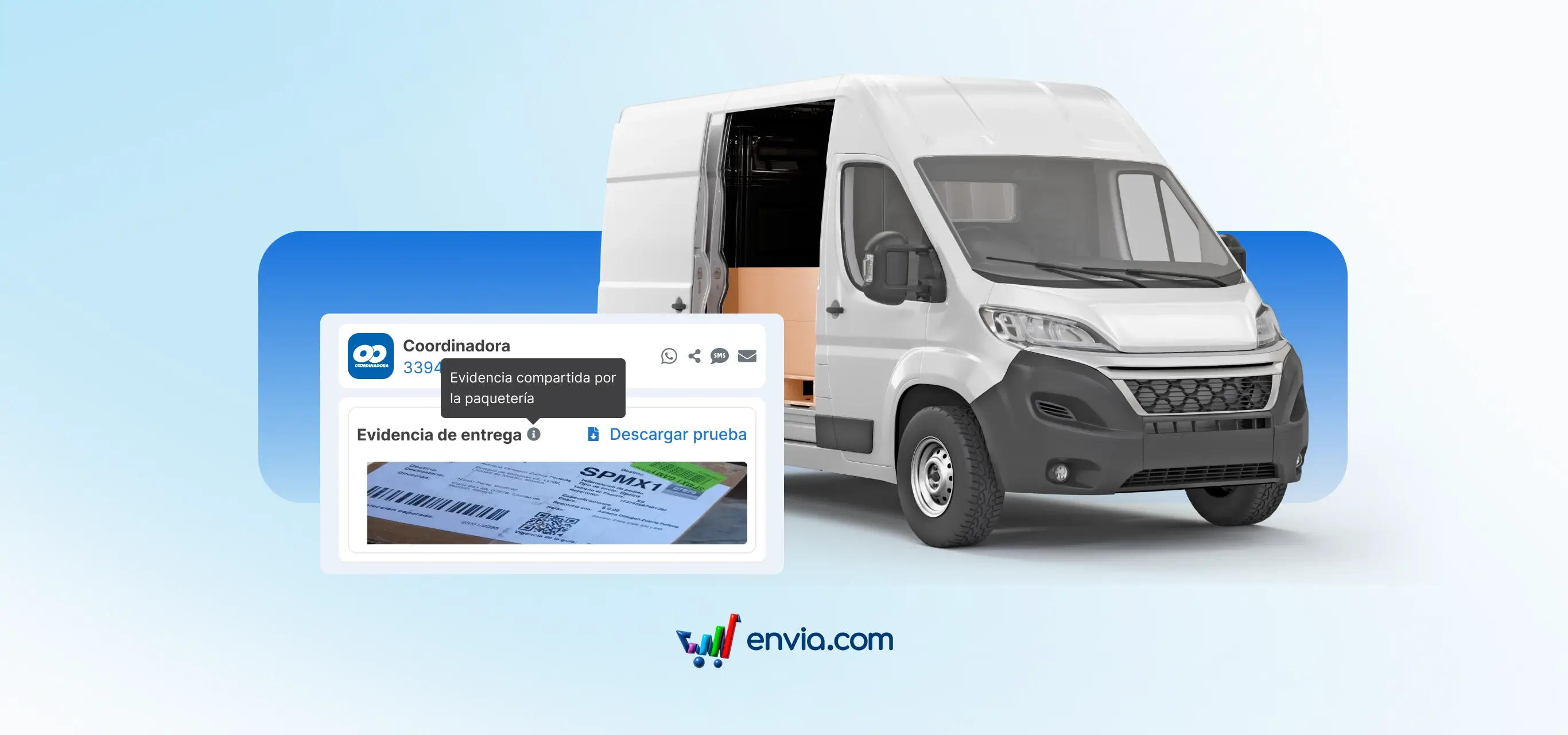
Confirm your shipment was delivered with the Coordinadora proof of delivery
When a customer says they didn't receive their package and you have no way to prove it, the situation gets complicated. The proof of delivery (POD) confirms the package arrived. Now you can check it directly from My Shipments for your shipments delivered with Coordinadora.
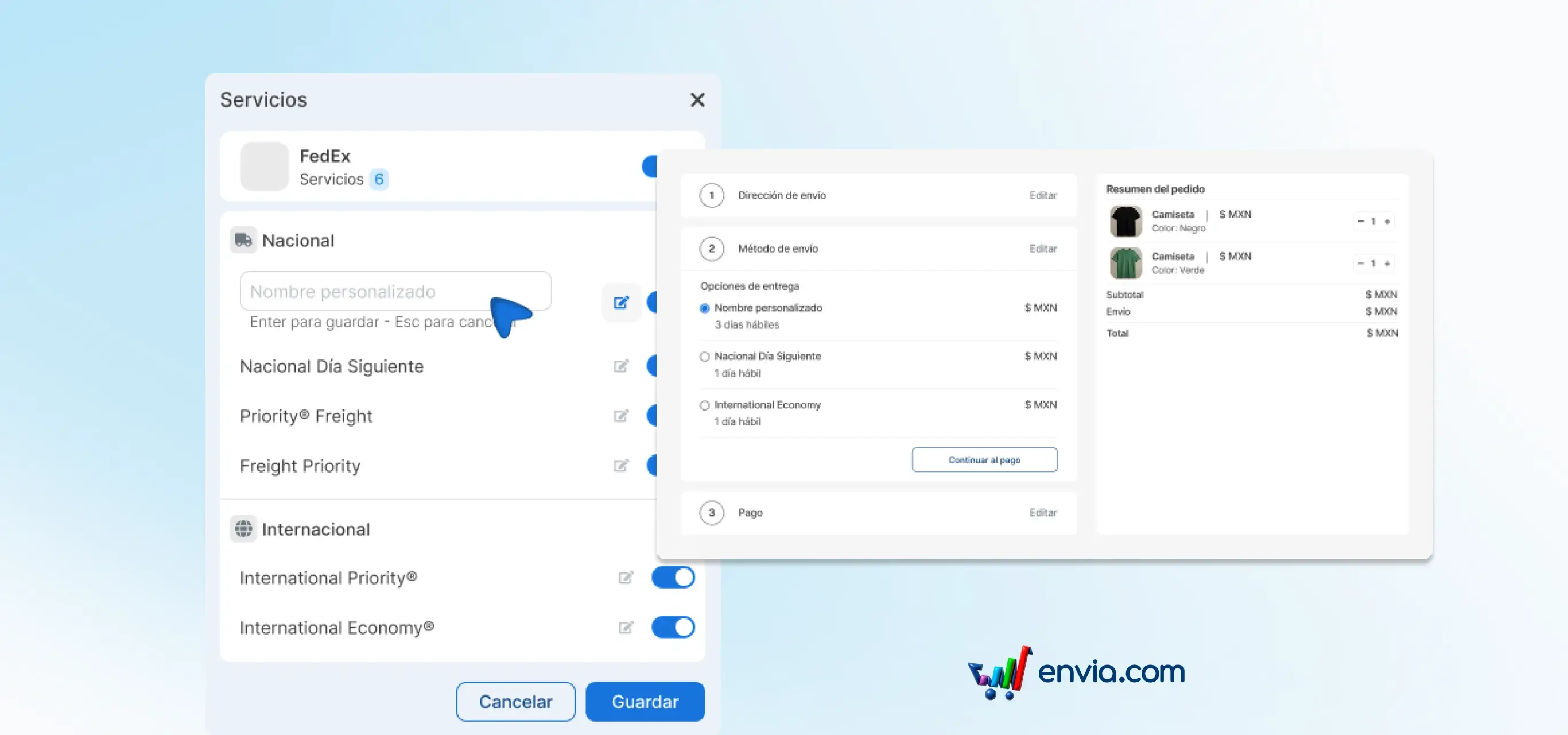
Choose which shipping options your buyers see at checkout and what they are called
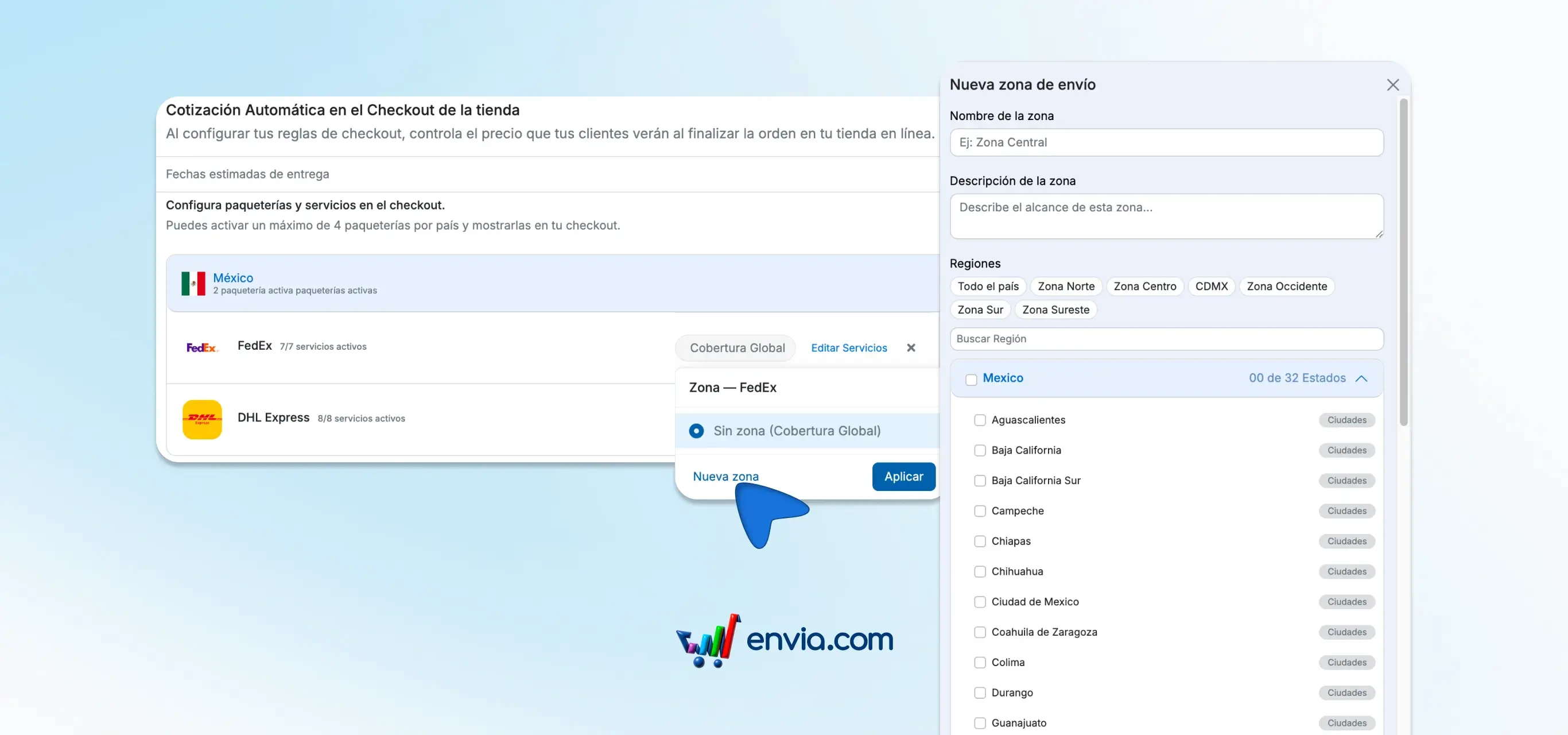
Technical carrier names don't always make sense to buyers. Now you can choose which carrier services are shown at your checkout and change what they are called, using clearer terms like Standard shipping or Express shipping. The contracted service doesn't change, only the name your buyer sees.
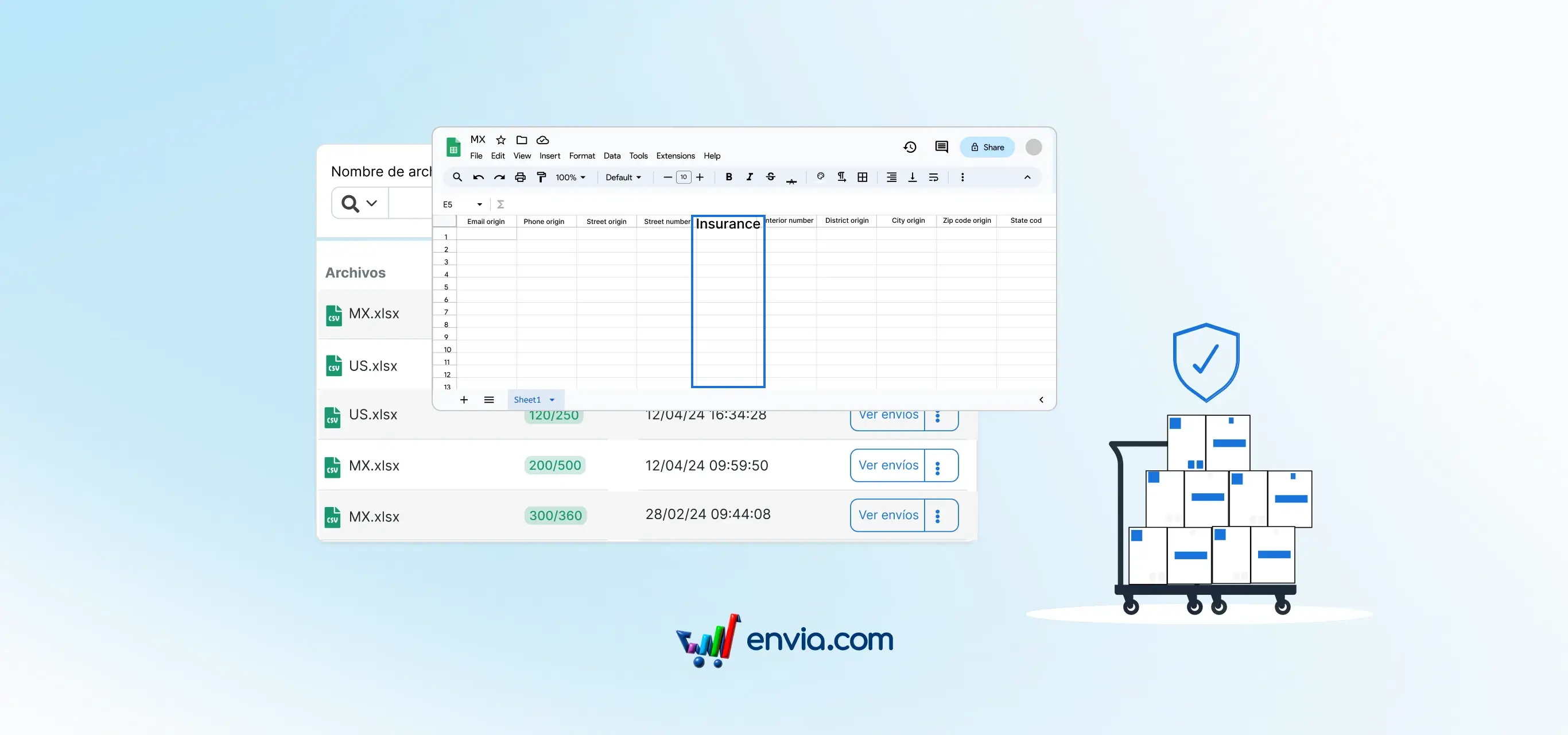
January 2026
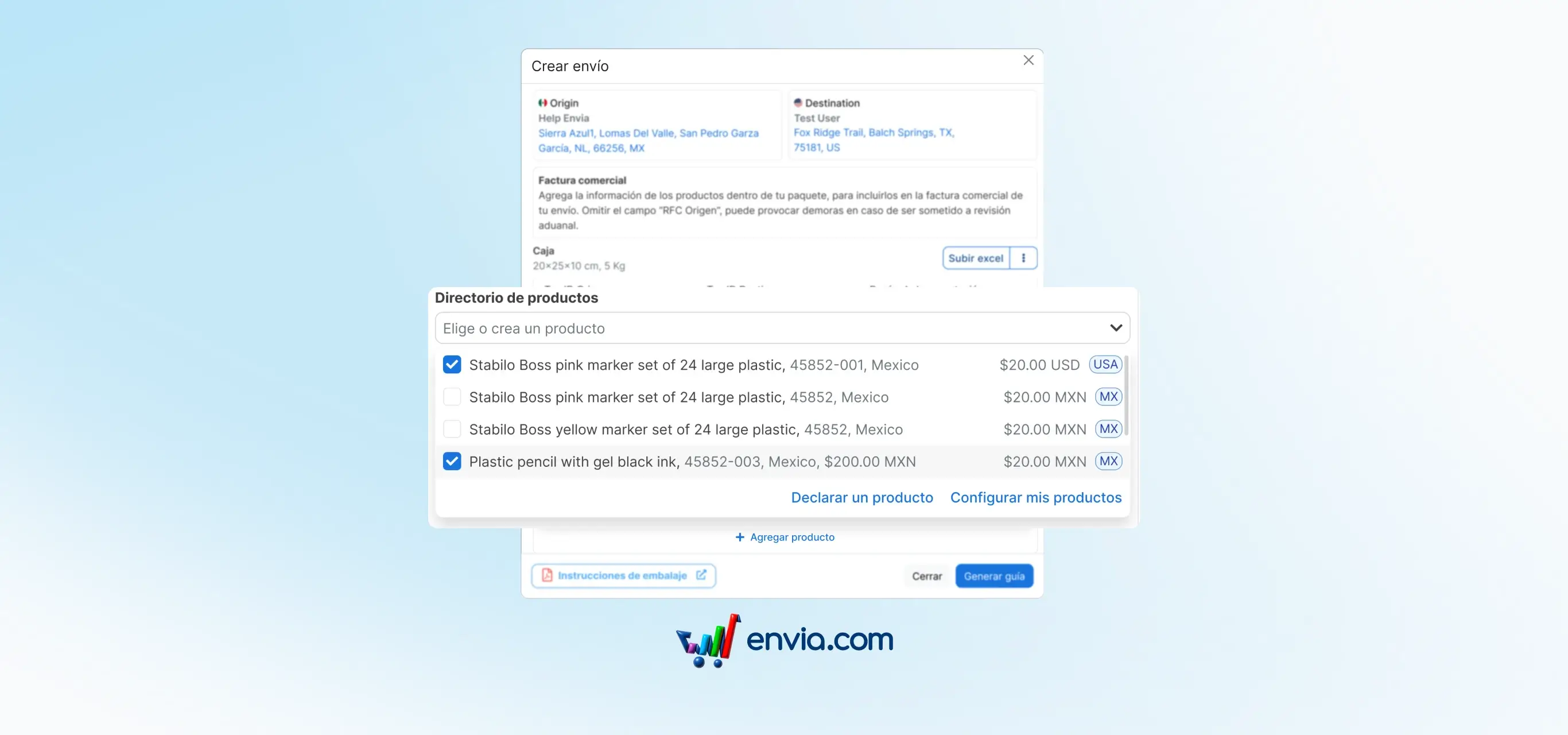
Declare your products in international shipments without entering the same information twice
When you create an international shipment, the destination country's customs requires you to declare the products inside the package. Now, when generating an international label, a product search box appears where you can select any item from your Envia catalogue. Once selected, the information fills in automatically. If the product doesn't exist yet, you can create it right there without leaving the flow.

Connect your Odoo store and manage your shipments from Envia without manual work
If you sell in an Odoo store and your shipping operations run in Envia, you used to have to copy each order by hand. Now, with the native integration, your Odoo orders arrive in Envia automatically as soon as they are created. From Envia you quote, buy the label and the tracking number returns automatically to Odoo so your team has it available without looking for it elsewhere.
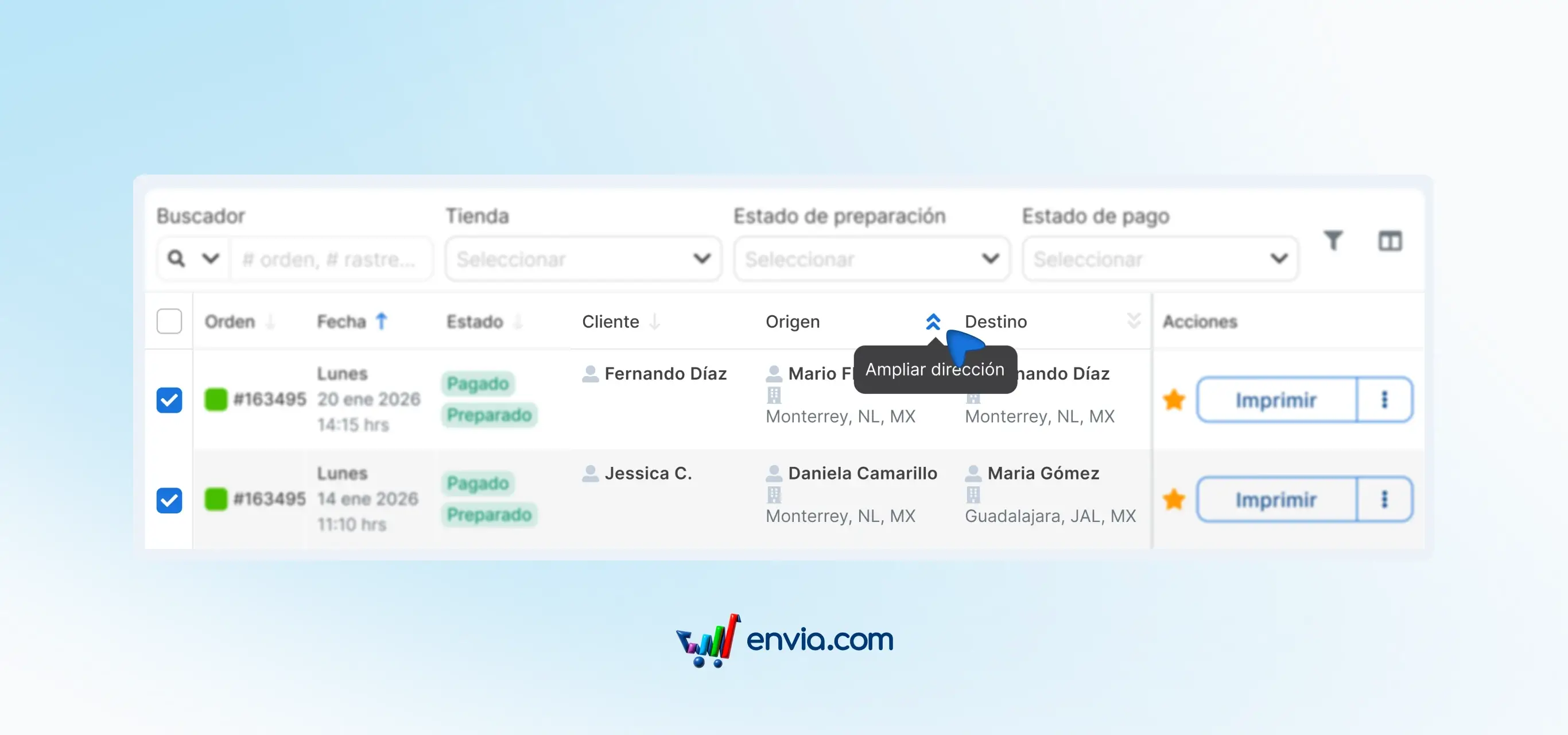
See the full address of each order without opening any extra screen
Before, to see the full address of an order you had to open it in a separate view. If you checked multiple orders in a row, that extra click repeated over and over. Now, from the orders table you can expand the origin and destination information directly in the same row. Clicking the corresponding icon shows the name, company, phone, email and full address without switching screens. From those same icons you can copy the information, start a call or send an email in a single click, with no extra steps.
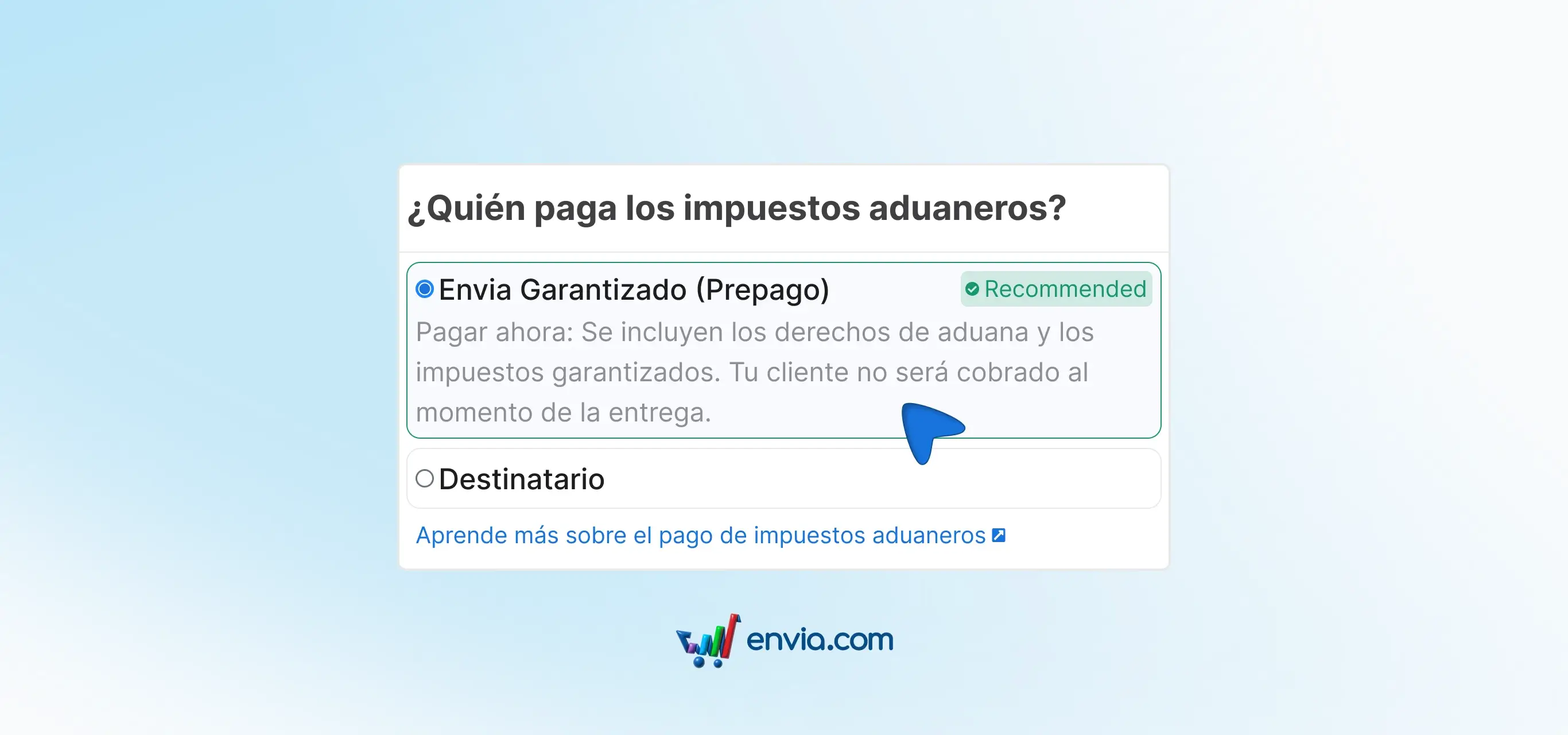
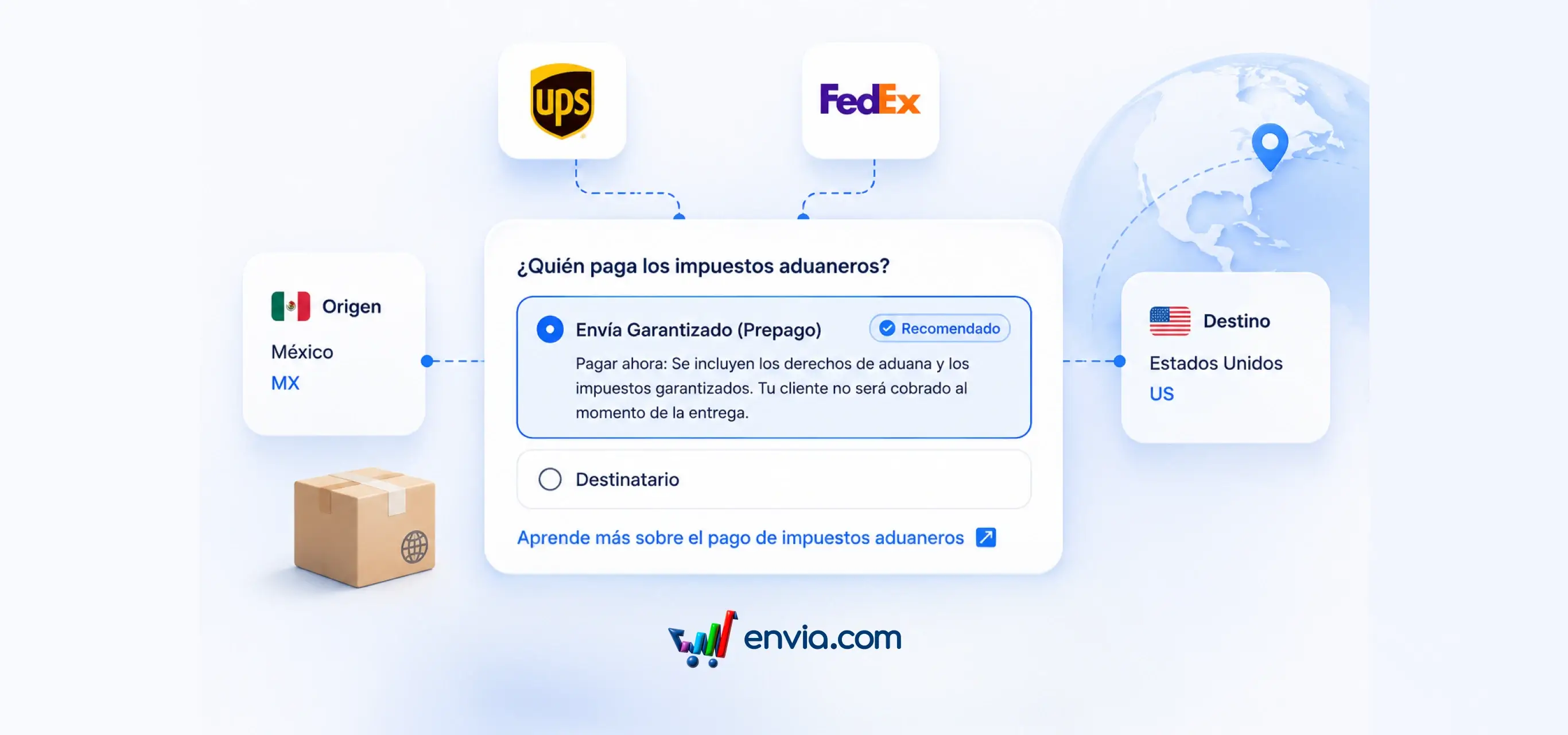
Your buyer pays nothing extra when receiving the package: this is how Guaranteed Shipping works
When you ship to another country, one of the biggest problems is that the buyer receives the package and gets charged unexpected taxes or duties (fees required by the destination country's customs). The result: they reject the package, file a claim, or simply never receive it. With Guaranteed Shipping, taxes and duties are paid at the moment you create the shipment. The cost is final. Your buyer pays nothing when receiving the package and there are no additional charges afterwards. From the start you know exactly how much the complete shipment costs, with no surprises. When this option is available in your quote, it appears marked as recommended. If you don't see it, it means that carrier or destination doesn't support it yet — it's not an error.
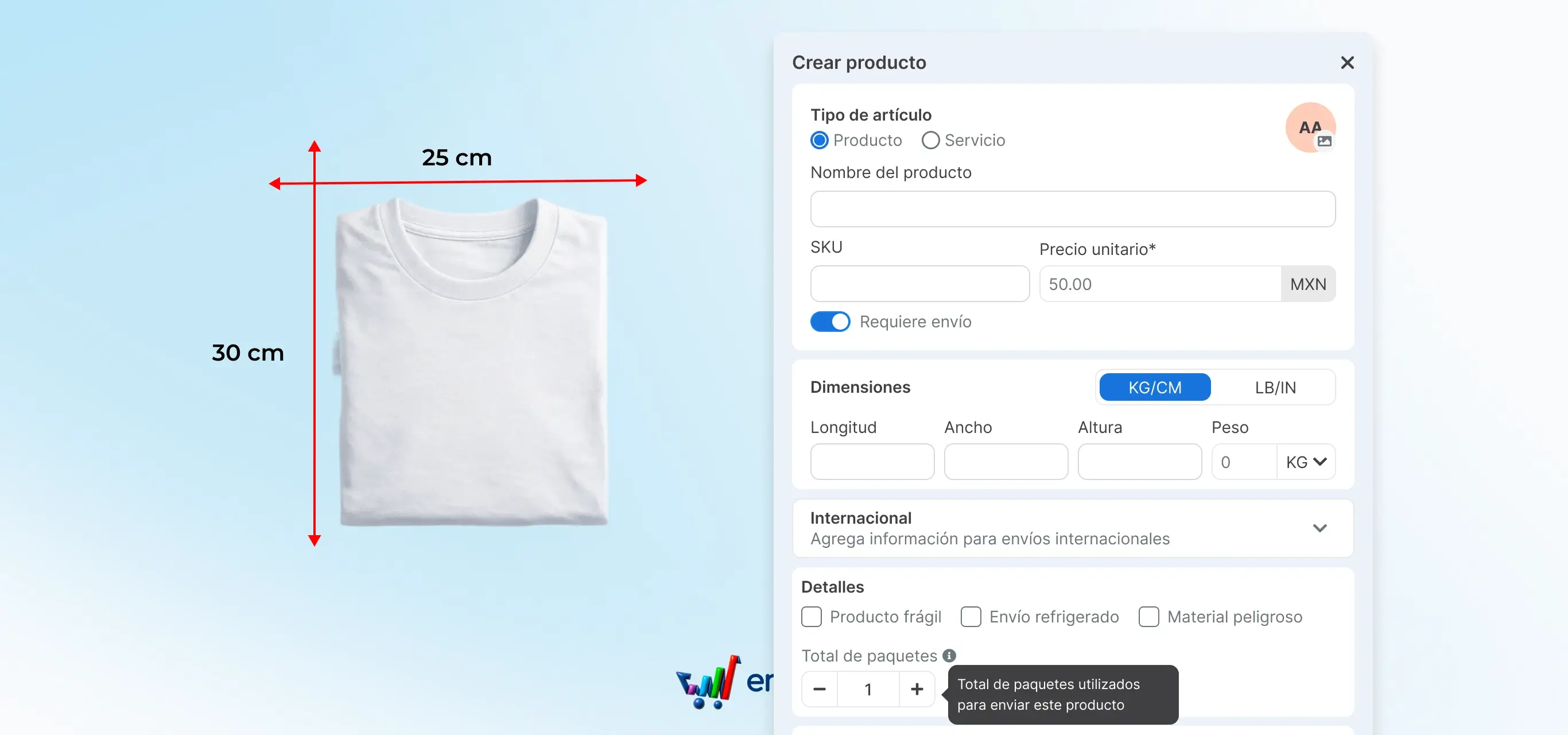
Create and manage all your products in one place, with or without an online store
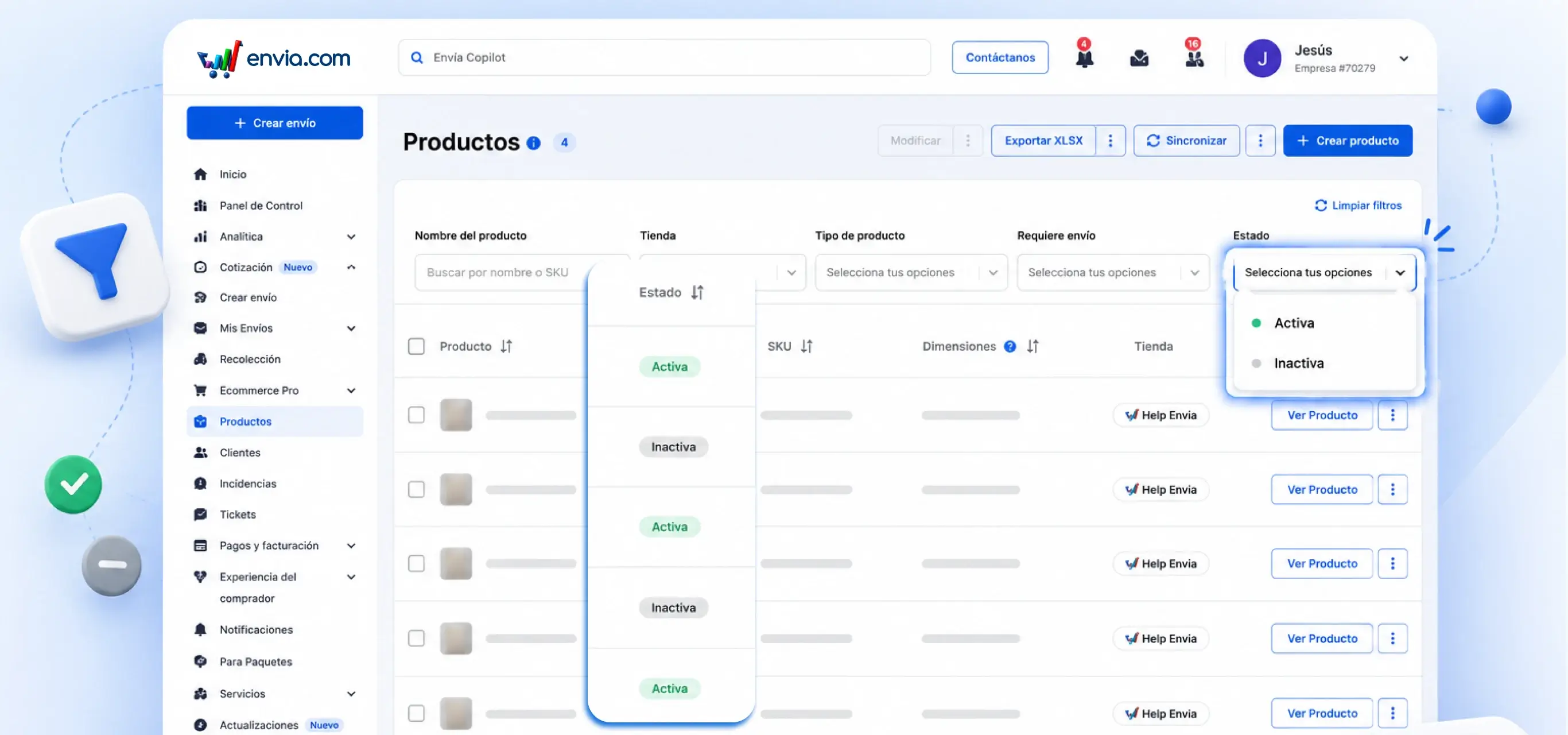
Previously, managing your products in Envia required a connected online store. If you sold through other channels or wanted your catalogue organised differently, there was no way to do it from the platform. Now you have a brand new Products section where you can create and manage your entire catalogue from a single table, with or without a linked online store. When creating a product you define its name, price, dimensions, weight and whether it requires shipping. You can also add a description and the system automatically suggests the HS code (the number that identifies your product at customs in other countries) using AI, without you having to look it up. If you sell to other countries, you can register each market with its own specific HS code and price in the local currency. All from the same panel, without leaving the page.
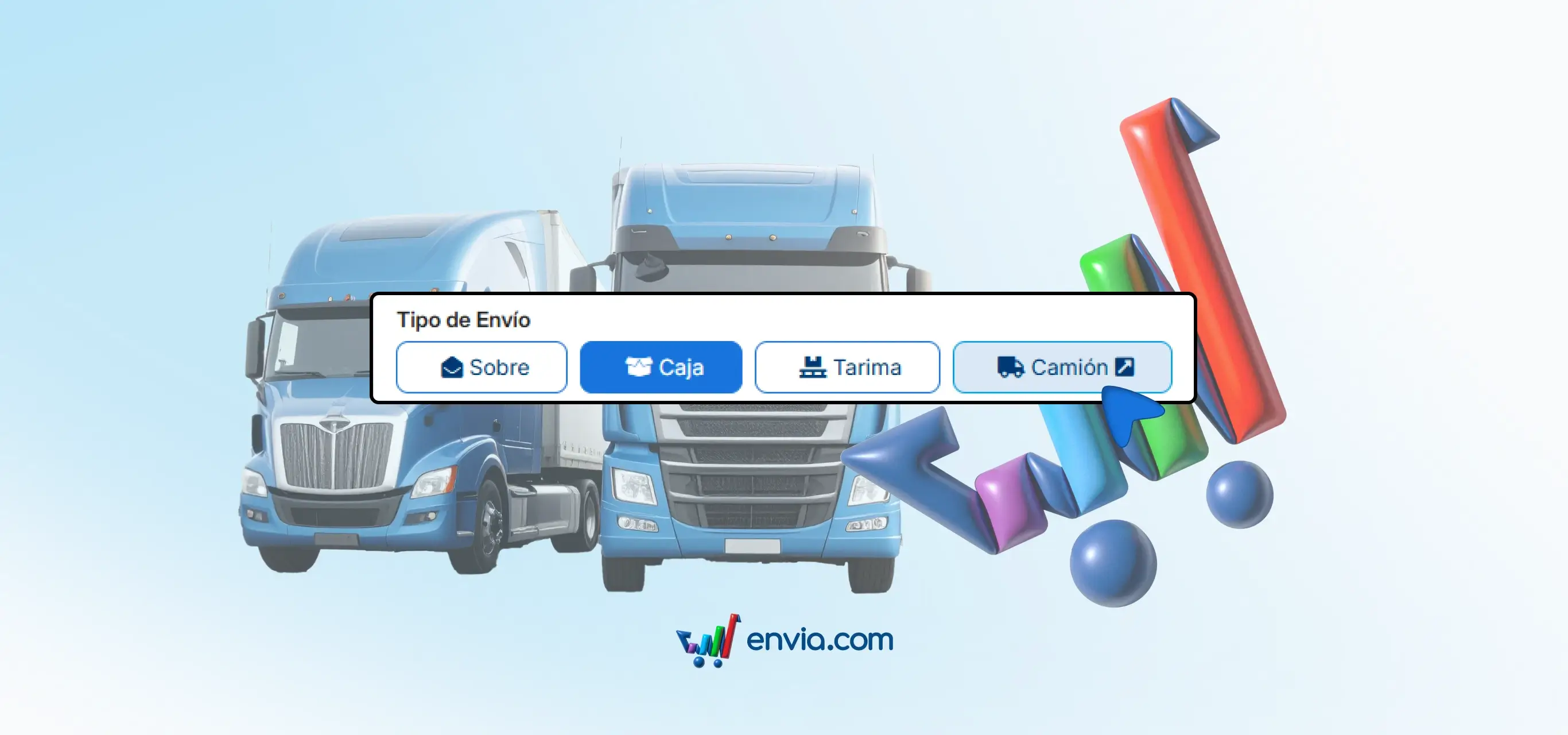
Truck shipments now at cargo.envia.com
If you've ever shipped full truckload freight through Envia, you know it's a different type of shipment — not a box or a parcel, but cargo that fills the entire truck. And that service now has its own home. From today, truck shipments are managed at cargo.envia.com, a platform designed specifically for this type of freight. There you can quote, create and track your high-volume shipments without mixing them with your day-to-day parcel operation. The service hasn't disappeared or changed how it works. It's simply in the right place so you can find what you need faster and without confusion.