
 Mexico - Español
  China - 中文
  Australia - English
  Canada - English
  India - English
  United Kingdom - English
  United States - English
  France - Français
  Italy - Italian
  Brazil - Português
  Argentina - Español
  Chile - Español
  Colombia - Español
  Guatemala - Español
  Puerto Rico - Español
  Spain - Español
 Activate Mercado Libre Flex and choose the carrier that delivers those orders
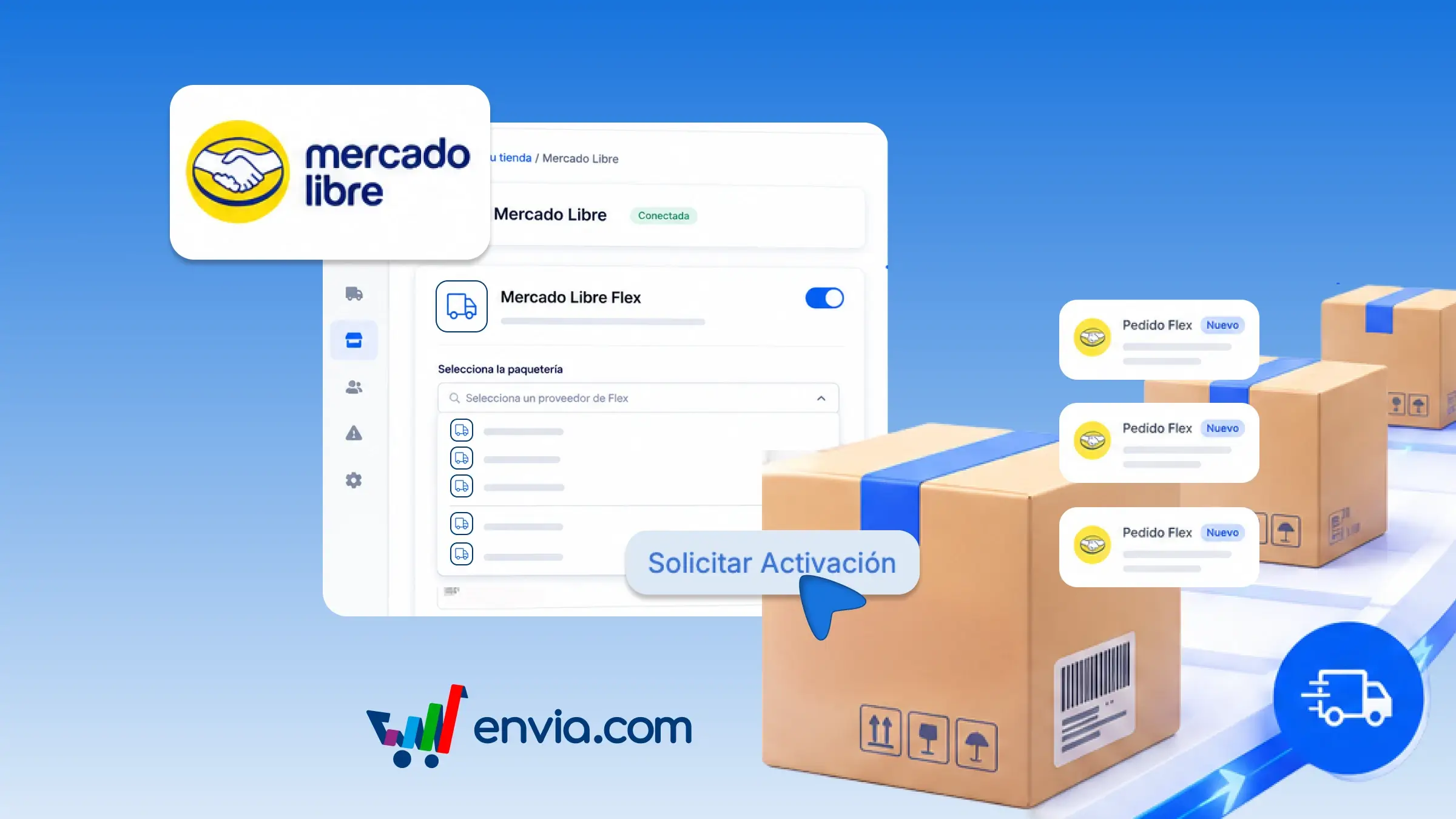
From your Mercado Libre store integration, you can request Flex and choose, among the compatible carriers Envia displays, which one you want to ship those orders with. Go to that store's settings, activate the service, and Envia verifies that Flex is already enabled on Mercado Libre. You will then see those carriers grouped by country, select one, and submit the request. An Envia advisor reviews the activation. Once approved, Flex orders from that store are dispatched automatically with the carrier you configured.
Benefits
- Select, per country, one Flex-compatible carrier and link it to that Mercado Libre store.
- Once an advisor approves the activation, Flex orders are dispatched automatically to the carrier you configured.
- Check whether your request is under review, active, or rejected, and if it is not approved, the reason so you can request it again or change the carrier.
Note
Available in Argentina, Chile, and Colombia.