
 Mexico - Español
  China - 中文
  Australia - English
  Canada - English
  India - English
  United Kingdom - English
  United States - English
  France - Français
  Italy - Italian
  Brazil - Português
  Argentina - Español
  Chile - Español
  Colombia - Español
  Guatemala - Español
  Puerto Rico - Español
  Spain - Español
 Share the tracking number with your customer directly from your phone
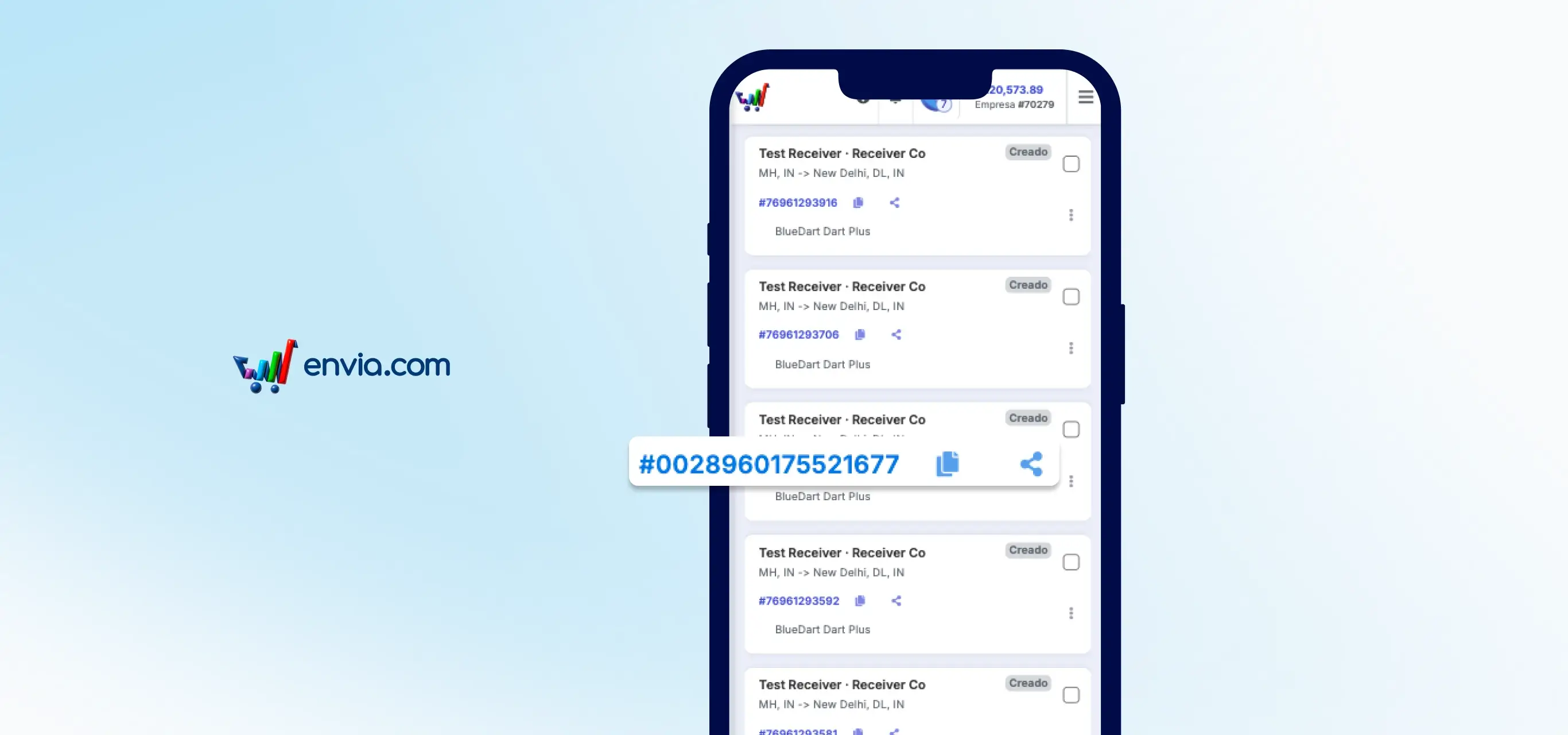
When your customer asks where their order is, you need the tracking number fast. Before, you had to open the full shipment details to find it, but the mobile view of My Shipments has changed that. Each card shows the tracking number with two icons next to it: one to copy it to the clipboard and another to share it directly via WhatsApp, SMS or any app from your phone. One tap and your customer already has the information to track their package. You can also access this option from the actions menu on each card.
Benefits
- Your customer gets the tracking number in seconds, without you having to dig through screens or copy and paste manually.
- Share directly to WhatsApp, SMS or any app from the same phone, with no extra steps and without leaving Envia.
- Fewer customers asking where their order is: one tap and you send them the info to track it themselves.
Note
This option is available in the mobile view of My Shipments. If you use Envia from a computer, the tracking number is in the shipment detail panel, as always.