
 Mexico - Español
  China - 中文
  Australia - English
  Canada - English
  India - English
  United Kingdom - English
  United States - English
  France - Français
  Italy - Italian
  Brazil - Português
  Argentina - Español
  Chile - Español
  Colombia - Español
  Guatemala - Español
  Puerto Rico - Español
  Spain - Español
 Select the freight type for your pallet shipments with Almex in Mexico
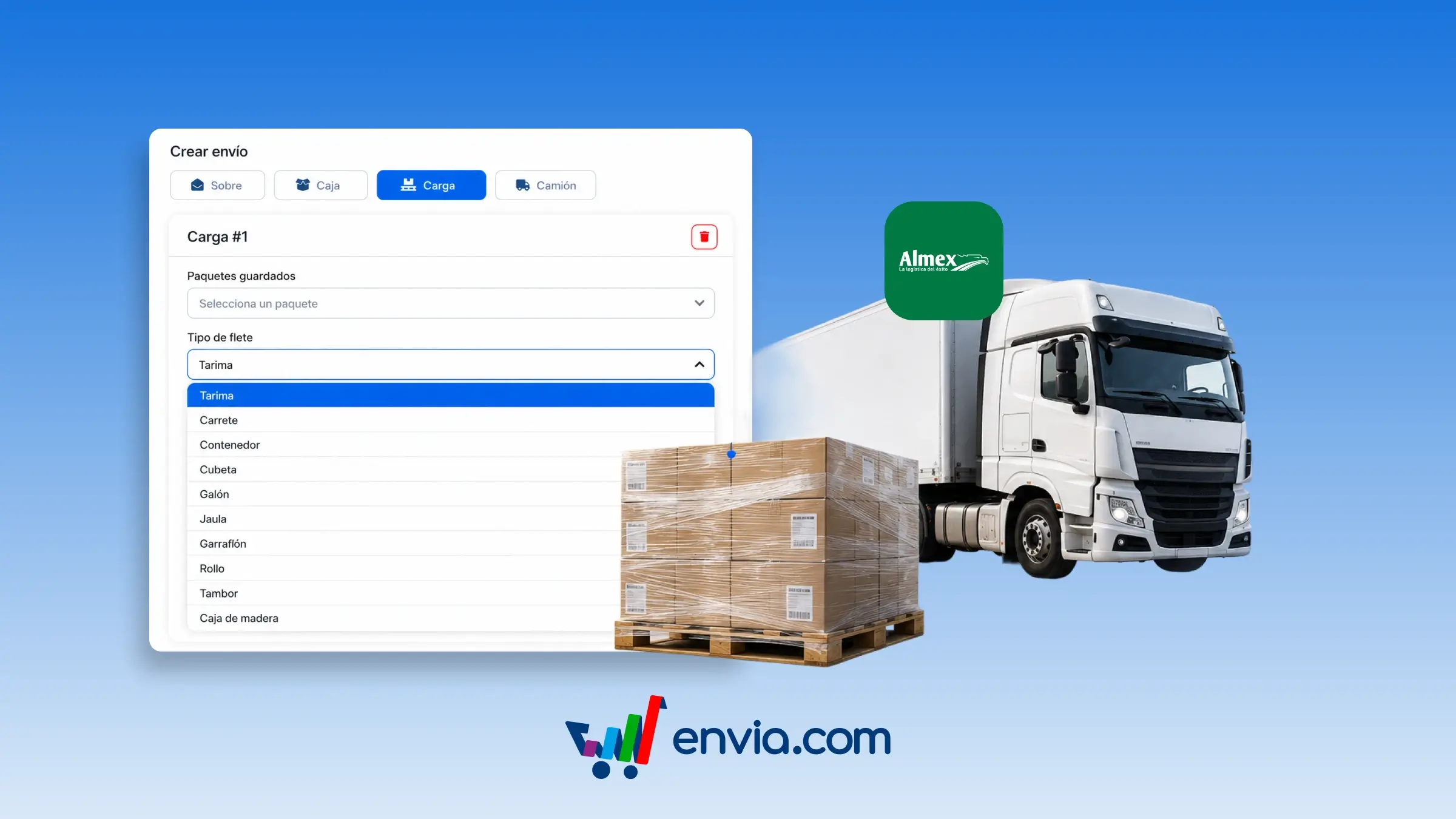
You may specify the freight type for your cargo when creating a pallet (LTL) shipment from Mexico. In Create shipment, select Pallet, and in the Freight type menu, select how your goods are packed: pallet, boxes, roll, crate, bundle, or another catalog option. The system uses this selection when quoting and generating the label so that Almex receives the correct packaging code. This is useful if you are shipping fabric rolls, loose boxes, drums, reels, or crated cargo and require the pickup to match your packaging. This helps reduce rejections and corrections caused by incorrectly documenting the freight type.
Benefits
- Select the freight type that describes your cargo (pallet, boxes, roll, and more) when creating an LTL shipment.
- Upon selecting Pallet, the system preloads a catalog option and applies it when quoting and generating the label.
- Almex receives the correct freight type, helping the pickup and transport match your cargo.
Note
Available only for shipments originating in Mexico with the Almex carrier. This field appears when the package type is Pallet.