
 Mexico - Español
  China - 中文
  Australia - English
  Canada - English
  India - English
  United Kingdom - English
  United States - English
  France - Français
  Italy - Italian
  Brazil - Português
  Argentina - Español
  Chile - Español
  Colombia - Español
  Guatemala - Español
  Puerto Rico - Español
  Spain - Español
 Offer LTL freight shipping at your store's checkout
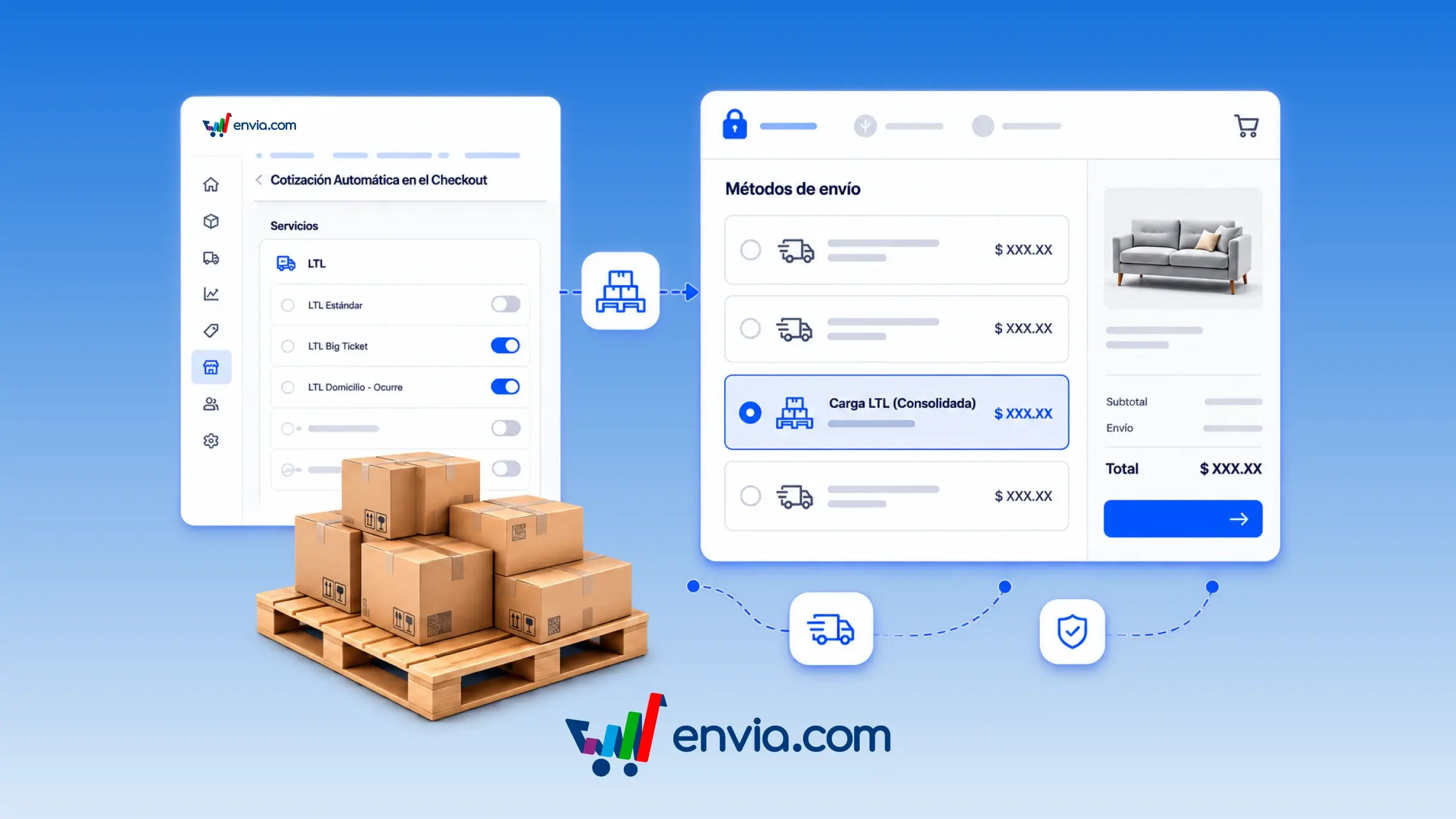
You can show LTL freight rates alongside parcel rates when your buyer pays at checkout. This only applies to ecommerce stores with a checkout, not to every channel. In Configure your store, open Edit services: the LTL group only appears for carriers that already offer freight, and every service comes turned off until you enable it. The control that turns on all parcel services does not activate them. If the order is freight, Envia builds the shipment on pallets and quotes those rates in the same checkout. A piece of furniture, a heavy batch, or an order that fills a pallet is the typical case: the buyer chooses whether parcel or freight suits better, and the order arrives in Ecommerce Pro already on pallets.
Benefits
- Turn on only the LTL services you want to offer, without the general parcel control accidentally enabling them.
- If the order is freight, Envia arranges the goods on pallets and quotes those rates in the same checkout.
- Your buyer sees a freight option when the order requires it and chooses with the real price before paying.
Note
LTL services come turned off. You must enable them one by one for the buyer to see them. This only applies to stores with a checkout, not to every ecommerce, and only to carriers that offer LTL in the store's country.