
 Mexico - Español
  China - 中文
  Australia - English
  Canada - English
  India - English
  United Kingdom - English
  United States - English
  France - Français
  Italy - Italian
  Brazil - Português
  Argentina - Español
  Chile - Español
  Colombia - Español
  Guatemala - Español
  Puerto Rico - Español
  Spain - Español
 Skip carriers at checkout when the order meets a condition
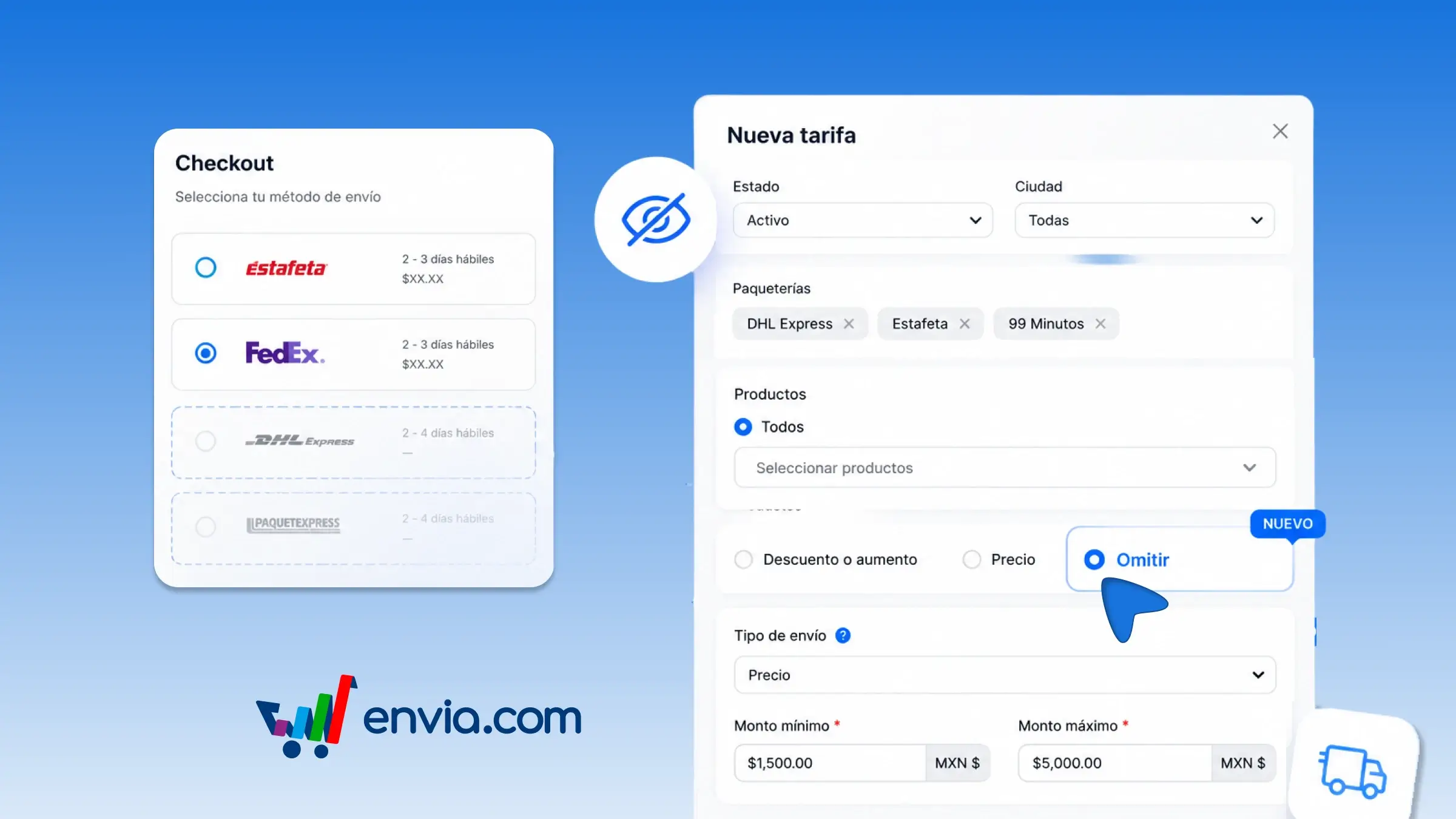
From the checkout rate rules, you can skip carriers so that they do not appear when the order meets the condition you define. Choose the rule name, the country, the carriers you want to remove, the products, and whether it applies by price or by weight. Envia hides those carriers at your store's checkout when the cart matches the rule, and the rest continue to quote. You can use this, for example, if once a minimum amount is reached you only want to show certain carriers, or if a service is not suitable for that type of order. This way, the buyer chooses among the options you actually want to offer and does not end up with a carrier that later costs you more to cover.
Benefits
- You decide which carriers disappear from checkout when the order meets the price, weight, products, or zone.
- Envia hides those carriers on every purchase that meets the rule, without you having to check order by order.
- Your buyer only sees the shipping options you want to offer and does not select a carrier you do not plan to use.
Note
If you skip all the carriers available for that order, the buyer will not see any shipping options. This rule only changes the store checkout, not the labels you generate manually in Envia.