
 Mexico - Español
  China - 中文
  Australia - English
  Canada - English
  India - English
  United Kingdom - English
  United States - English
  France - Français
  Italy - Italian
  Brazil - Português
  Argentina - Español
  Chile - Español
  Colombia - Español
  Guatemala - Español
  Puerto Rico - Español
  Spain - Español
 Envía Seguro now applies automatically in your Excel bulk uploads
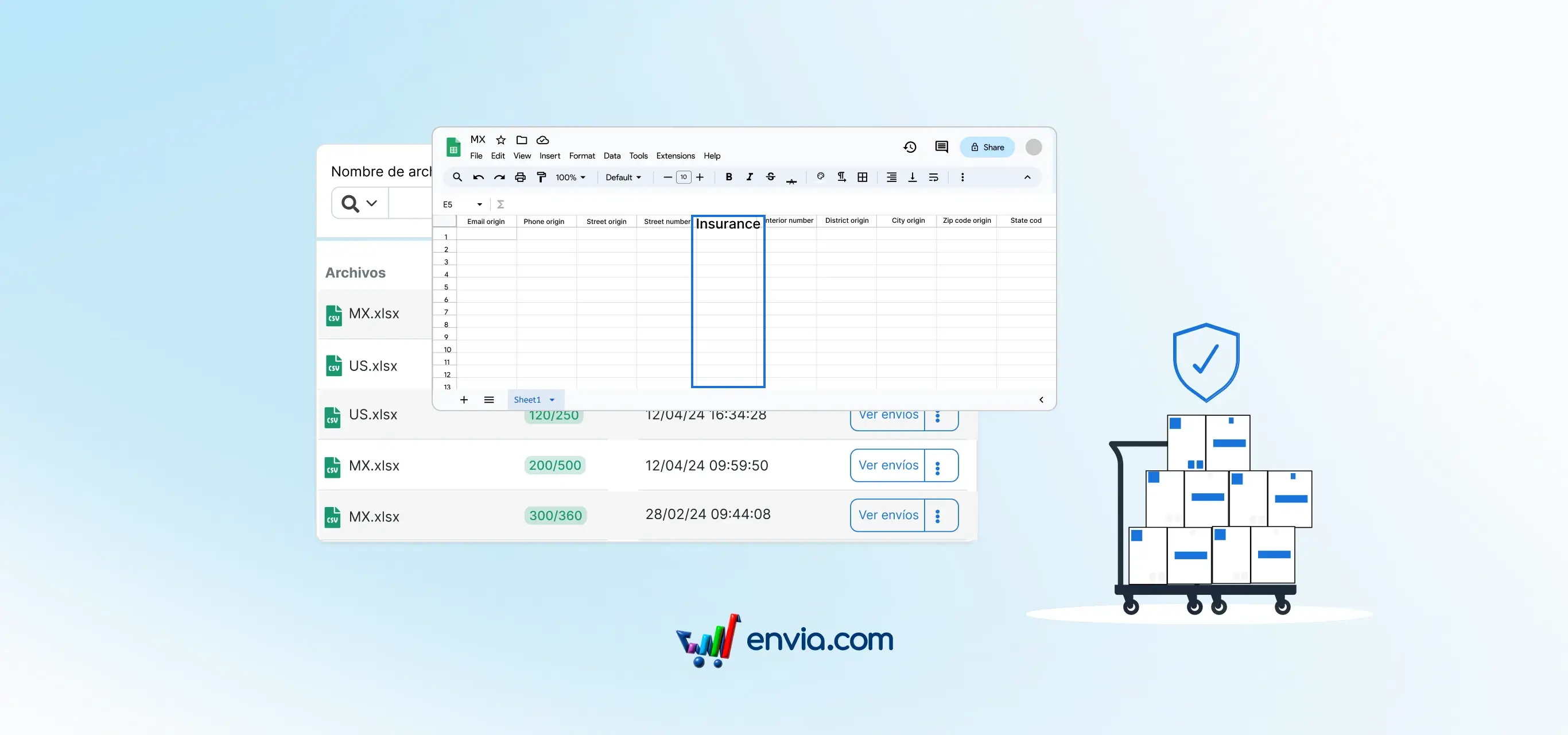
Previously, even if you filled in the insurance field in your Excel bulk upload file, Envía Seguro was not automatically applied when quoting. Now the insurance field is directly connected to Envía Seguro. When quoting, the system automatically calculates and includes the coverage cost in each matching label.
Benefits
- Envía Seguro applies automatically when quoting from your Excel file, without reviewing label by label after the bulk upload
- Your bulk shipments are covered as expected from the start, with no extra steps or manual confirmations
- The same result you got with individual shipments now also works in your bulk uploads, with no separate flows per shipment type
Note
For Envía Seguro to apply correctly, make sure the insurance field in your bulk upload file is filled in correctly before quoting.