
 Mexico - Español
  China - 中文
  Australia - English
  Canada - English
  India - English
  United Kingdom - English
  United States - English
  France - Français
  Italy - Italian
  Brazil - Português
  Argentina - Español
  Chile - Español
  Colombia - Español
  Guatemala - Español
  Puerto Rico - Español
  Spain - Español
 Choose the pickup point on a map at Wix checkout
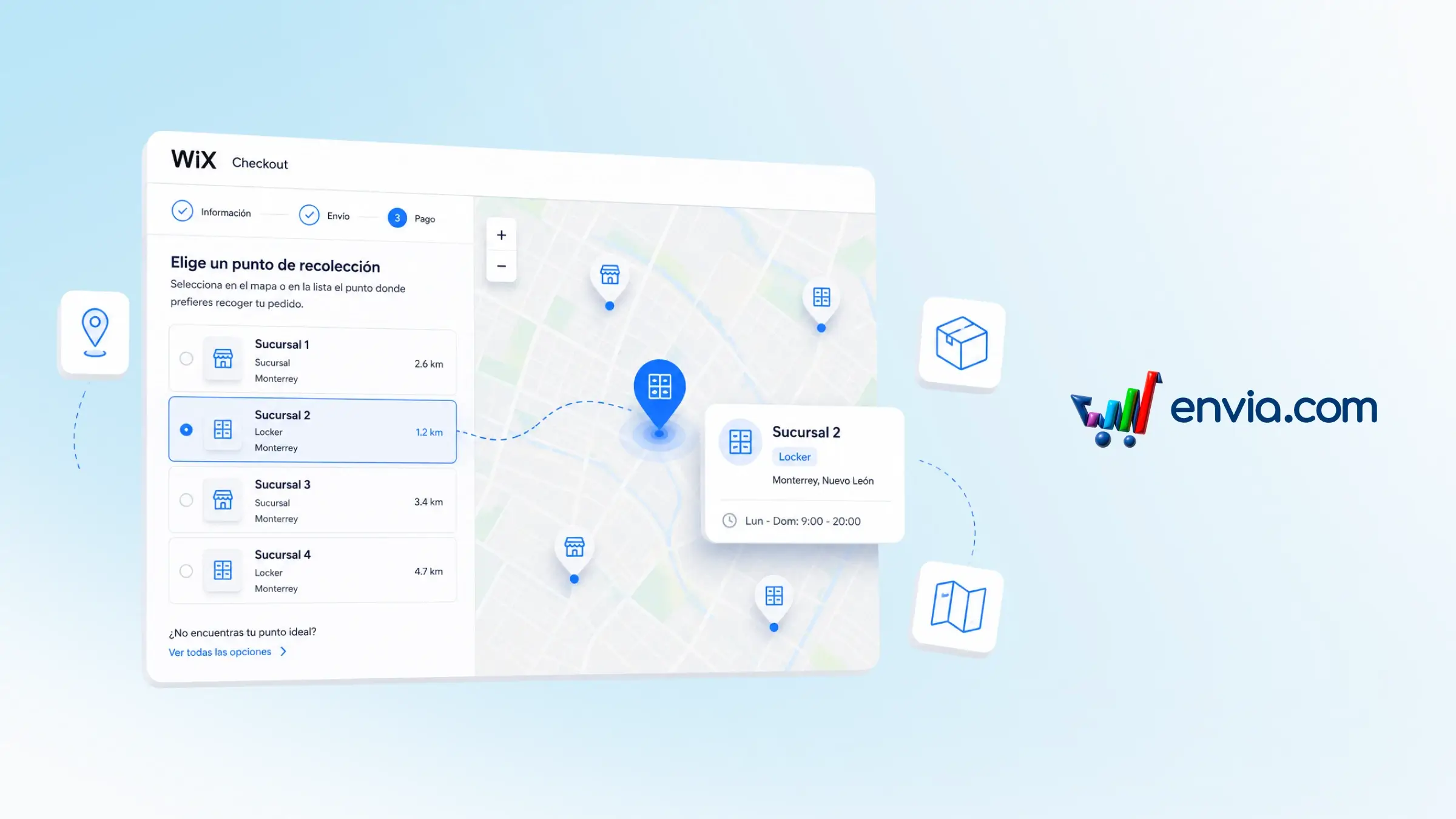
You can show a pickup-point map at your Wix store's checkout so shoppers can pick where to collect their order before paying. When the quote includes pickup options, the map displays branches and lockers with name, point type, and city. You choose whether to show only the map or the map alongside Wix's native list, and you can set the title that appears above it for your region. The selection stays linked to the order so you can generate the label with the correct point. Ideal if you sell with pickup-point delivery and want shoppers to find the closest option without leaving checkout.
Benefits
- You choose how the map appears at checkout: map only, or map alongside Wix's list.
- The map appears only when pickup options are available, with no extra manual steps per order.
- Your shopper sees the point's name, type, and city, leaving the selection ready to generate the label.
Note
In some stores you'll need to update the Envia app on Wix manually. The map only appears when the quote includes pickup options.