
 Mexico - Español
  China - 中文
  Australia - English
  Canada - English
  India - English
  United Kingdom - English
  United States - English
  France - Français
  Italy - Italian
  Brazil - Português
  Argentina - Español
  Chile - Español
  Colombia - Español
  Guatemala - Español
  Puerto Rico - Español
  Spain - Español
 Sync your Ecommerce orders selectively and in the background
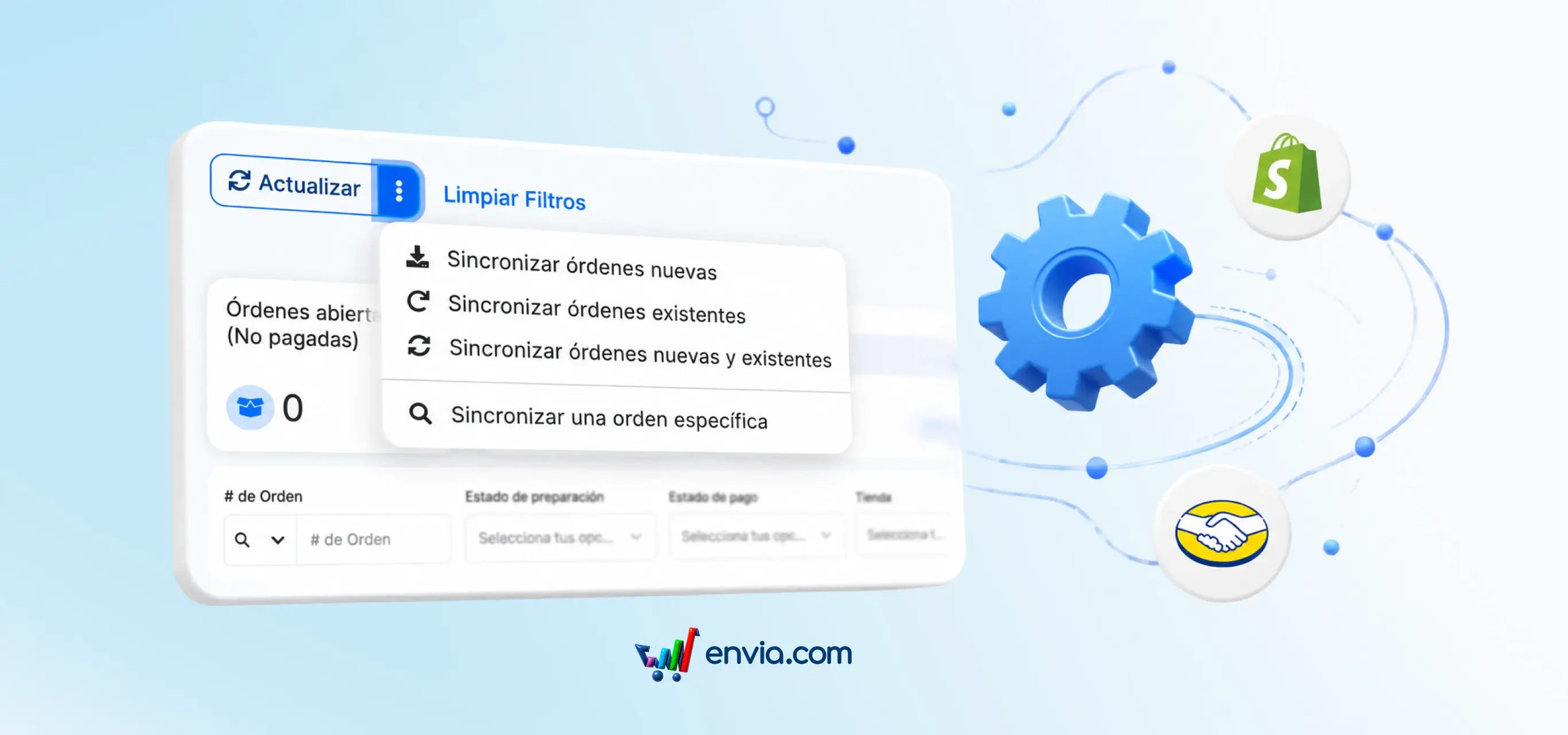
You can now sync your Ecommerce orders more flexibly and with greater control. The new sync menu in the order table header lets you select the date range and stores you want to sync. Choose to sync new orders, current orders, both, or a specific order. The sync process runs in the background, so you can keep working while your orders update. Sync progress is displayed in a real-time modal, and the status button lets you check the sync status at any time. Additionally, the refresh button now only reloads the table while preserving your applied filters, saving you time and reducing the risk of errors.
Benefits
- Sync your Ecommerce orders selectively, giving you greater control over which orders are updated and when.
- The sync process runs in the background, so you can keep working without interruptions while your orders are updated.
- Sync progress is displayed in a real-time modal, allowing you to monitor the sync status at any time and make informed decisions.
Note
Keep in mind that the refresh button now only reloads the table while preserving your applied filters, so make sure your filters are correctly set before syncing your orders.