
 Mexico - Español
  China - 中文
  Australia - English
  Canada - English
  India - English
  United Kingdom - English
  United States - English
  France - Français
  Italy - Italian
  Brazil - Português
  Argentina - Español
  Chile - Español
  Colombia - Español
  Guatemala - Español
  Puerto Rico - Español
  Spain - Español
 Install the Envia plugin on PrestaShop and show rates at checkout
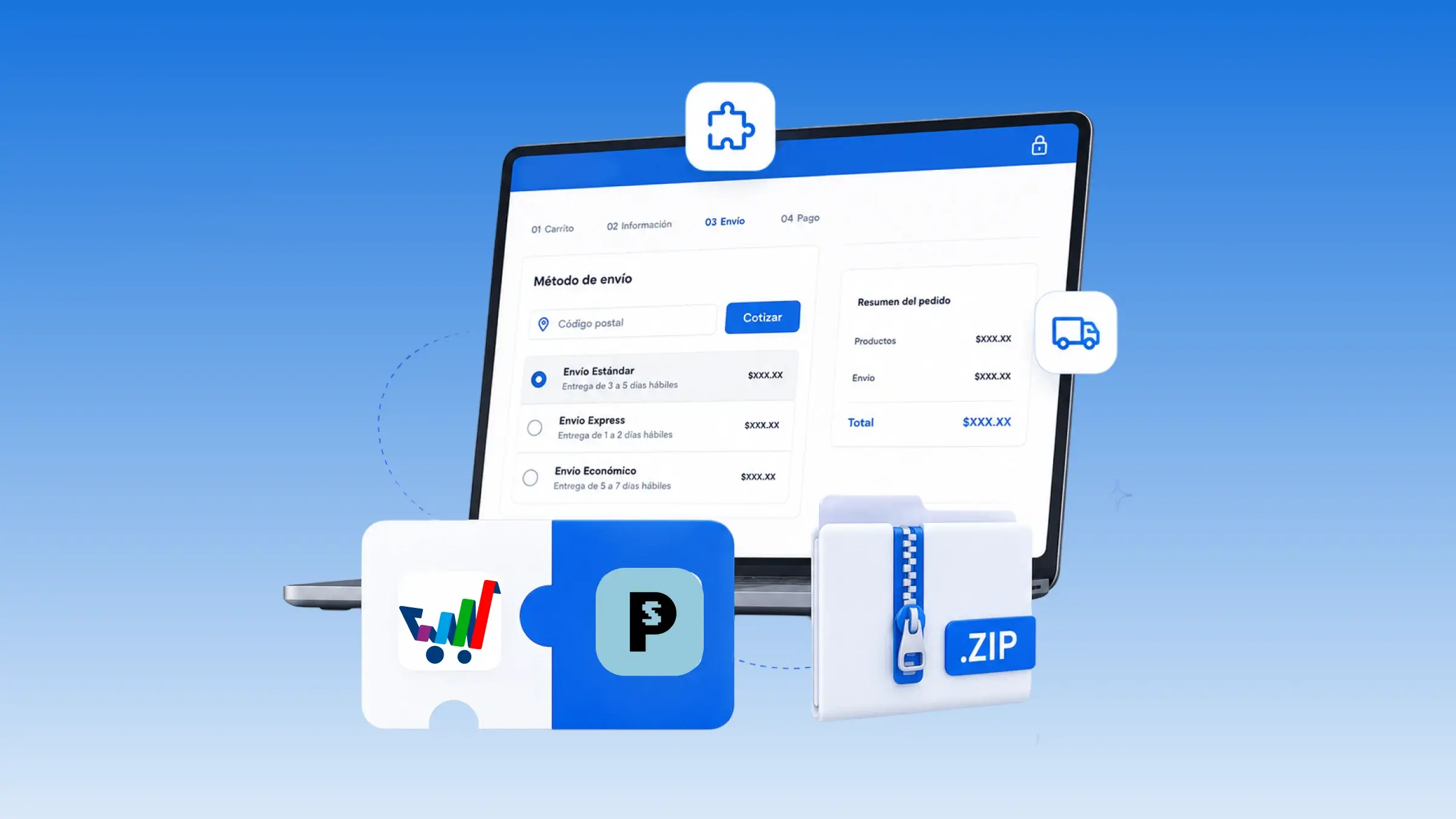
You can connect your PrestaShop store to Envia by installing the plugin on your own PrestaShop. Download the module, install it, and connect your Envia account from there. In the module, set your origin address, turn on live rates, and choose which carriers quote. In PrestaShop, enable Envia Delivery and Envia Pickup so they show up at checkout. Envia Delivery shows rates with price and delivery time, and Envia Pickup opens a map for the buyer to choose a pickup point.
Benefits
- You choose which Envia carriers and services show up in your PrestaShop, by country, and save them so they apply to the store.
- The order arrives in Envia with the carrier and service the buyer chose at checkout, ready for you to create the label.
- The buyer sees the shipping cost in the cart and at checkout before paying, with live rates and the option to pick up at a location.
Note
Download the ZIP from the PrestaShop page in Envia. Origin, packages, and checkout are set up in Envia; in PrestaShop you just choose and save so it reflects in the store.