
 Mexico - Español
  China - 中文
  Australia - English
  Canada - English
  India - English
  United Kingdom - English
  United States - English
  France - Français
  Italy - Italian
  Brazil - Português
  Argentina - Español
  Chile - Español
  Colombia - Español
  Guatemala - Español
  Puerto Rico - Español
  Spain - Español
 Review, compare and create shipments from your previous quotes
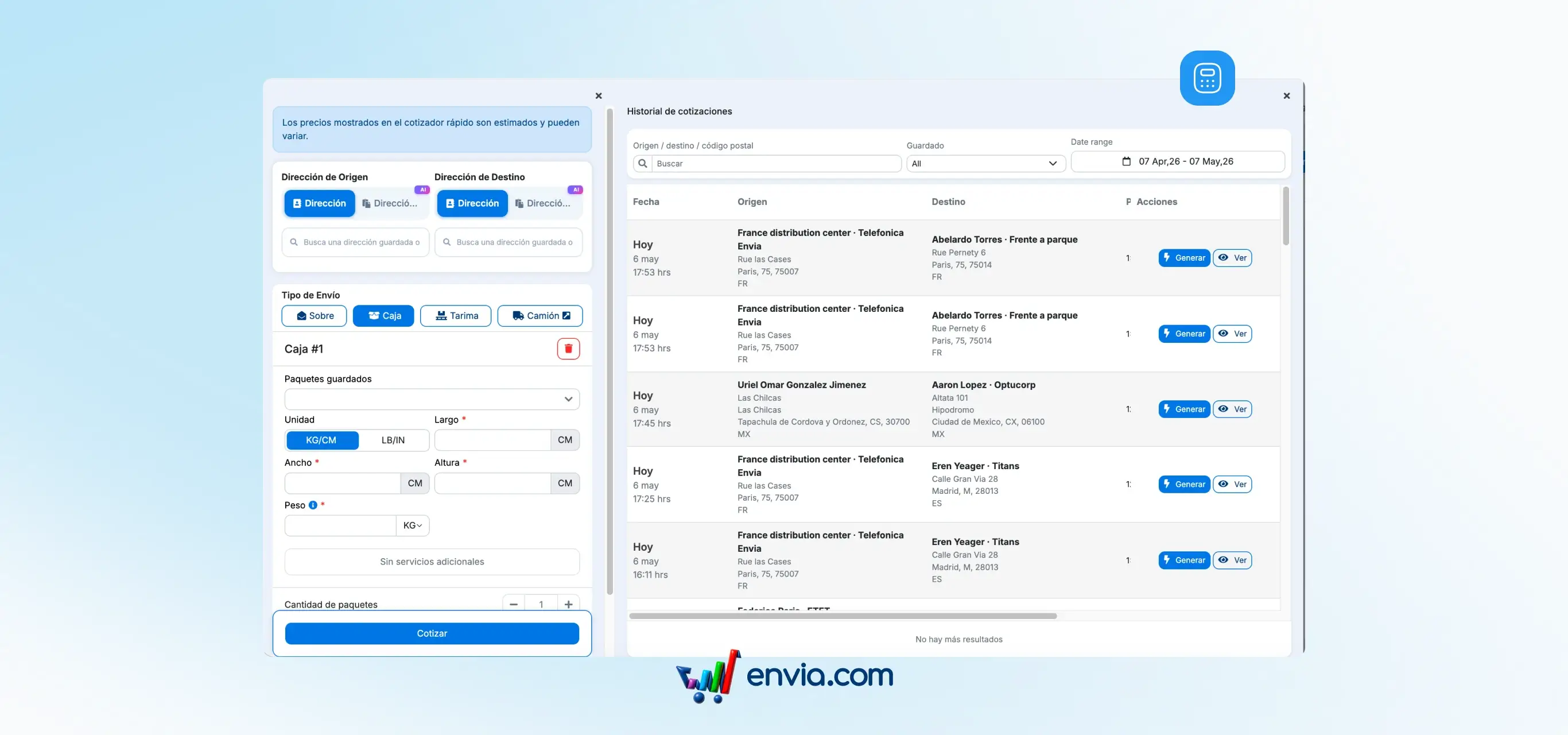
How many times have you quoted a shipment, left the screen and lost the prices? That doesn't happen anymore. Every quote you make in Envia — whether manual, from a shipment, or from a store order — is automatically saved to your history. No extra steps. No repeating the process. In the Quotes → Quote History section, you can see all your recent quotes: origin, destination, packages and the best available rate based on your preferences. To keep a specific quote, pin it with the Saved toggle and the system will never delete it. When you're ready, click Generate to create the shipment directly from there, without re-quoting.
Benefits
- Retrieve any past quote using filters by origin, destination or date
- Compare rates from all carriers and pick the best one without repeating the process
- Create a shipment directly from the history with a single click
Note
Unpinned quotes are automatically deleted over time to keep your history clean. To keep one, enable the Saved toggle on that row. Carrier preferences reflect your settings at the time you quoted.