
 Mexico - Español
  China - 中文
  Australia - English
  Canada - English
  India - English
  United Kingdom - English
  United States - English
  France - Français
  Italy - Italian
  Brazil - Português
  Argentina - Español
  Chile - Español
  Colombia - Español
  Guatemala - Español
  Puerto Rico - Español
  Spain - Español
 Import your product catalogue with a CSV or Excel file
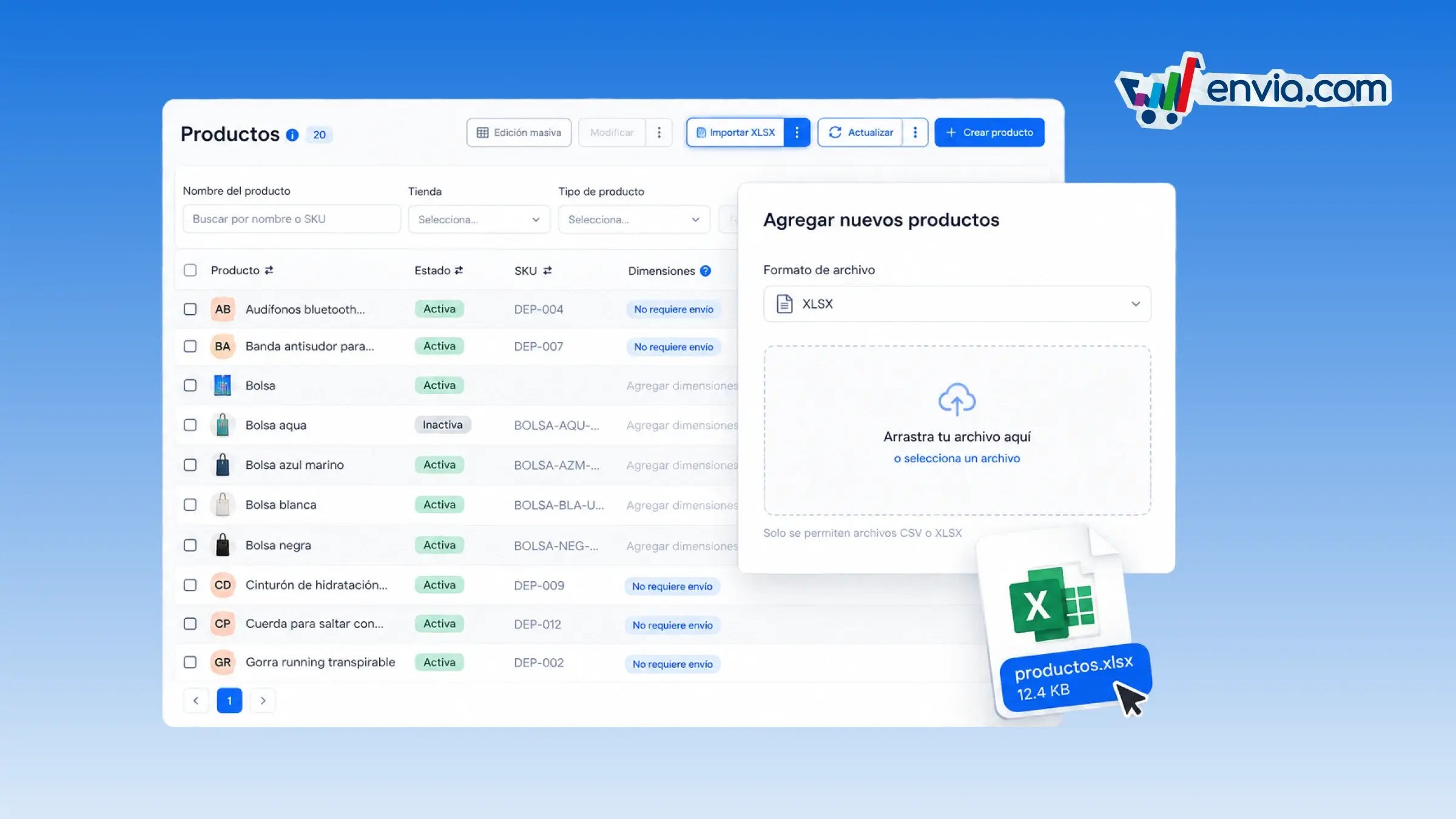
From Products, you load your catalogue with a CSV or Excel file. Download a blank template, fill in your products and import them, or export the catalogue you already have. If a SKU already exists, you confirm whether to continue or cancel that import. Valid rows are saved even if others contain errors, and empty rows are left out of the result. When it finishes, you see the skipped rows, the reason, and the row number in the file.
Benefits
- You decide whether to continue when the file includes a SKU that is already in your catalogue.
- Correct rows are imported, empty ones are ignored, and the system lists the ones you need to fix.
- The products that were imported stay in your catalogue so you can use them when preparing shipments.
Note
Each import accepts up to 500 rows with data.