
 Mexico - Español
  China - 中文
  Australia - English
  Canada - English
  India - English
  United Kingdom - English
  United States - English
  France - Français
  Italy - Italian
  Brazil - Português
  Argentina - Español
  Chile - Español
  Colombia - Español
  Guatemala - Español
  Puerto Rico - Español
  Spain - Español
 Build a batch in Bulk Shipments 2.0, quote it in a table, and generate all your labels together
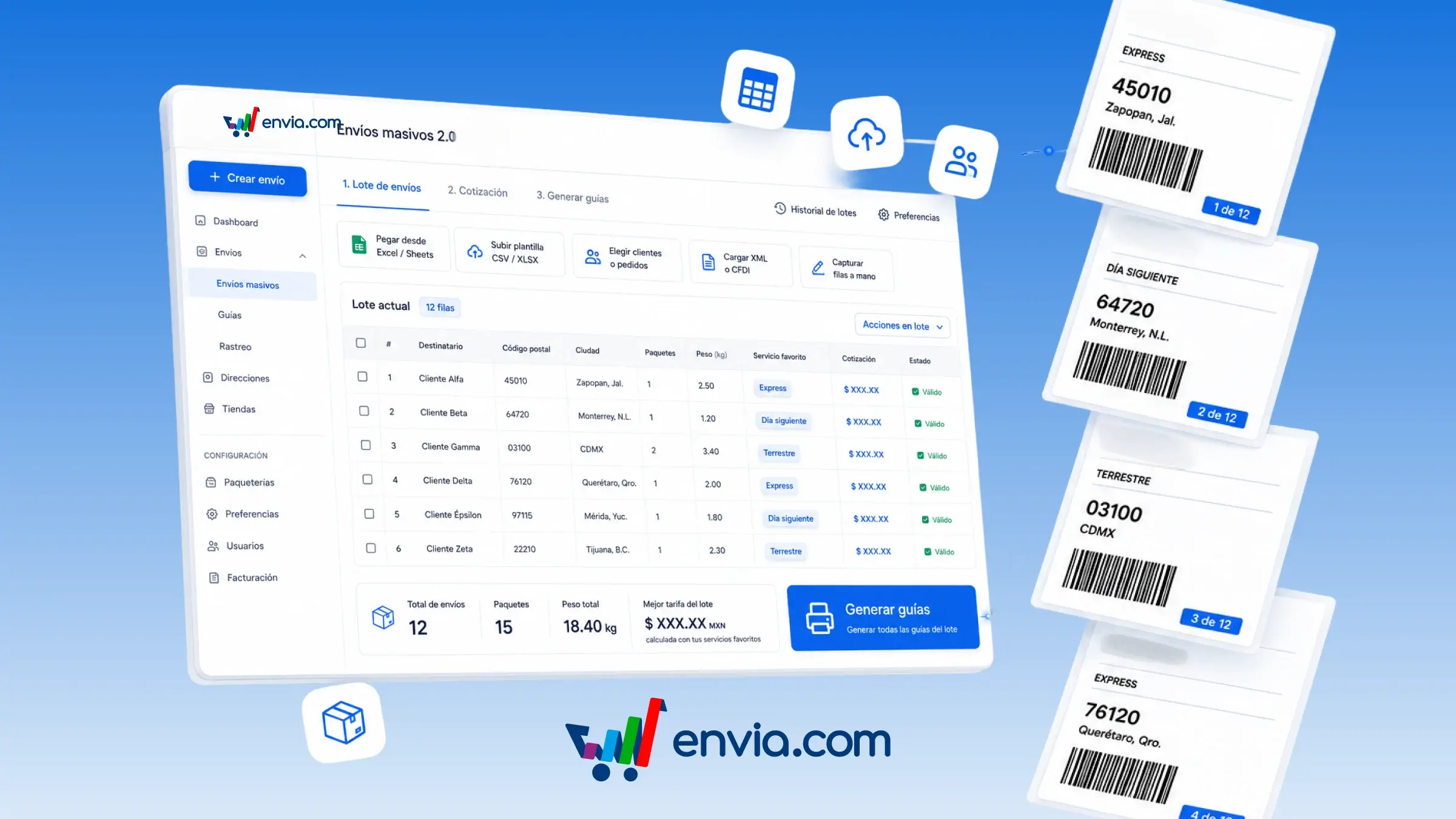
In Bulk Shipments 2.0, you build a batch (a list of shipments you quote and label together) and generate multiple labels from the same table. Paste from Excel or Sheets, upload a template, pick customers or orders from your shop, or enter rows by hand. The table validates each row, lets you apply the same value to all of them, and quotes so you can choose your favourite courier, the cheapest, or the fastest. When you generate, Envia processes the batch and lets you download or track each label. History saves your batches, and Preferences remembers your origin, parcels, and couriers for the next batch. It's available in Mexico and the United States; Colombia, Guatemala, Brazil, and India, along with the rest of the countries, will roll out in stages.
Benefits
- You decide how each shipment enters the batch, editing cells or applying the same value to every row before quoting.
- Pasting and Excel line your columns up with Envia's fields; Preferences keeps your origin, parcels, and couriers ready for the next batch.
- The Pending, OK, Needs review, and Error filters show you what's missing; labels stay in the batch and in your history for downloading or tracking.
Note
It's currently available in Mexico and the United States. Colombia, Guatemala, Brazil, and India will be enabled later, and the rest of the countries will roll out in stages.