
 Mexico - Español
  China - 中文
  Australia - English
  Canada - English
  India - English
  United Kingdom - English
  United States - English
  France - Français
  Italy - Italian
  Brazil - Português
  Argentina - Español
  Chile - Español
  Colombia - Español
  Guatemala - Español
  Puerto Rico - Español
  Spain - Español
 Choose which products to sync: new, existing, or just one
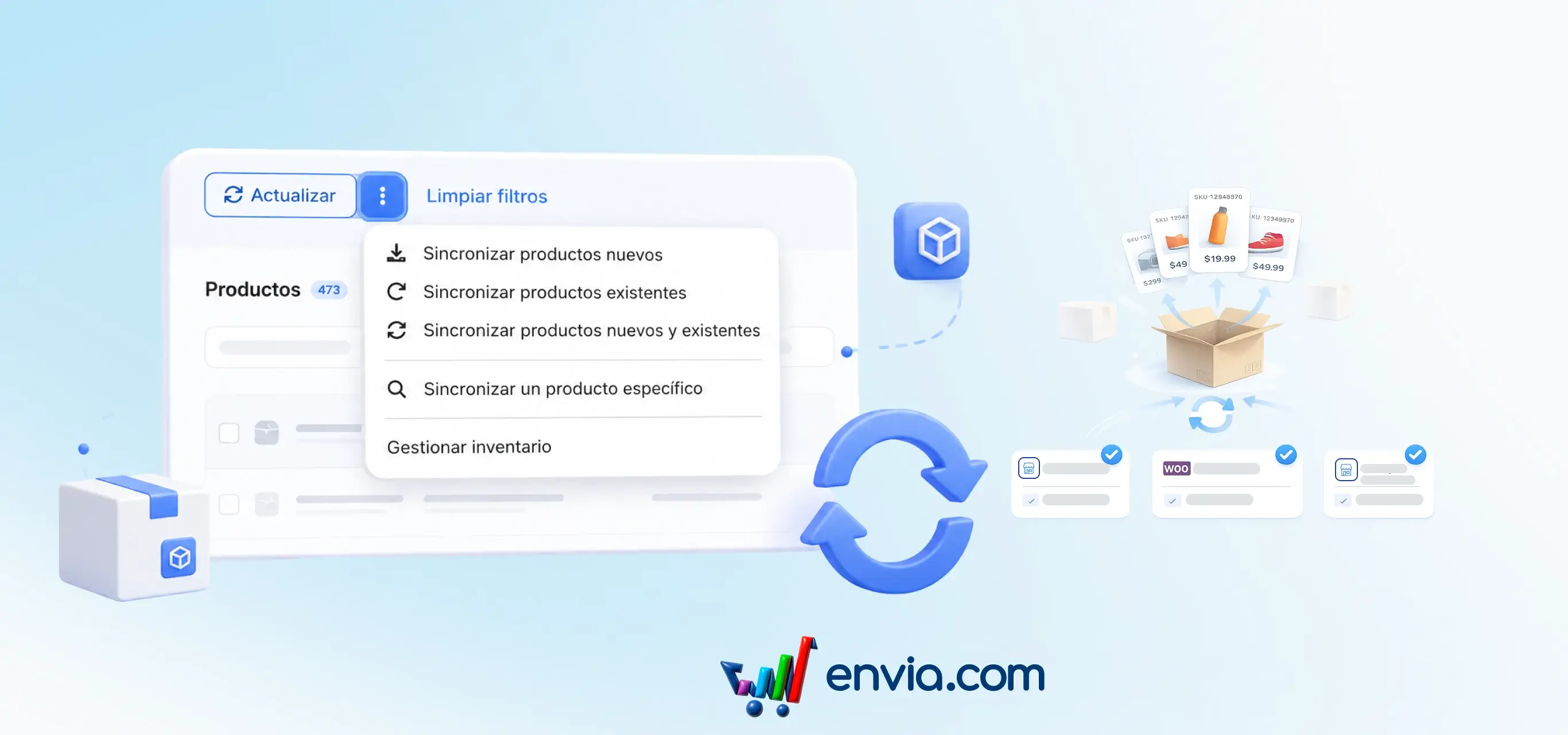
You can sync your store's catalogue by choosing to bring in only new products, only the ones that already exist in Envia, both, or a single product by its store ID. You select the stores you want to include and launch the sync without having to wait on that screen. The process runs in the background and shows you live progress, with each product's status: synced, pending, or error. If you need to update measurements, you can override the package dimensions during sync. This way you keep your catalogue up to date when you connect a new store, refresh changes, or fix a single product without re-syncing everything.
Benefits
- You decide what to sync: new products, existing ones, both, or just one, and in which stores.
- You see the status of each product (synced, pending, or error) and know exactly what's done.
- Improve the buyer experience with accurate, timely syncing of your products
Note
If you turn on the dimension override option, the package measurements in Envia are replaced with the store's.