
 Mexico - Español
  China - 中文
  Australia - English
  Canada - English
  India - English
  United Kingdom - English
  United States - English
  France - Français
  Italy - Italian
  Brazil - Português
  Argentina - Español
  Chile - Español
  Colombia - Español
  Guatemala - Español
  Puerto Rico - Español
  Spain - Español
 Etsy is available again to connect your store and complete destination addresses
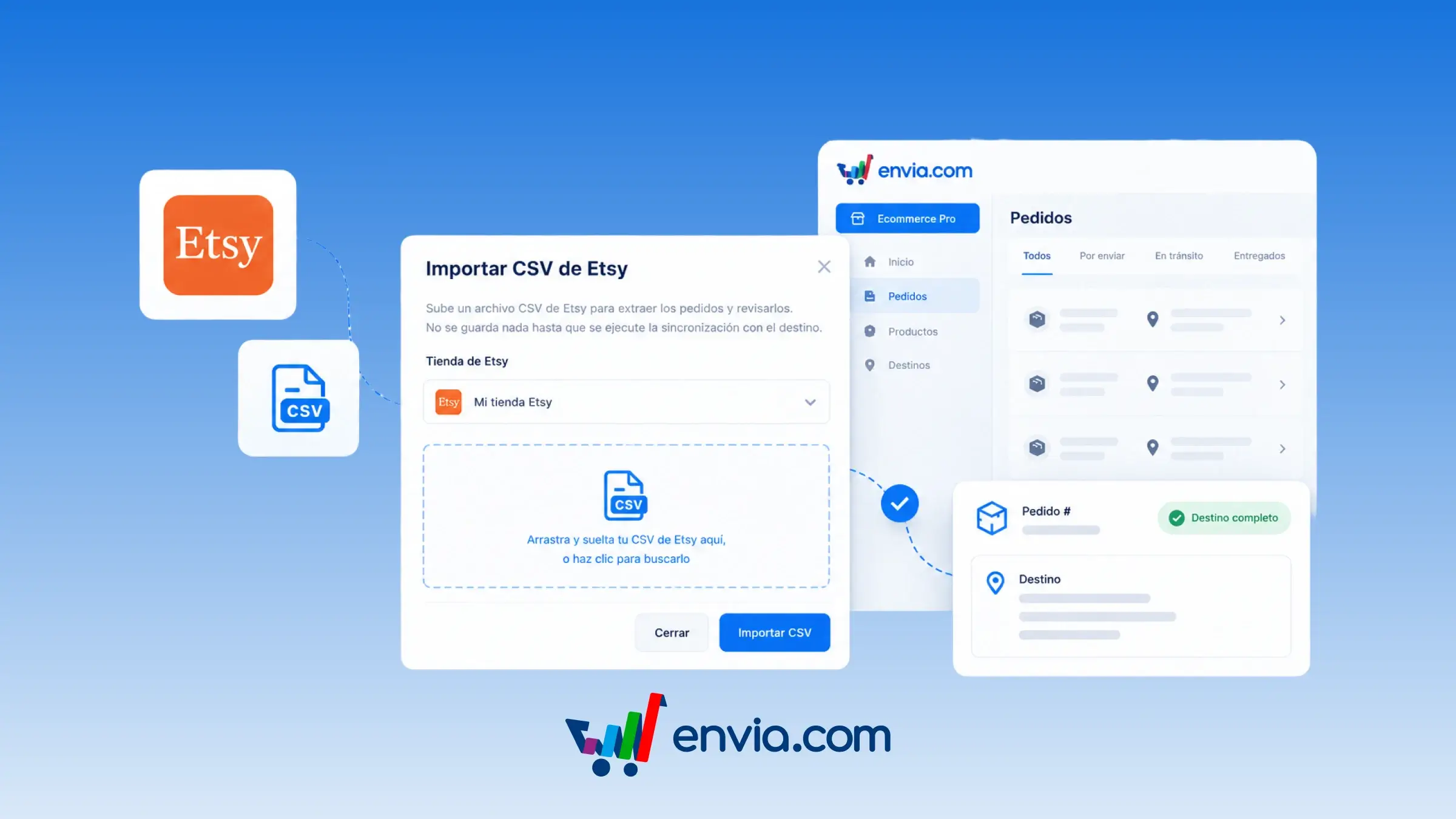
Import your orders with Etsy's official orders file and sync destination addresses in Ecommerce Pro. The connection doesn't bring in those addresses, so you download them from Etsy and import them into Envia. With other stores, the destination comes in automatically; with Etsy, this step is part of how the connection works. If the order is already in your account, its destination is updated. If it isn't yet, the order is created.
Benefits
- Choose Etsy's official orders file and use it to bring in or update destination addresses.
- Envia updates the destination for orders already in your account and creates the ones that aren't there yet.
- With the destination ready, you create the label and ship the order to your buyer.
Note
The address from the file is only saved on orders already in Envia. New orders are created without that address. The button to import the file appears when you have an Etsy store connected.