
 Mexico - Español
  China - 中文
  Australia - English
  Canada - English
  India - English
  United Kingdom - English
  United States - English
  France - Français
  Italy - Italian
  Brazil - Português
  Argentina - Español
  Chile - Español
  Colombia - Español
  Guatemala - Español
  Puerto Rico - Español
  Spain - Español
 Describe your shipping rule, and Envia Copilot fills out the form for you
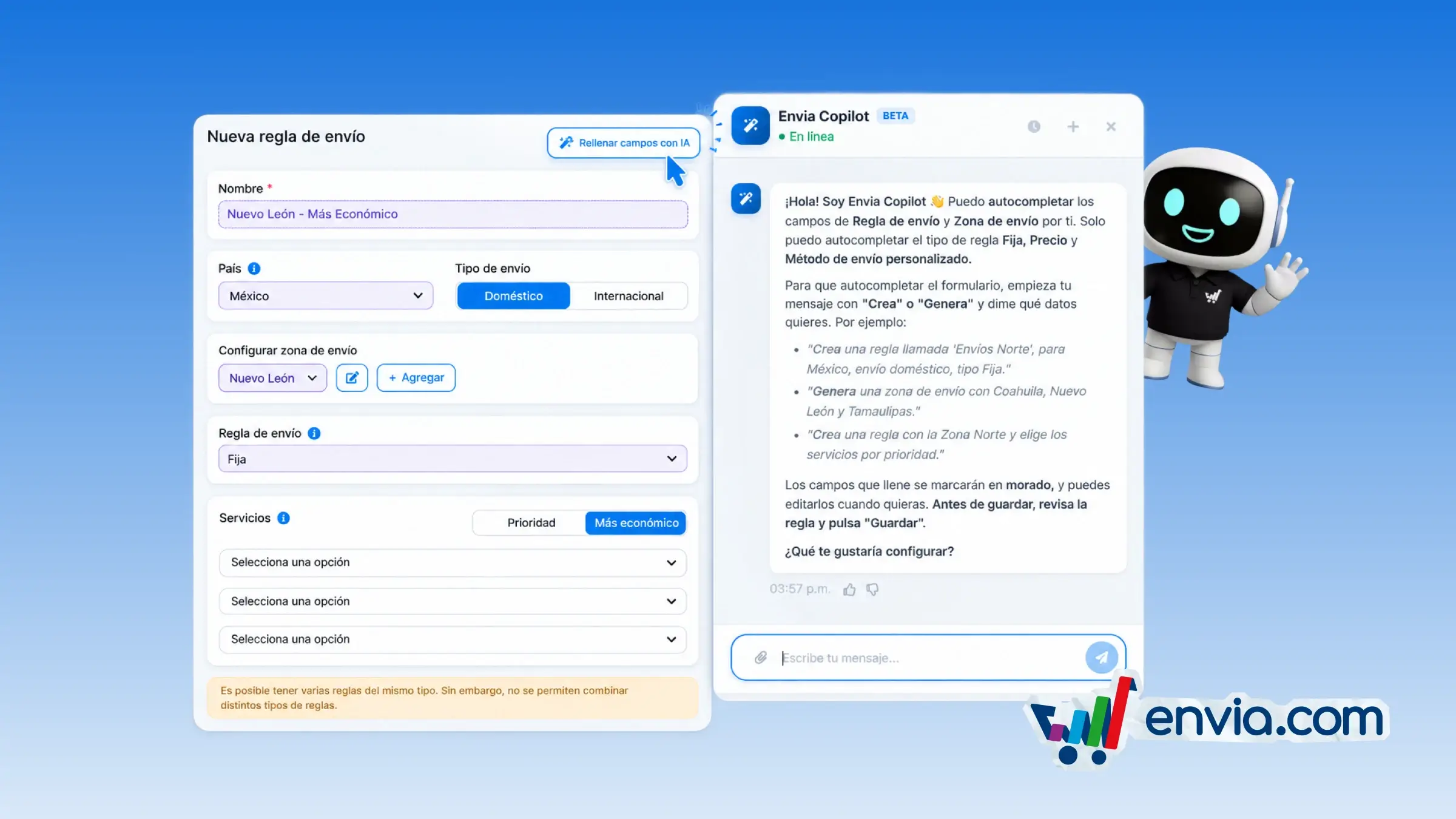
In your store's shipping rules, you describe the name, zone, type, and services in the chat, and Envia Copilot enters them in the form. Open the form to add or edit a rule, choose Fill fields with AI, and describe the rule the way you would explain it to someone on your team. If you already have a zone with that name, it gets selected. If it doesn't exist, it's created and assigned to the rule. It works when you're setting up a fixed, price-based, or custom shipping method rule, for a zone in the country or a price range. Copilot doesn't save the rule: you review the fields and save it when it looks the way you want.
Benefits
- You describe the zone, rule type, and services, and fix any field before saving.
- If the zone already exists in your store, it's selected; if not, it's created and linked to the rule.
- The chat confirms which zone and services were entered, so you save the rule you asked for.
Note
If your store already has rules, the new one must be the same type. Envia Copilot fills in fixed, price-based, and custom shipping method rules, and it doesn't save the rule.