
 Mexico - Español
  China - 中文
  Australia - English
  Canada - English
  India - English
  United Kingdom - English
  United States - English
  France - Français
  Italy - Italian
  Brazil - Português
  Argentina - Español
  Chile - Español
  Colombia - Español
  Guatemala - Español
  Puerto Rico - Español
  Spain - Español
 Split any order into as many packages as you need
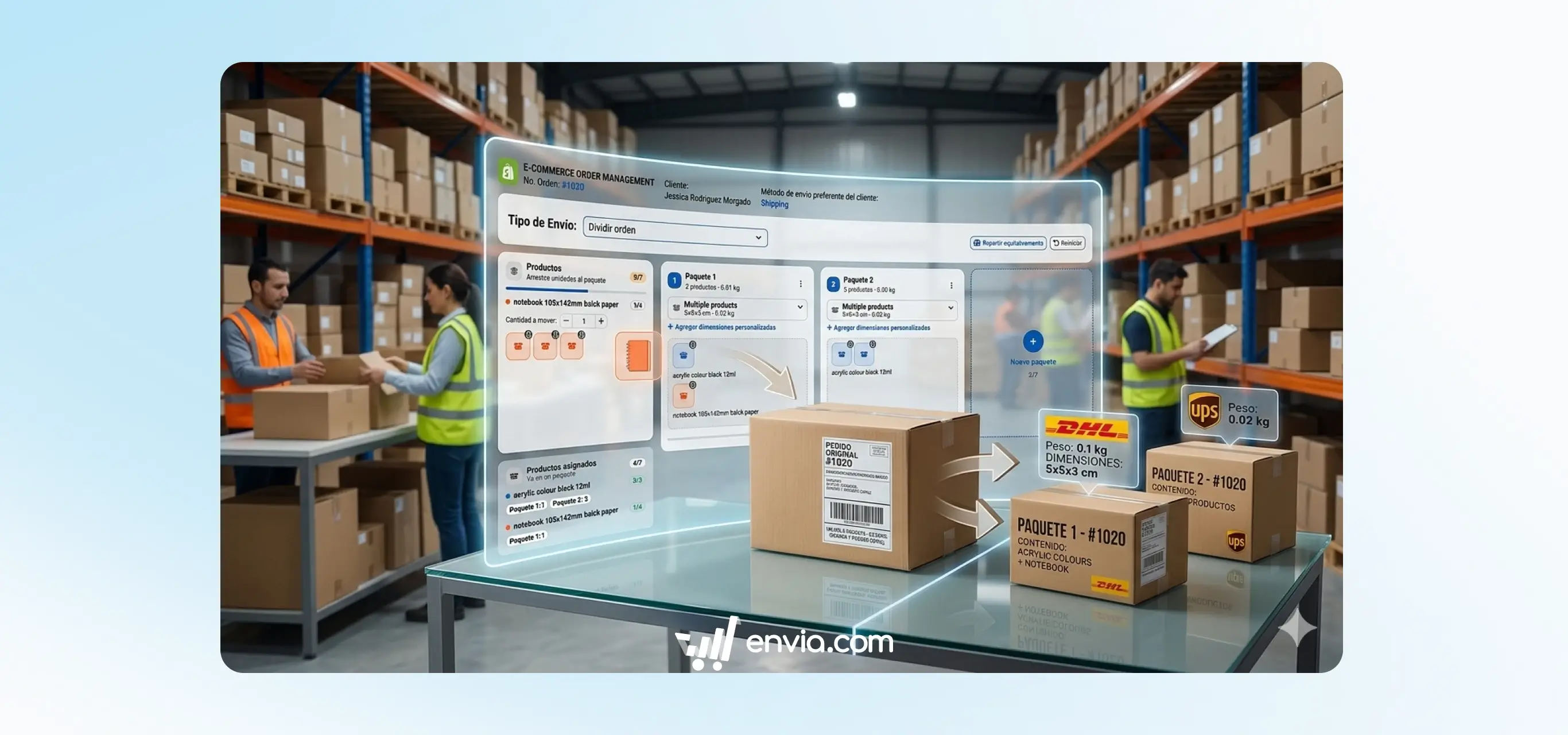
From the orders section of your ecommerce you can take any order and distribute its products into two or more independent packages. Open the order, select Split package and a panel opens where each column represents a package. Move products from one column to another based on how you want to split them, add as many columns as you need without limit and confirm. The system assigns each package its own tracking label, calculates the price proportionally based on the products it contains and automatically transfers the insurance from the original order to all new packages. It's useful when an order doesn't fit in a single box, when products ship from different locations or when part of an order is ready before the rest. Each sub-order keeps a reference to the original order so you can track the complete history from one place.
Benefits
- Split an order into as many packages as you need with no limit on splits, and each one gets its own tracking label and price calculated automatically based on the products it contains.
- The original order's insurance is automatically transferred to all new packages and the weight of each one is recalculated based on the actual product dimensions, without you having to adjust anything manually.
- Each package remains linked to the original order so you and your buyer can track each shipment separately without losing the full order history.
Note
Once you confirm the split it cannot be undone from the platform. If you need to reverse it, you will have to cancel the sub-orders manually. The split only occurs within Envia and does not modify the order in your Shopify, WooCommerce or other platform store.