
 Mexico - Español
  China - 中文
  Australia - English
  Canada - English
  India - English
  United Kingdom - English
  United States - English
  France - Français
  Italy - Italian
  Brazil - Português
  Argentina - Español
  Chile - Español
  Colombia - Español
  Guatemala - Español
  Puerto Rico - Español
  Spain - Español
 Open every order on its own page and share it with a link
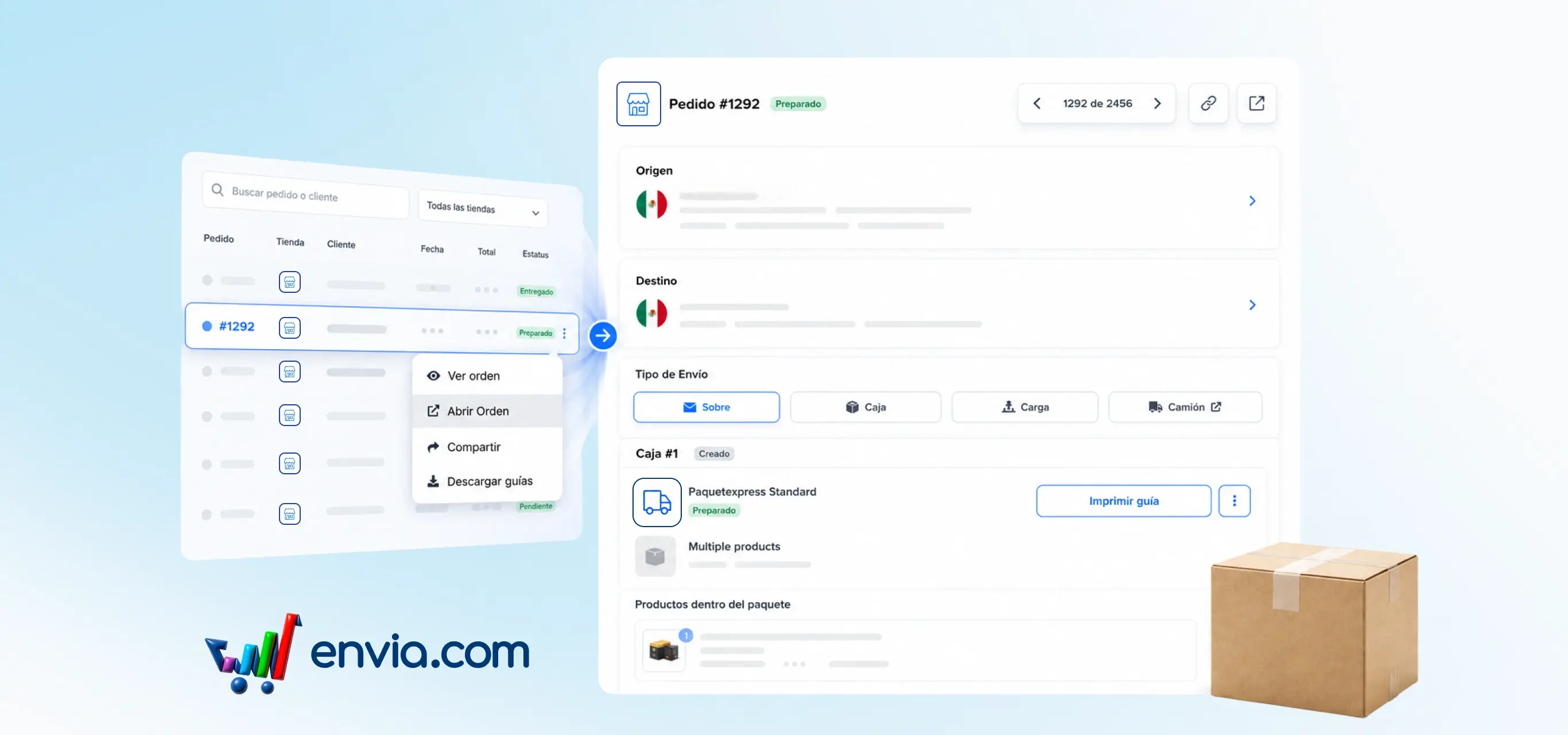
From Ecommerce Pro > View Orders, you can open any order in a full page dedicated to just that shipment. There you review the details, get quotes, edit packages, and generate the label without leaving the order's context. Move to the previous or next order with the arrows, filter by store, or search by name to find the one you need. If the order has multiple origins, switch between locations from the tabs on the same screen. The system gives you a unique link per order so you can copy it, share it with your team, or save it and come back later. This way you handle orders one by one with more control day to day.
Benefits
- Move between orders, filter by store, and search by name, all from the same order page.
- Get quotes, edit packages, and generate the shipping label directly on the order's dedicated page.
- Share the order link with your team so they can open the same order and follow up together.